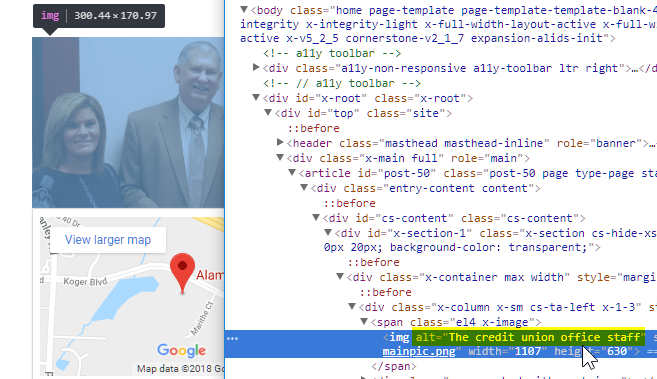
I am using Tenon to run accessibility checks on my site, https://irefcu-ncsc.com, and keep getting the following error:
- This image is missing an
altattribute.
Certainty: 100% Priority: 97%
Error Source
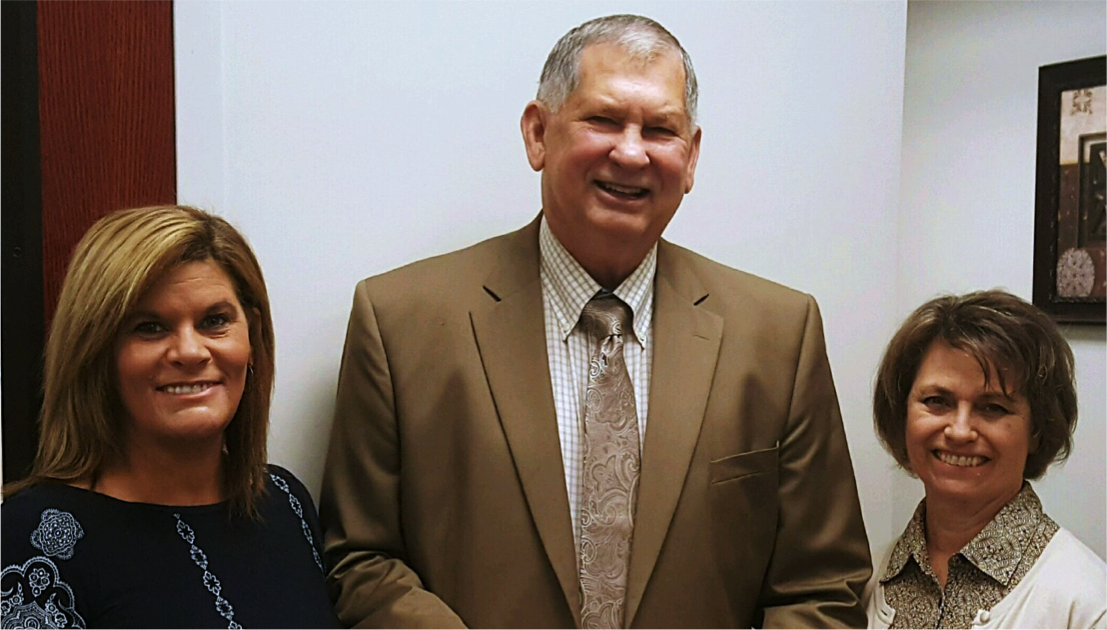
All images need an alt attribute. If you do not supply an alt attribute, that’ll mean that users who ca not see the image will not understand what the image conveys. Make sure that the alt attribute value is a useful, concise, and clear description of the image. Read more: Provide an alt attribute for each <img> element.
Can you assist me in learning how to correct this issue? I have added alt attributes in the media and in Cornerstone, but the problem persists.
Also - any help X could post to assist with the huge wave of accessibility compliance requirements - say a help section - would be REALLY appreciated. This is going to become a hot-button issue for almost all of us.
Thank you, as always.
I can’t see how to reply to your message… sorry!
Here is a report on the front page that gives the specifics.