Vimeo Video Displays Messed Up After Update

The videos actually work and playback, but the display is very weird and ridiculous. This happened after my last software update without changing anything on the page.

The url to the page is here: http://curtisthementalist.com/reviews/

There are four embedded Vimeo videos about 1/3 of the way down the page.

They look stupid like this:
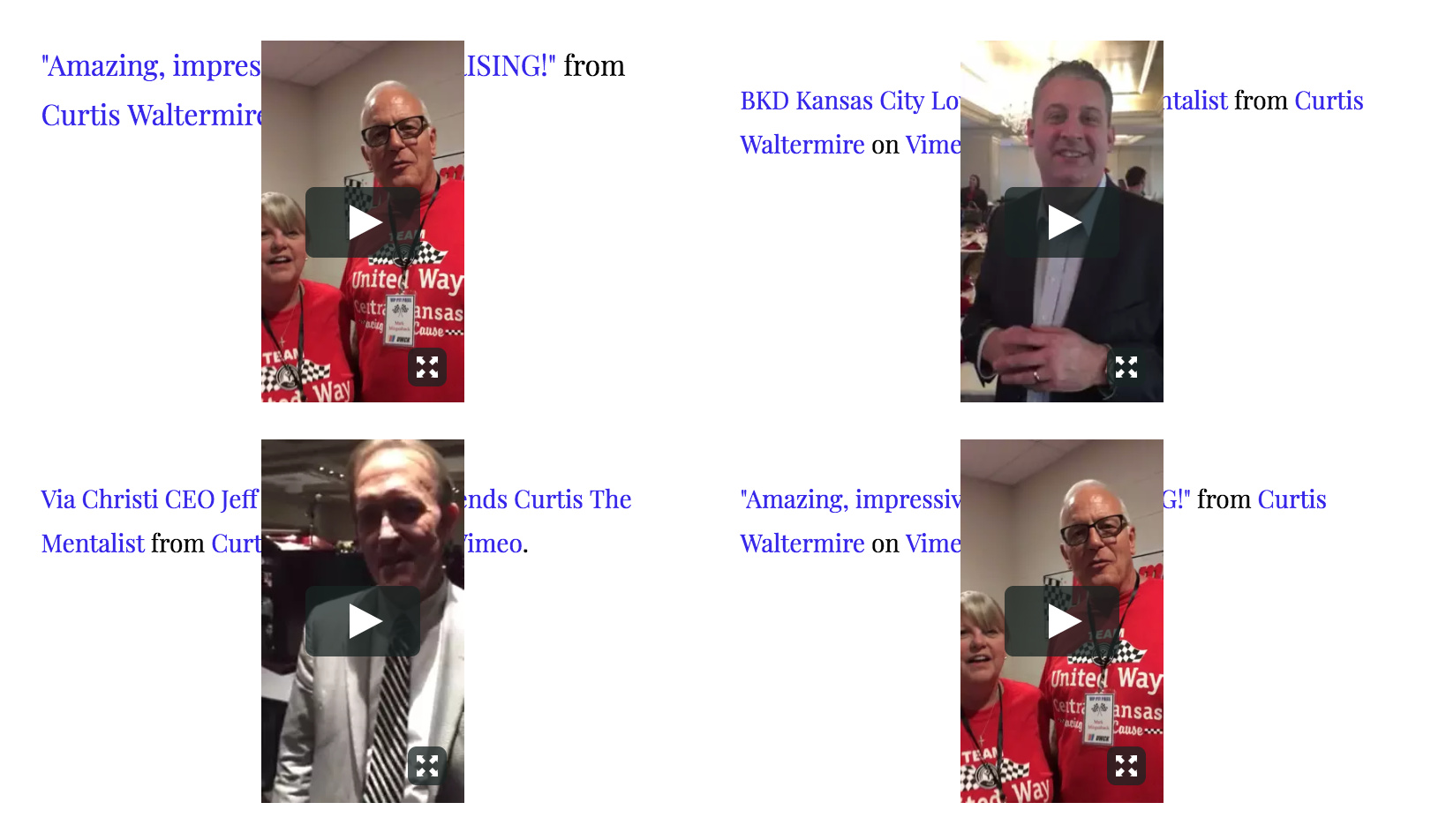
YouTube videos have not been affected at all. Only the Vimeo videos. I searched for this specific problem and was not able to find anything addressing it in other support forums.
Hi there,

Thanks for writing in.

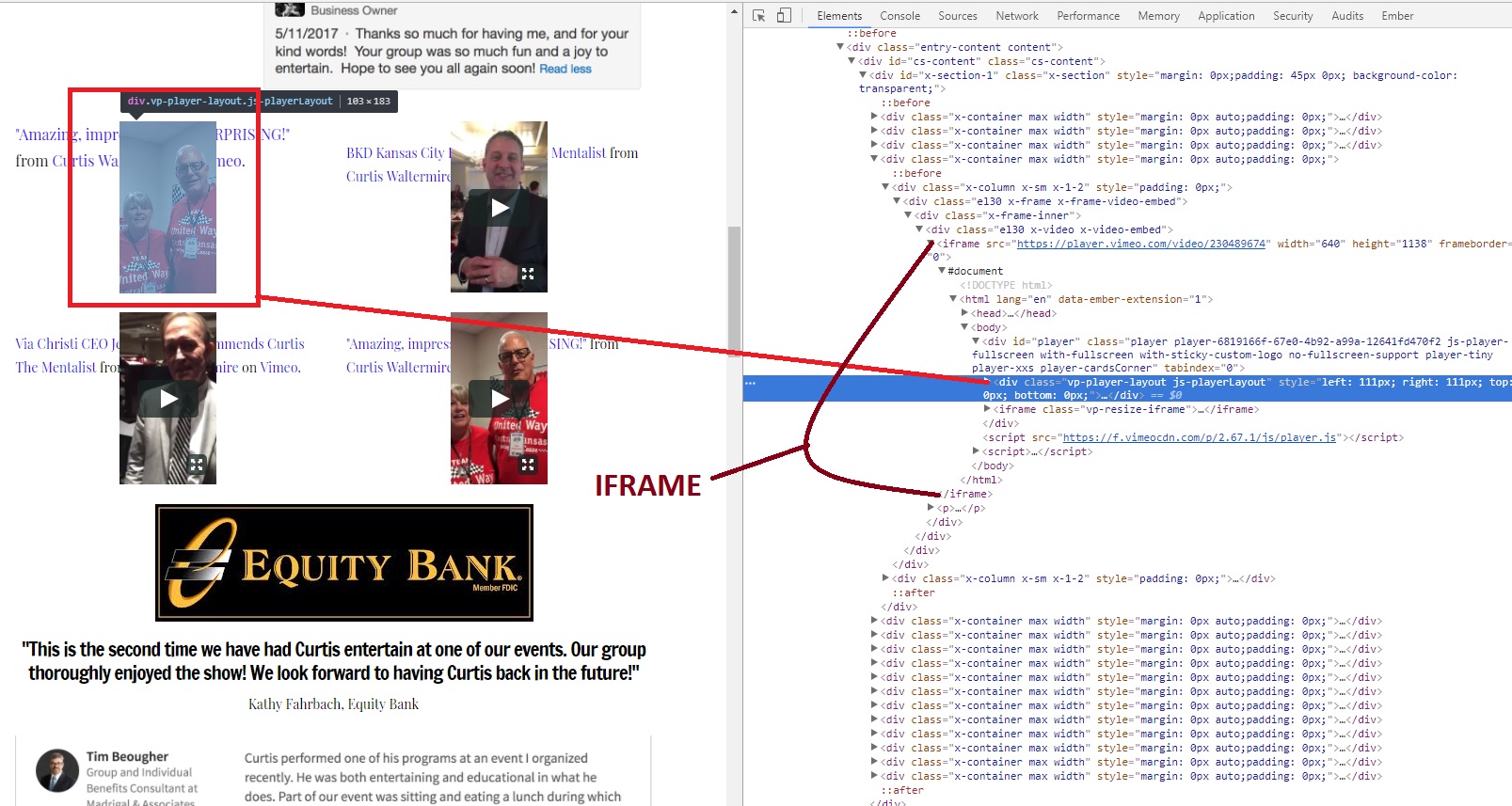
It’s weird and not sure what’s happening. The video is within the iframe (your embed code) and there is no way for CSS or Javascript to fix it.

How about contacting Vimeo?

Thanks!

Ok. I haven’t reached out to them but will. The only reason I mentioned it here is that the videos were displaying normally on the page prior to the latest update. I suppose I assumed that it more to do with the update than anything on Vimeo’s end. I’ll see where I can get with them.

Let us know if you need further assistance.

Thanks

This topic was automatically closed 10 days after the last reply. New replies are no longer allowed.