Very huge headers

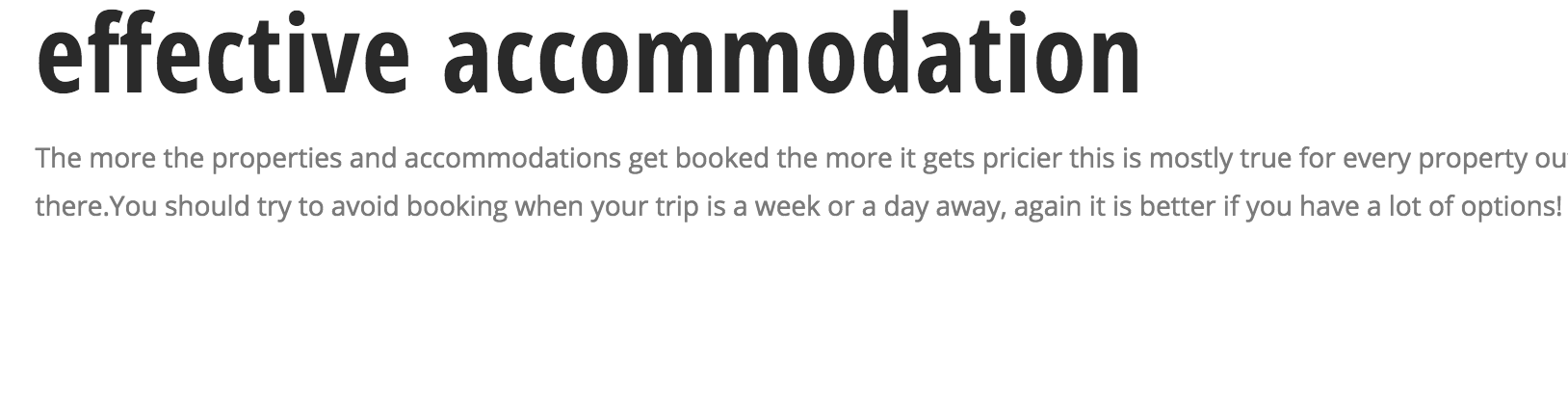
This may seem a stupid and easy question but I wanted to edit my h1 size on my posts. I Tried editing Cornerstone > Options but it seems I only have access to font weight which is 300-Book and 700-bold. Any workarounds to this besides changing headers? I don’t want to change headers for SEO purposes.

See image attached for the comparison of the content size from the header.
Hello Rennyl,

Thanks for asking. :slight_smile:

Please try adding following CSS under X > Theme Options > CSS and let us know how it goes:

.single-post .x-main.left .entry-content h1 {
    font-size: 140%;
}

1- I have found the proper CSS code selector using the Chrome browser Developer Toolbar: https://www.youtube.com/watch?v=wcFnnxfA70g

2- For the CSS code itself, I suggest that you get started with this tutorial: https://www.youtube.com/watch?v=yfoY53QXEnI

Thanks.

This topic was automatically closed 10 days after the last reply. New replies are no longer allowed.