Vertically Center All Content in a Row

I’ve looked back through previous posts, but I din’t find exactly what I’m looking for. I’m trying to add CSS to the inline CSS box under ‘customize’ under ‘row’. Like this…
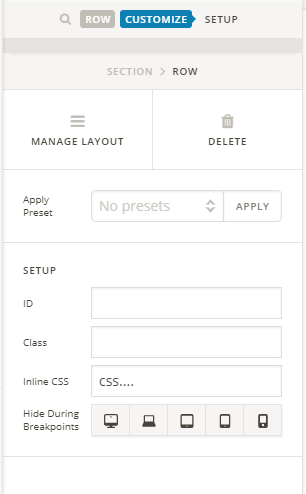
I tried all combinations of CSS to no avail. I want an image in one column to be vertically in line with the text and button in the column next to it. I want it to stay vertically aligned with responsiveness.

Hi There,

Thank you for writing in, instead of inline CSS let’s use CLASS, please add this to Theme Options > CSS

.fcc {
	min-height: 90vh;
	display: flex !important;
	flex-direction: row;
	flex-wrap: wrap;
	justify-content: center;
	align-items: center;
	align-content: stretch;
}

Then apply the CLASS fcc to the ROW

Feel free to adjust the min-height: 90vh; where you see it fits.

Make sure that the row and image element have no top and bottom margins and paddings.

Hope it helps,
Cheers!

2 Likes

This topic was automatically closed 10 days after the last reply. New replies are no longer allowed.