Vertical Center Align

Hi, we want to vertically align content in the middle. See the home page for:

http://theimageflow.futurebrightdev.com/

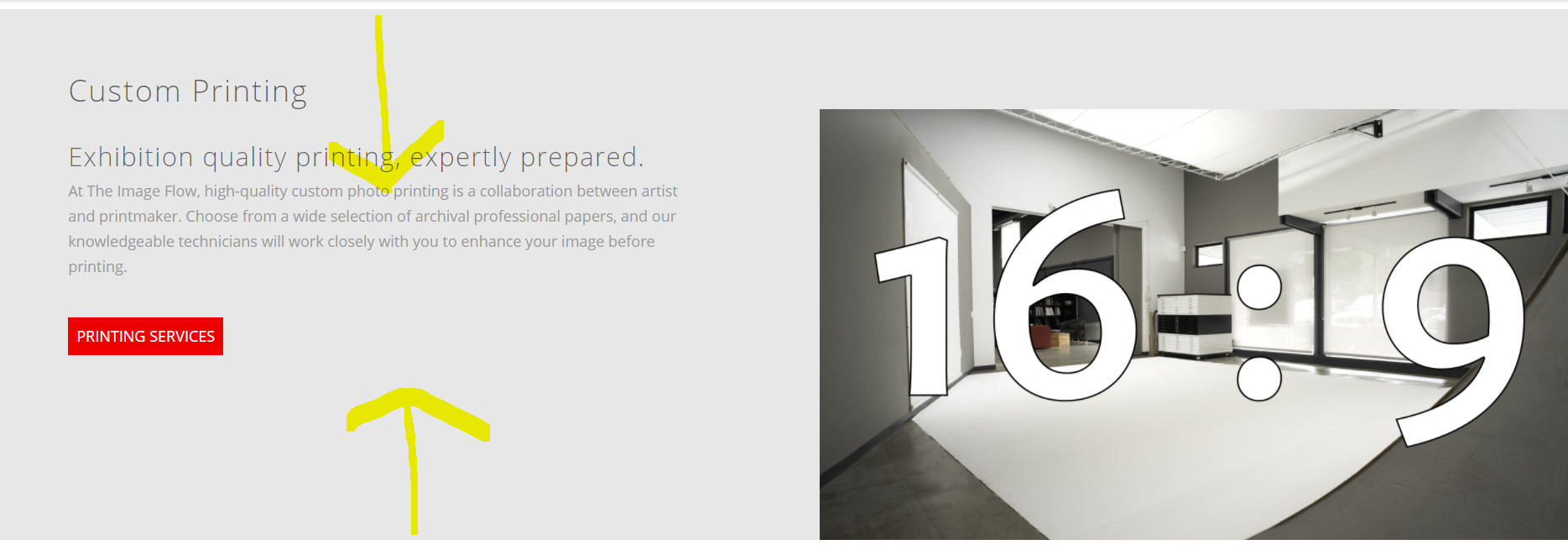
For example, the sections “Custom Printing” should be centered vertically, so there is as much space above and below the text. We have tried everything and the text keeps sticking to the top.
Hello There,

Thanks for writing in!

To resolve your issue, please do the following:
1.) Please edit the page back in Cornerstone
2.) In the row settings, enable the “Marginless Column” option
3.) In each of the column settings, please find the style field and insert vertical-align: middle;
4.) In the left side column, please add some left or right padding to make sure that there is enough gap between the left column and the right column

Hope this helps. Kindly let us know.