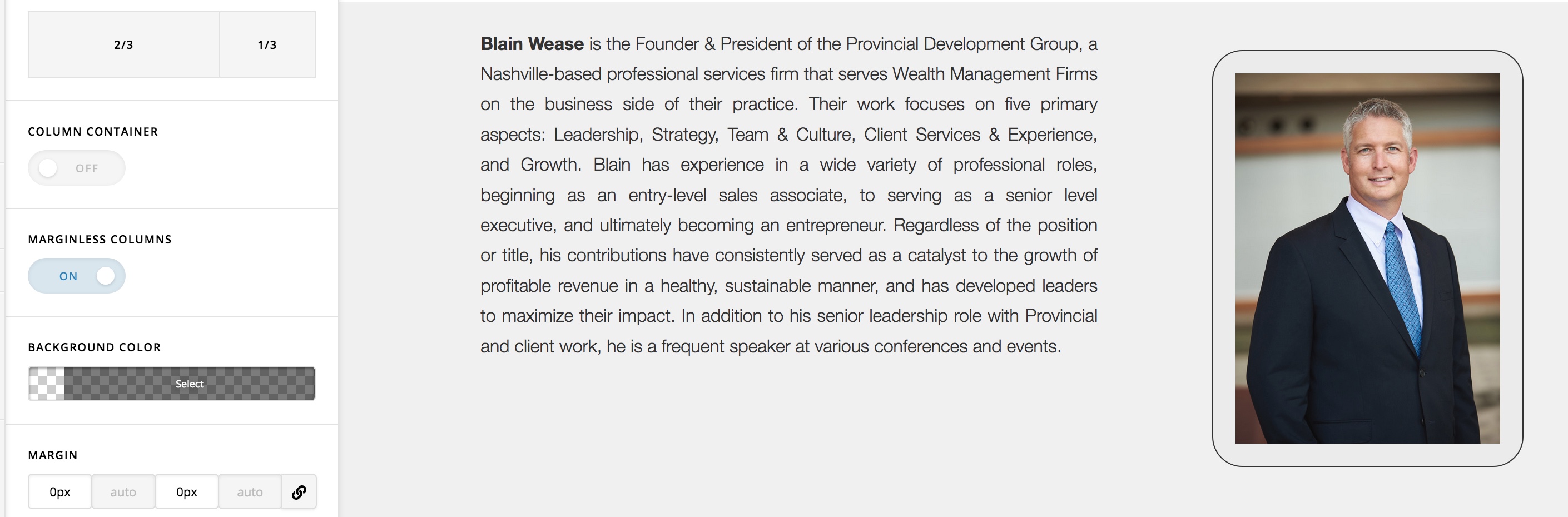
Vertical Align Text Block

i have two columns, One side has an image the other a block of text. I would like them both to center align vertically to How can I achieve this?

I’ve tried https://theme.co/apex/forum/t/vertical-align/42915 and I’ve tried adding vertical-align: middle; to the css. I’ve tried adding it to the row, column and text field. Nothing is having any effect. I do not have caching plugin enabled. Please help!

Here is the page: https://blain-wease.com/provincial/about/blain-wease/ I would like the text to middle align in Sections 1 & 3.

Section 1, Right Column is an IMAGE field.
Section 2: Please ignore. All the spacing was done manually to fit the background image.
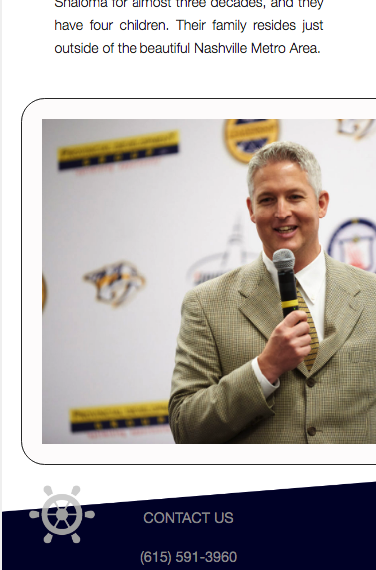
Section 3: Right Column is a TEXT field containing an image.

Thx,
Hello @kcostellomak,

Thanks for writing in!

The Center align vertically solution suggested in this thread: https://theme.co/apex/forum/t/vertical-align/42915/2 will only work if you enable the marginless column option in your row settings.

By the way, aligning an element at the middle of the column or the vertical alignment of the element can be easily set up if you use the latest Row and column element. You will loose the Fade In animation effects though. Please check out this video tutorial below.

Hope this helps.

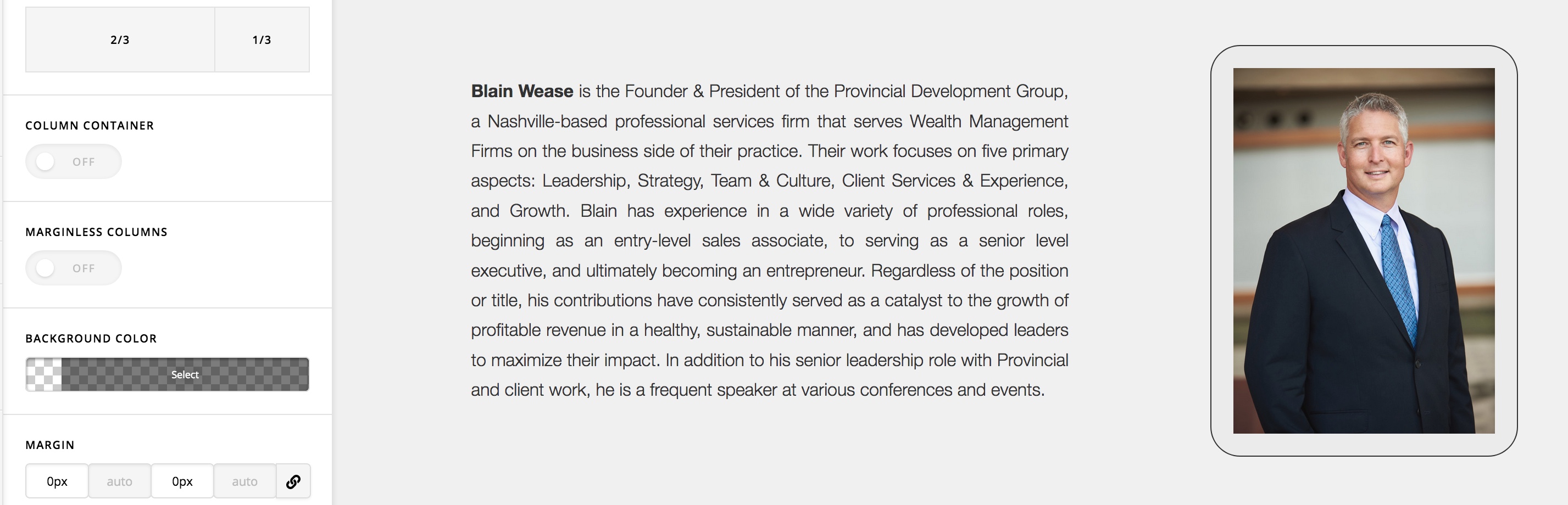
Thank you for your reply. I got it to work but I had to DISABLE marginless columns and add the vertical-center to the row class, which is the opposite of what you told me. Did I misunderstand? Is there a better way to do this that will keep my fade effects? See attached.

And is the CSS listed on the https://theme.co/apex/forum/t/vertical-align/42915/2 thread still necessary? It seems to work without it.

.x-container.vertical-center {
display: flex;
align-items: center;
flex-flow: wrap;
}

Hello @kcostellomak,

Your code works. Please check the smaller screens though because of the image is beyond out of bound. You may need to set a width for your image of 100%.

Regards.

This topic was automatically closed 10 days after the last reply. New replies are no longer allowed.