Vertical align - in a section

Hi,

I tried to use this code:

$el {
vertical-align: middle;
float: none;
display: table-cell !important;
height: 100vh !important;
}

… to vertically center text, but it seems that it centers content based on screen size. It works well if I - as an example use: height:100vh; on a section, but not if I have section which is 60vh.

Is it possible?
Hi @Kobber,

It is possible without settings height.
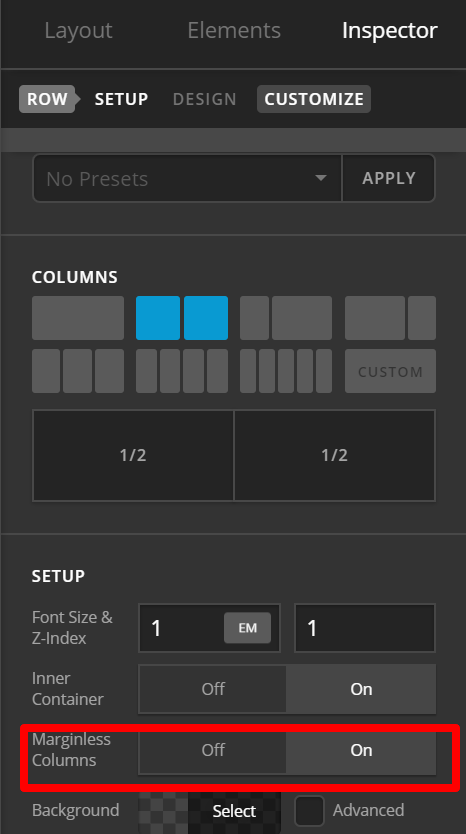
1.) Inspect ROW. Under SETUP > MARGINLESS COLUMN: SET TO ON

2.) Inspect the column where you want content to be vertically aligned. Add this CSS instead under Customize tab > Inline CSS:

$el{vertical-align:middle !important;}

!important will make sure it will overwrite default top alignment.

Hope this helps.

1 Like

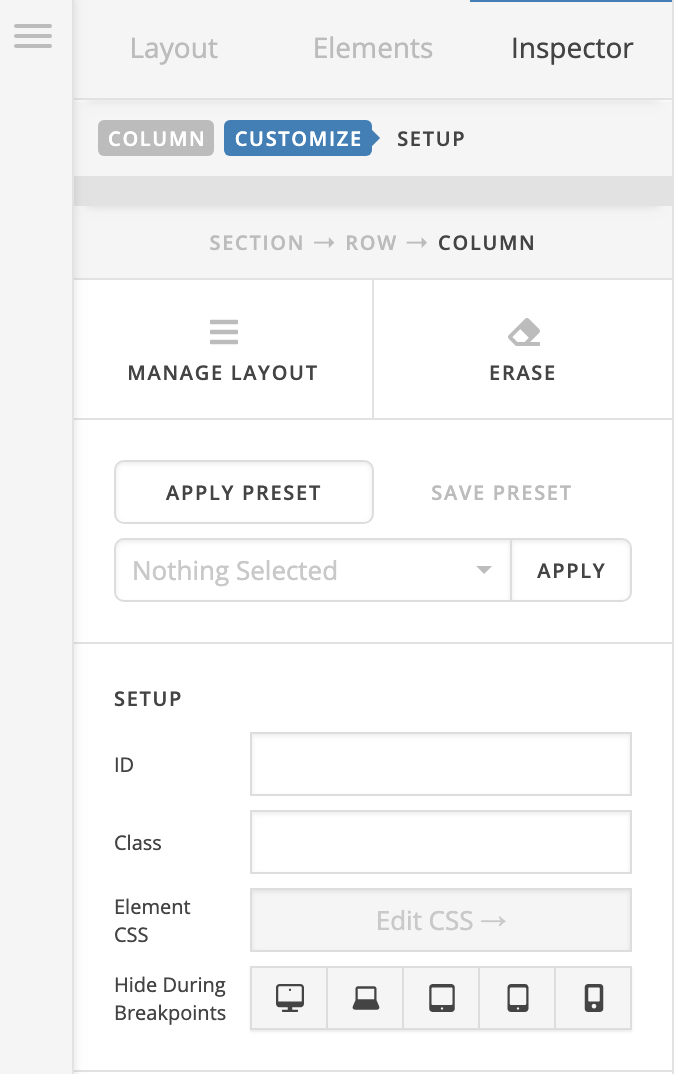
There’s no Inline CSS under columns?

Hi @Kobber,

Make sure it is not a classic column.

If not a classic column, we can find it under Customize Tab.
If it is still missing, go to X > Settings / Pro > Settings : User Preferences > Advance Mode: Choose ALWAYS ON. Then click UPDATE button Try again after that.

I’ve set the settings as you described, but still no inline CSS under columns…

Hello Kobber,

Thanks for updating the thread.

Sorry for the confusion. You don’t get Inline CSS option for Columns.

Thanks.

This topic was automatically closed 10 days after the last reply. New replies are no longer allowed.