Valid complex font-size formula in Headline element (in PRO) cannot be saved

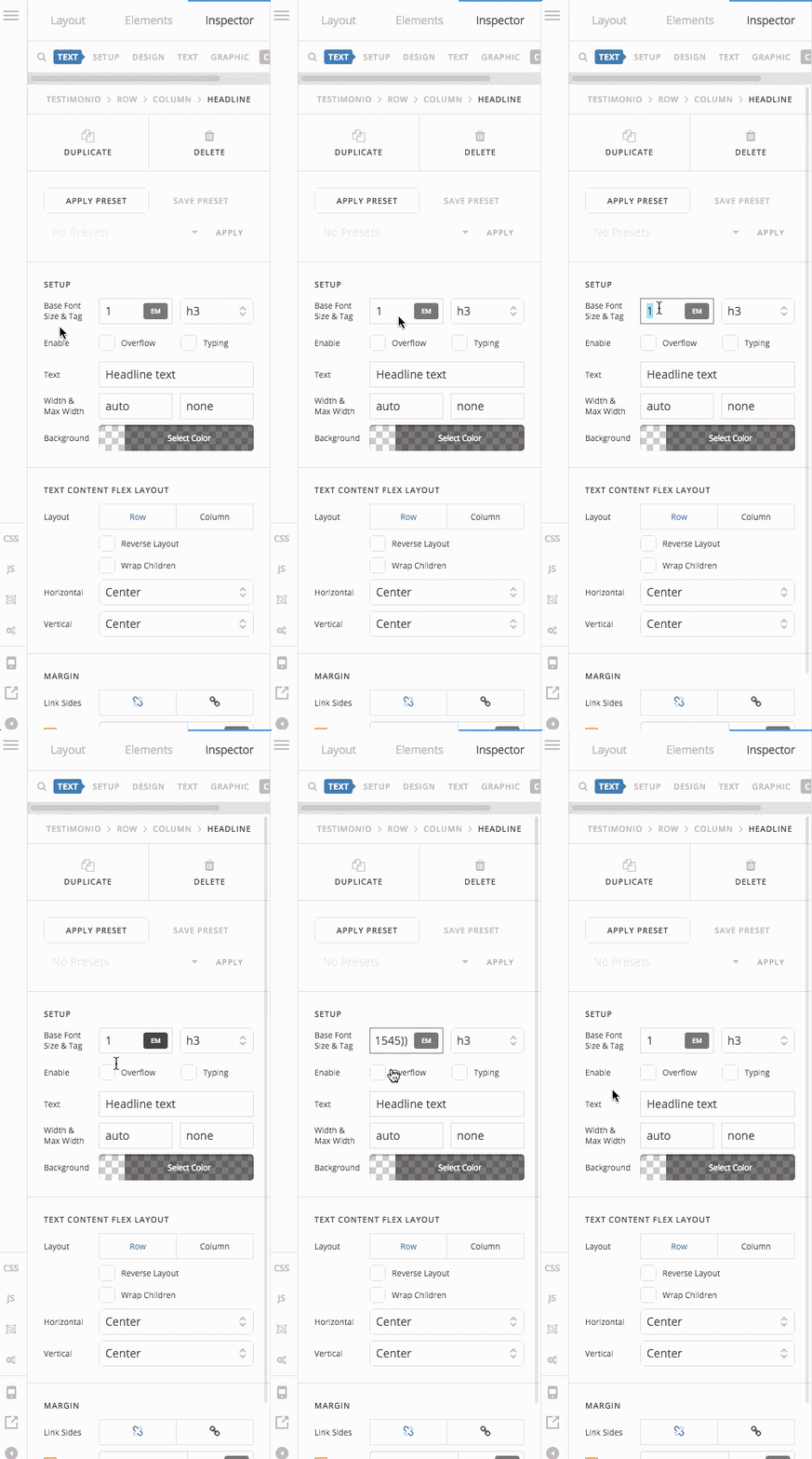
Hi. I have tested it in several PRO (2.0.4) installations (web sites) and the problem is consisten across all of them. In the Headline element, using simple formulas in the font-size fields works well but when trying to add a valid though complex formula then it fails. An example would be the following:

  • calc(100vw - 375px) ==> this one can be saved
  • calc(20px + 8 * ((100vw - 375px) / 1545)) ==> this one cannot be saved

PS: I do not enclose a URL because it does not make sense as the font-size formula cannot be saved, anyway I think the problem will be easy to replicate, you can try in any of the font-size fields of the headline element:

  • “SETUP >> Base Font Size”,
  • “TEXT FORMAT >> Font Size”
  • or “SUBHEADLINE TEXT FORMAT >> Font Size”

Thanks!
Best regards
Diego

Hi Diego,

You can try adding a class to your headline element.

Then use that to add your css.

eg. Add this in your child theme’s style.css

.my-headline {
     font-size: calc(20px + 8 * ((100vw - 375px) / 1545)) !important;
}

Hope that helps.

Hi Paul,

Thank you, I know, adding a class is what I did when I encountered the problem. The point is that I opened this topic as a possible-bug report. I think that any valid font-size formula should work in all PRO elements (I guess provably this is affecting the other elements too).

Would you be so kind as to confirm if this is an actual bug and –if that is the case– if it is going to be fixed sometime in a future update.

Thanks!

Hey @enopia,

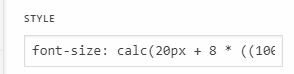
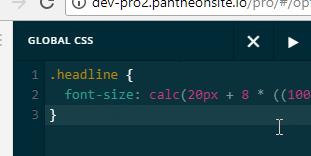
I tested the code on my end and it works in all of the custom CSS interface like inline, element and global CSS.

I also tested in other test installs in different servers and it still works so this is not a bug. It looks like your database configuration does not accept certain characters.

Try switching to the default theme and try saving the same CSS in the Customizer to check if it will also not save.

Thanks.

Hey Christian,

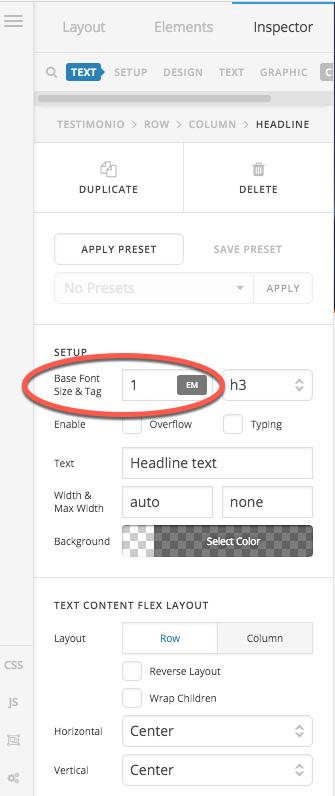
Thank you for your efforts but I am sorry you did not test the code in the fields I listed on my first message. I never mentioned the “STYLE” field, “ELEMENT CSS” nor the “GLOBAL CSS”. Please test the fields I enclosed, for instance, this one (SETUP >> Base Font Size) :

Thanks!

Hi There,

Sorry, font-size fields were not meant for that kind of value/formula especially the base font. What I can advise is to make your formula much simpler or utilize rem units Along with Differing Base Font Sizes – With the latest versions of the theme, in Theme Options under Typography in the Root Font Size section, you can set different root font sizes for each breakpoint of the theme, which allows all text across your website to be responsive. Remember, you are setting the base sizes for your theme overall, so this will affect everything, but starting with larger numbers on desktop and going to smaller values on smaller screens will help the overall responsiveness of typography on your website. Then, you can utilize rem units in the builders to scale text up and down based on the root font-size of the overall theme at each breakpoint.

Or you can follow the suggestions above to declare your font-size as a CLASS.

Hopefully, this helps to point you in the right direction.

Cheers!

Hi @friech ,

Thank you for your suggestions regarding the use of rem and breakpoint-based font sizes, they could be an option but I am afraid in this case they are far from achieving what this formula does.

I believe that PRO users deserve font-size fields all over the theme that are capable of handling valid (CSS spec compliant) formulas, no mater how complex they are.

In my opinion, in any profesional grade theme, responsive typography must be supported with all means at hand, even more if we are talking about plain CSS compatibility. I would appreciate very much if you could pass this request or point me in the right direction to do so myself.

Thanks!

Hi There,

We certainly appreciate the feedback! I’ve submitted this to our issue tracker so our Dev Team will be made aware of it. For now please declare your styling as a class and then apply that class to the text/headline, like Paul’s suggestion above.

Thanks,

Hi There,

Thanks for submitting this to your issue tracker.

Cheers!

You are most welcome!

This topic was automatically closed 10 days after the last reply. New replies are no longer allowed.