V2 Elements - Text Element Issue - Inline images - wrong relative path when custom post type (cpt) page (Images not showing on frontend)

I’m not sure if this is a problem of the new V2 text element or just a general CPT path problem. When inline images are inserted in the backend, the relative path does not match the CPT-URL hierarchy.

Example:
…/wp-content/uploads/{image} is not displayed in the frontend if the path http(s)://www.baseurl.com/custom-post-type-url/custom-path/…{image}
----> because
http(s)://www.baseurl.com/custom-post-type-url/wp-content/uploads/{image} does not point to the image folder path. Is there a way to include inline images absolutely in the text element?

See:
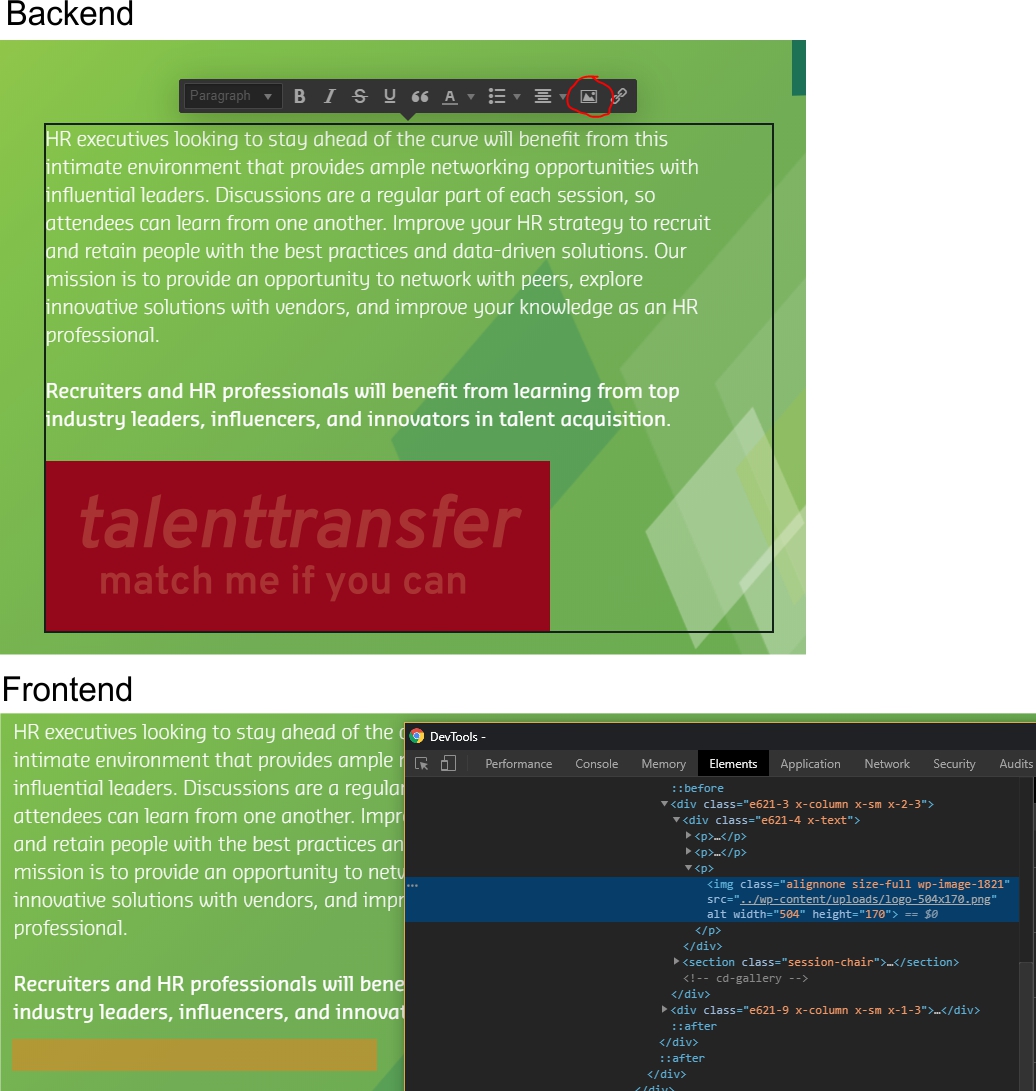
Many thanks in advance!
Simon

Hi Simon,

Thank you for the screenshots. Just want to understand the reason why you have to add the relative path? By default when we add an image on a CPT on v2 text element, it will add the complete path. Now if you insists on using relative path, we have to make sure to add the correct one. Note that on the URL, we do have custom slug, we have to adjust relative path in relation to custom slug. See this sample: https://screencast-o-matic.com/watch/cq1tlpTRiK

Hope this helps.

This topic was automatically closed 10 days after the last reply. New replies are no longer allowed.