Using Essential Grid for search results

According to Theme Punch’s Essential Grid documentation, you can use their grid to display search results. https://www.themepunch.com/essgrid-doc/global-search/

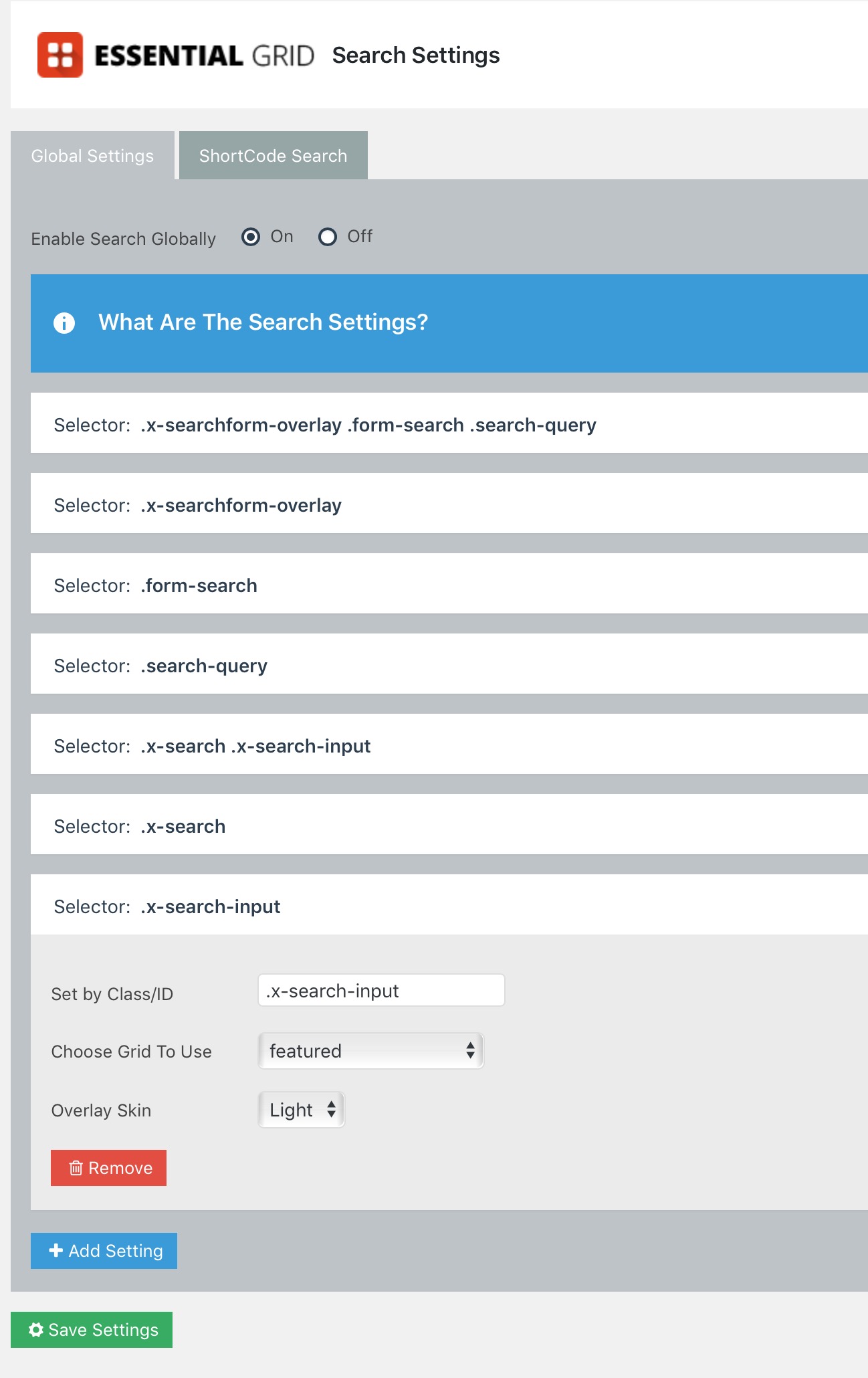
I can’t seem to get this to work with X theme Renew for my woocommerce store. I’m using .search-query for the selector, but that must not be right.

Looking for some help to show a essential grid for search results on my site https://satellitebeachlife.com

Thanks in advance!

Larry

Hi Larry,

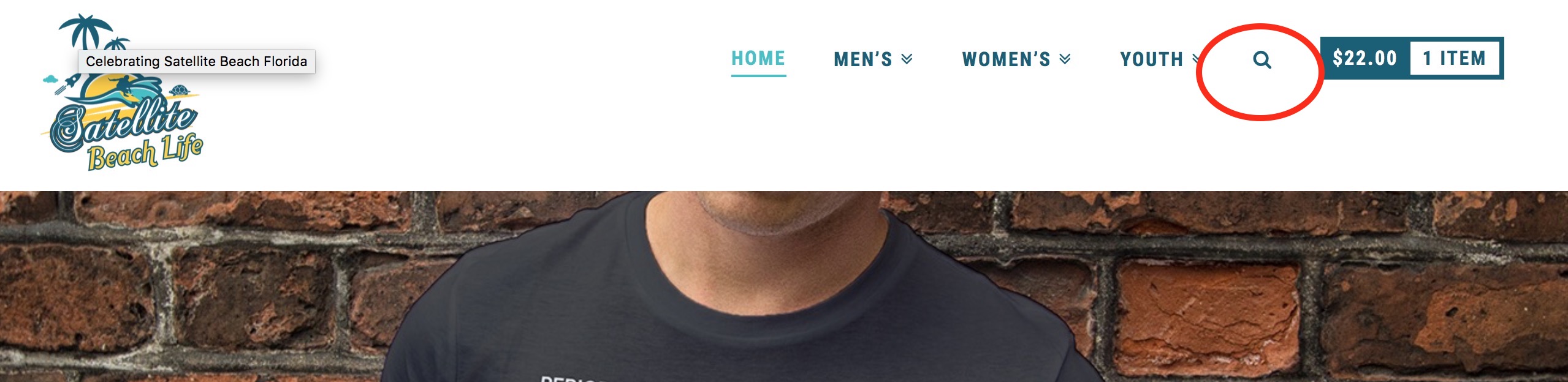
Are you trying to add it for this search field

The selector for that search input is .product-search-field

Hope that helps.

No, sorry, I added that there until I can figure out how to find the selector for the search input that is built in by X Theme Renew when added via Customizer to the Header area (i.e. menu).

Hi there,

Please try the selector .x-searchform-overlay .form-search .search-query

Hope this helps.

Thanks! I’ve added these, even in different ways - it doesn’t seem to work. Thanks for your help anyways. I will just have to remove that icon and just use the search shortcode Essential Grid provides.

Hi,

Sorry, it will not work well with xtheme search as it is already showing in a lightbox.

Adding the ess grid search will add it on top of it.

eg. https://www.screencast.com/t/9iTfox5kT

I suggest you disable xtheme search and add your own.

Thanks

This topic was automatically closed 10 days after the last reply. New replies are no longer allowed.