Hi James,
You can simply enable the Post Meta option in X > Theme Options > Blog > Content > Post Meta.
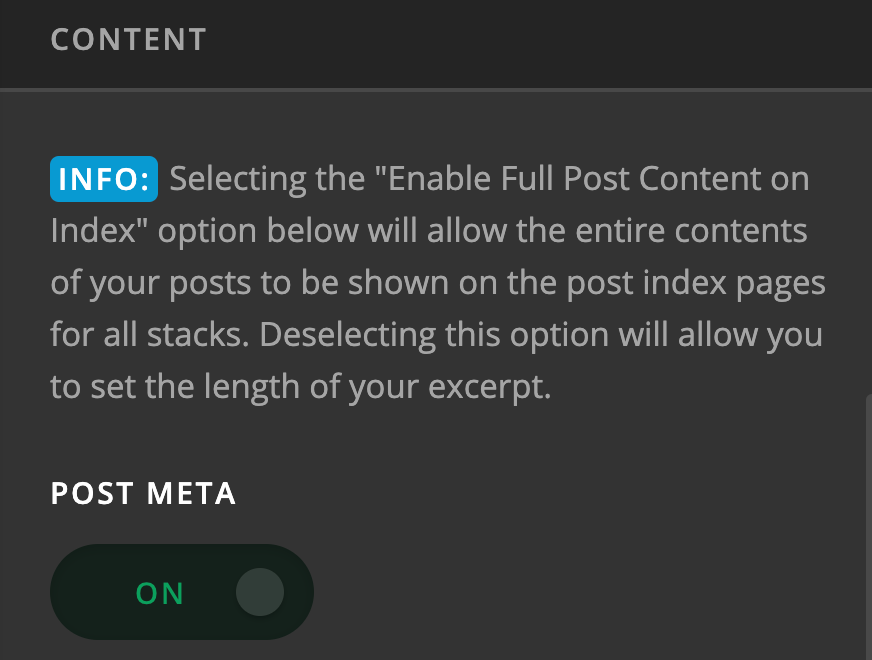
This will display the post meta which includes the author, categories, publish date, and etc.
If you only want the publish date visible, please add this in X > Theme Options > CSS:

.p-meta span,
.p-meta span:nth-child(2):after {
    display: none;
}

.p-meta span:nth-child(2) {
    display: block;
}
Your blog and category pages are set to dislay in Masonry view and that is the default way of how the post items are displayed in Masonry format. If you use the Standard format, you can only have one column per row.
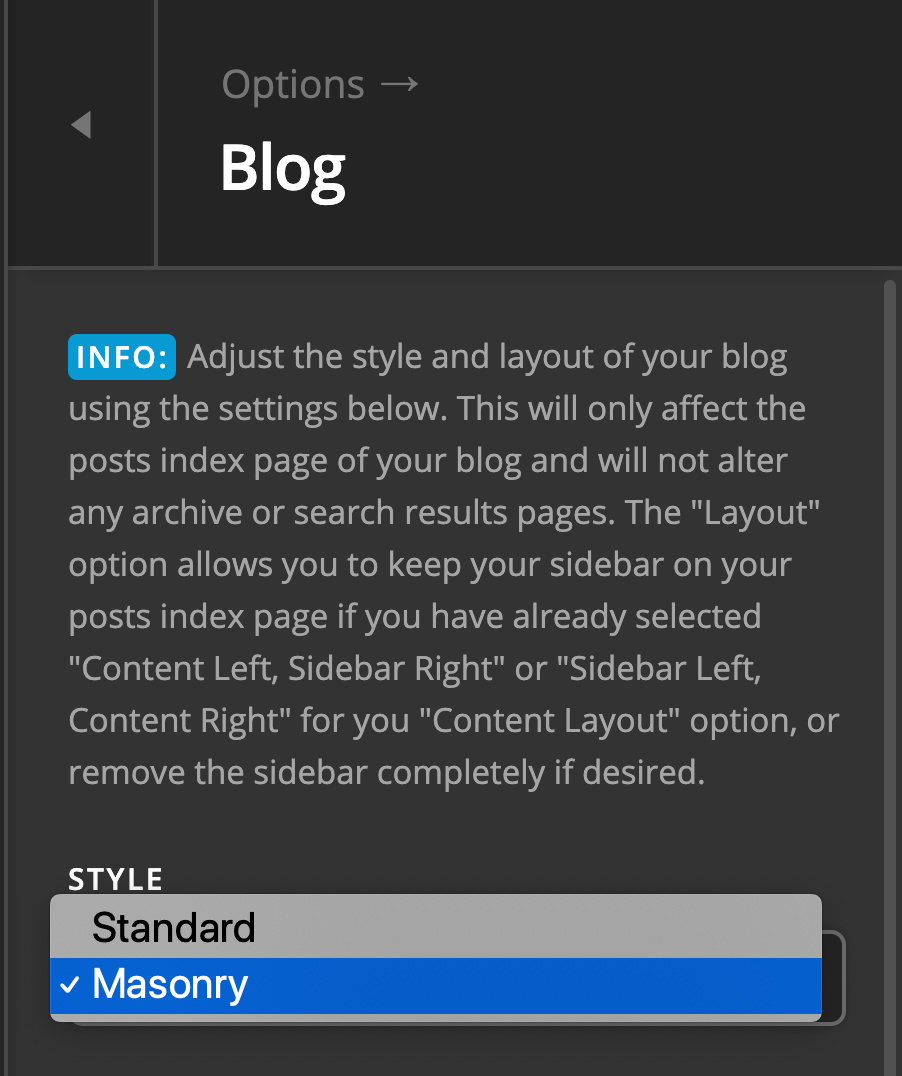
Making the masonry view displayed in the same height will require some customization which goes beyond the scope of our support. You might want to consult with a developer for this to get done.
Hope this helps.

