Updated my site with Auto update and then updated my cornerstone plugin and now fields don't show in editor but do in live page

Hi
Updated my site updated my cornerstone plugin (i have autoupdates for X) and now fields don’t show in editor but do in live page, so i can’t see things to edit them, and then I tried to recreate and it and i can’t. I have minumal plugins, and I have cleared the cache. My cornerstone plugin was only one or 2 versions old, I only started on this fresh site 6wks ago.

WordPress 4.8.3 running X theme.
Version 2.1.6

editing view

live page

Hi There,

I was unable to login to that account.

Could you please double check?

Thanks.

I updated the login see previous secure note

I already tired turning on and off all the plugins no luck

Hello @designbabe,

Thanks for confirming the login details. On my end Cornerstone is working absolutely fine. Please see screencast. Can you please try loading Cornerstone again after clearing browser cache? https://screencast.com/t/8lRrBOqm9C9

Thanks.

I’m still seeing this on the homage, towards the bottom http://impact.equalrights.org/ (http://impact.equalrights.org/x/#/content/53/layout ) see orginal screenshots and the shot below. the other pages like the one in the screencase are ok. I cleared my cache on broswers and my hosting asmallorange server and CDN. deleted and reinstalled cornerstone. I’m still seeing this.

any ideas? unfortnately this is a non-prophet so i don’t have a staging site, I can template the page and make a hidden one if that helps.

Hi there,

I checked your website Memory Limit and it is 256 which is ok. I also checked the page you are talking about. There are some elements that seem to be problematic.

For example this one:
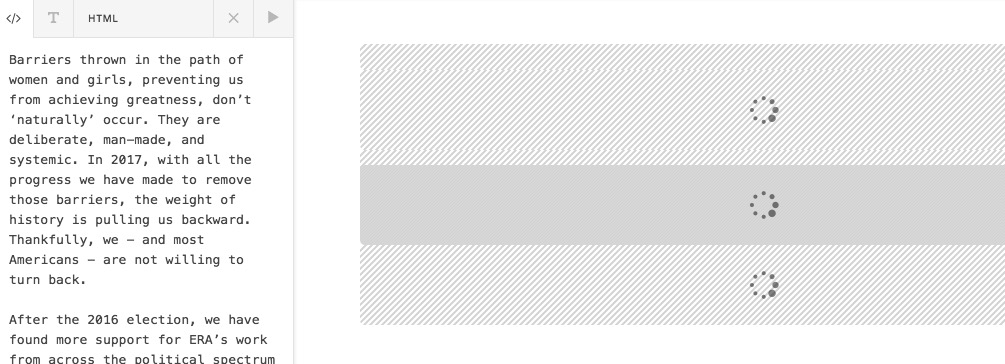
The text was added in a coding mode, without any tags. I changed the tab to Text mode to make the editor add the tags automatically:
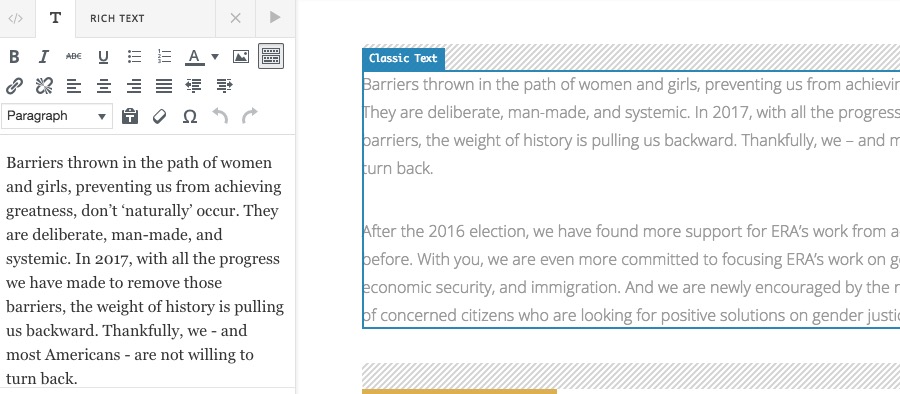
After that, momentarily the rendering got back to the normal mode. But again after the save it broke.

I guess there is a section on your page that is causing the problem, for example forgetting to close a tag or some kind of error like that.

I duplicated the page and added a new one with the same information called TEST PAGE. Kindly go over each section there and delete the section. Save the changes and get out of the Cornerstone, then go back and see the result.

By this test, you will find the section which is causing the issue.

Another point you have mentioned in your answers may also cause the issue and that is the CDN which you are using. Kindly make sure that your CDN system does not minify the CSS/JS assets, as our theme does that by default and having them minified again might cause unexpected rendering issues.

Thank you.

This topic was automatically closed 10 days after the last reply. New replies are no longer allowed.