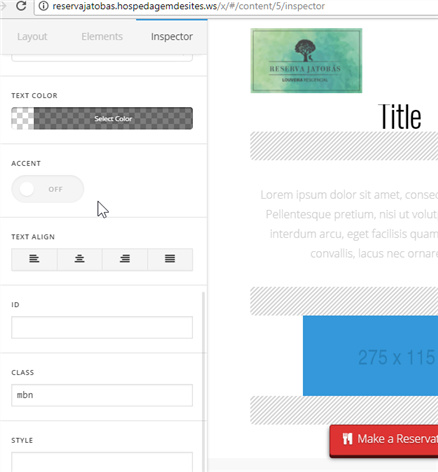
I have updated the Cornerstone and the scrollbar on the left side called Inspector where we can find most of the options for the elements is not working.
I can’t scroll to see all options related to a Headline, for example, so I have to reduce the zoom of the page so I can see all options.
I tried on an incognito window on Chrome and the problem remains the same.
What should I do?