Underconstruction not working fine!

Hey there,

I am facing this issue on my website, when I enable Under Construction and input my desired settings, it get updated.
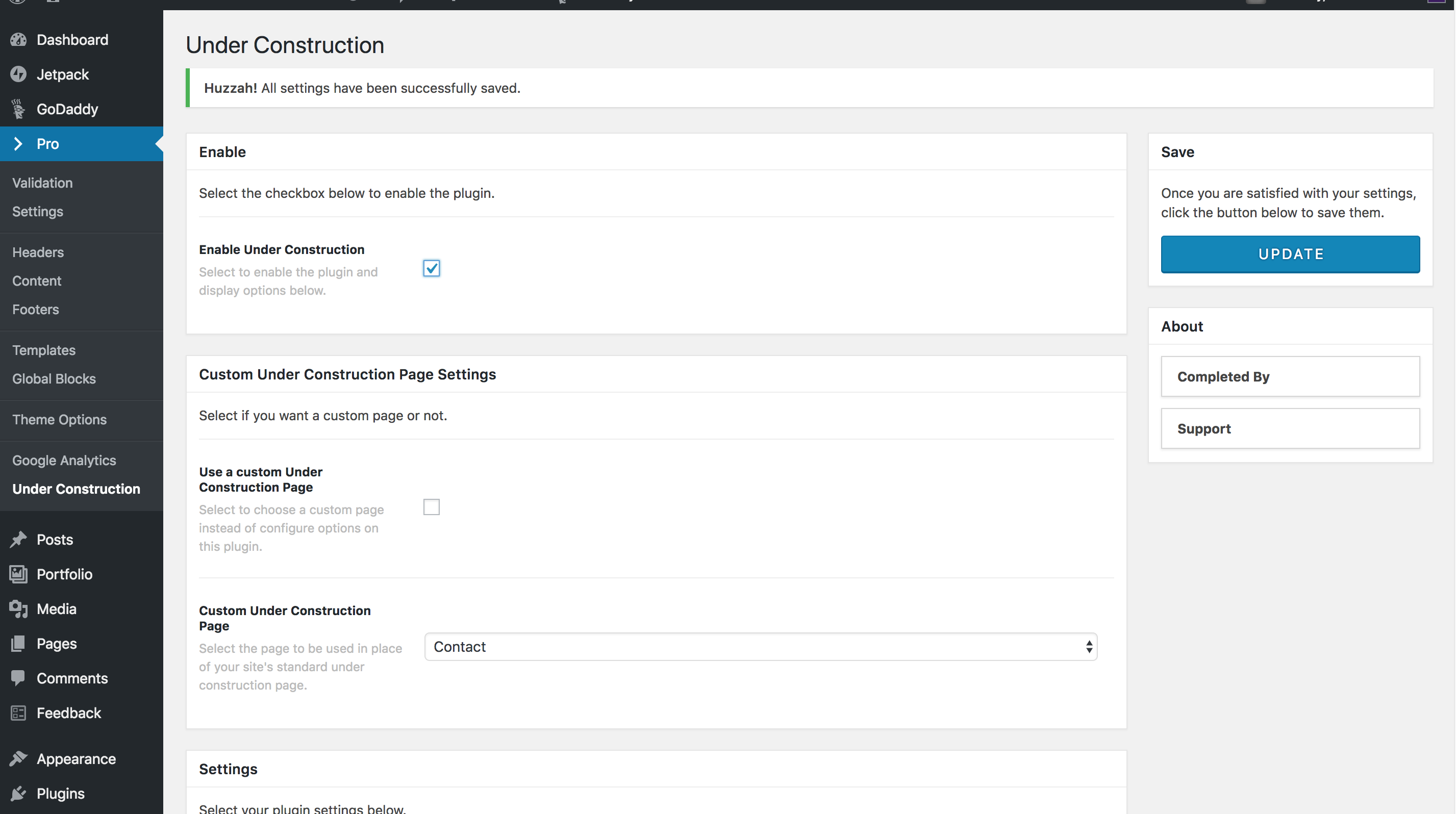
Although, as i try to visit the site, in another browser or incognito, just to verify if the site actually shows under construction or not, it does not work. See here

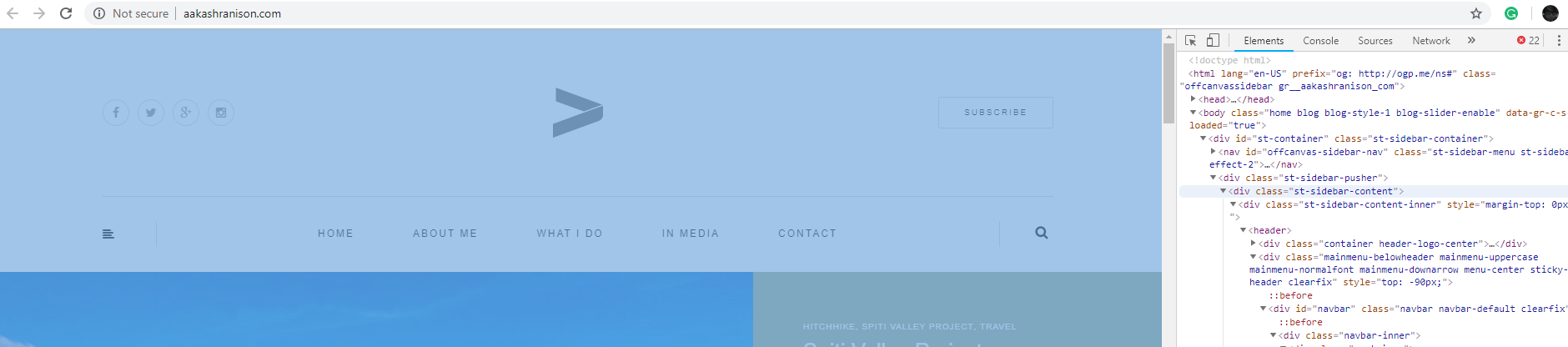
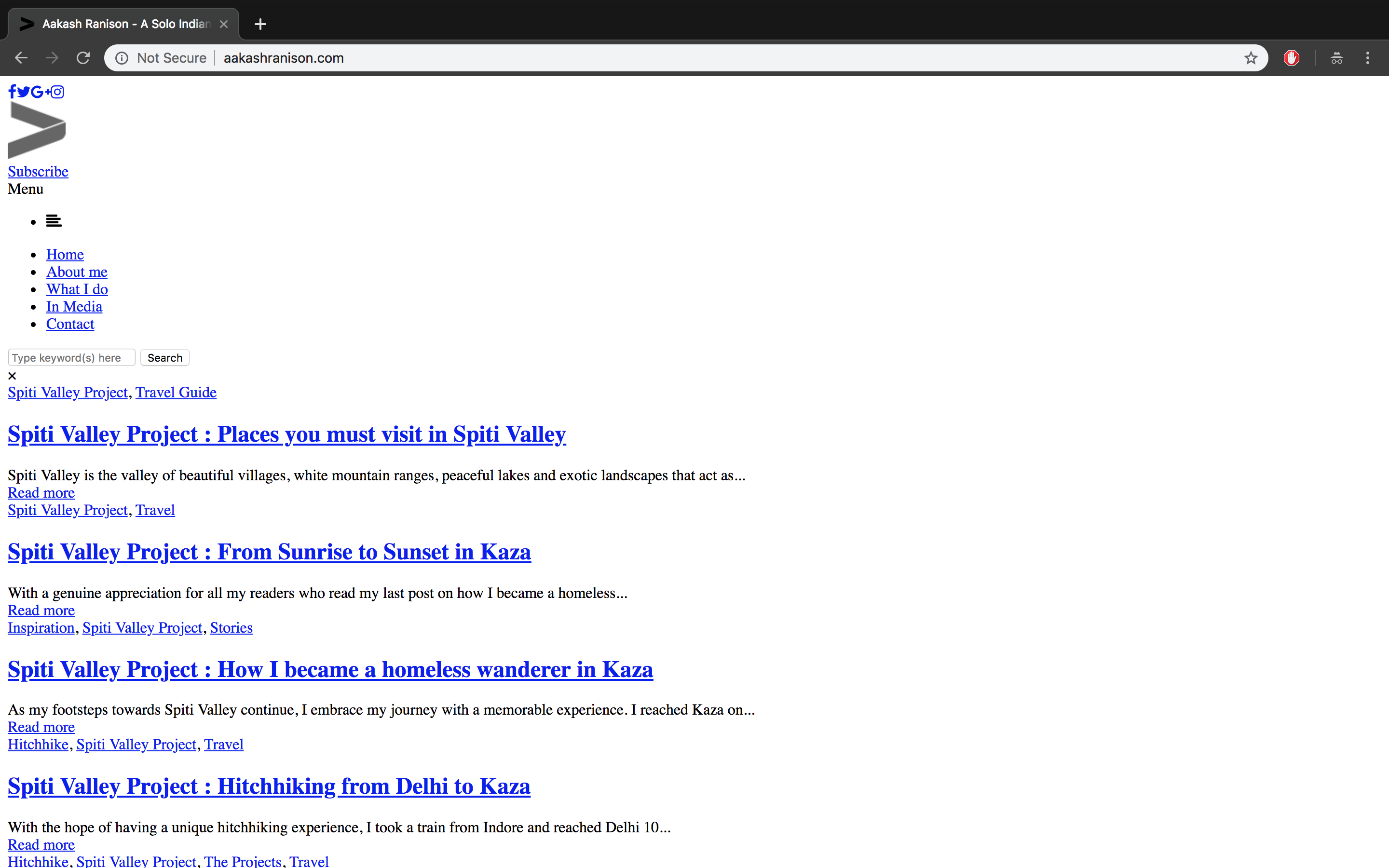
As you can see that I can see the website’s frontpage without any problem. But as I go to login my website, the underconstruction starts working. There is another problem here. The socials aren’t shown, as in the logos and also that the there is no button for me to use the bypass key I set. You can see it here.

Thanks.

Hi @Parthbhalerao,

Thanks for reaching out.

May I know the URL you’re testing this with? I checked the site in your account and the one matching your screenshot is not Pro enabled. Perhaps you’re working locally?

Please set up an online copy of it so we could test, and browser tends to use caches (even without cache plugin) when a site is hosted on local. At least that’s what I experienced on chrome :slight_smile:

Thanks!

Hey @Rad,

The website is live, and you can access it on aakashranison.com, I have disabled the under construction on the site, since I couldn’t access my dashboard.

You can visit the site here.

Thanks.

Hi @Parthbhalerao,

I see, it’s the one that I checked and it’s not Pro enabled and I can see it through browser developer console.

Please activate Pro theme and provide your admin and FTP login credentials in a secure note in case testing the under-construction plugin prevents accessing the dashboard again.

Thanks!

Hey @Rad,

Thanks for your input, but unfortunately I have activated the pro on my account, it is not making sense to me, for the sake of it, I re-enabled pro, just to be sure, but nothing. :confused:

Hi,

Can you try testing for a plugin conflict. You can do this by deactivating all third party plugins, and seeing if the problem remains. If it’s fixed, you’ll know a plugin caused the problem, and you can narrow down which one by reactivating them one at a time.

Let us know how it goes!

Hey @paul.r :slight_smile:,
I hope you are having a great day, thanks for your reply. I deactivated all the plugins on the website except GoDaddy Pro Site Helper Plugin. It doesn’t seem to work. The front page of the website looks like this on opening:

But since only underconstruction is reactivated by me, on searching in the header section, the underconstruction page is shown. I would like to tell you that the website has all other plugins disabled at this point. Please help me! I am unable to comprehend the issue at hand here.

Hi,

I tried deactivating Under Construction plugin and it is showing the same thing when not login.

This is most likely a cache issue or there is an index.html file located in your root folder, please contact your hosting provider and let them check why this is happening.

Thanks

This topic was automatically closed 10 days after the last reply. New replies are no longer allowed.