Hi, I am trying to add a video that plays on a loop without having to click on it. I understand that you have to put it as a background video to get it to loop, and I have tried that but I am unable to change the size of the video, even though the dimensions are small, it appears zoomed in in the section. Please see the image attached in the secure notes.
Hello @Nalwi,
Thanks for posting in!
Please remove your background vide in the Section element first. And then check out this screenshot:

This shows that the Pie Chart image is 476x476 pixels. What you can do is to add a DIV element and the set the same dimensions.
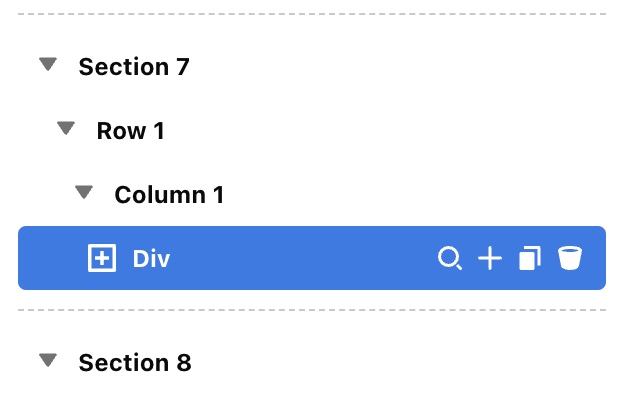

You can then add your background video in the DIV element instead and it should look like this:

Kindly let us know how it goes.
Thank you! that works perfectly
Hi @ruenel, I noticed that on the mobile view the video edges get cut off. Is there a way to have it display the whole pie chart in full, as how it is on the web view? Please see the image attached in the secure note.
Hey @Nalwi,
I check the video in the mobile view and I found out that there’s an inline fixed CSS width. I believe that’s the reason why the video is cut off in the mobile view. That being said, I suggest that you add the code below in your div element CSS.
@media (max-width: 540px) {
  $el video {
      width: 100% !important;
    }
}

Please note that custom CSS code is outside the scope of our support. Issues that might arise from the use of custom CSS code and further enhancements should be directed to a third-party developer or you can avail One where we can answer questions outside of the features of our theme.
Hope that helps and thank you for understanding.
This topic was automatically closed 10 days after the last reply. New replies are no longer allowed.