Hi, I have activated and updated Pro and deleted Convertplus and still cannot install templates.
Hi @DancelandDJs,
Thank you for writing in, yes this is a known issue with ConvertPlus but it can only be a conflict with other plugins. Please do testing for a plugin conflict. You can do this by deactivating all third party plugins, and seeing if the problem remains. If it’s fixed, you’ll know a plugin caused the problem, and you can narrow down which one by reactivating them one at a time. And remember to clear your caching.
If that does not work, please try increasing the PHP Maximum Execution Time
Let us know how it goes,
Cheers!
Hi, I deactivated all plugins and was able to install footers, headers (all except Sass!) and one site. When I tried to reactivate Cornerstone it said I could not because of a fatal error. Any idea why?
Thanks
Hello @DancelandDJs,
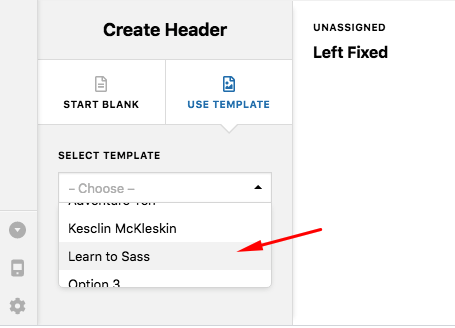
I have logged in and checked your settings. Everything is correct and expected to function well. I opened your Design Cloud and imported the “Learn to SASS” template. It actually took several seconds to install the template. It is installed now in your site by the way.

By the way, Cornerstone is not needed to be activated when using Pro theme because it is already integrated in Pro theme.
Best Regards.
Thank you!
You’re welcome. Glad we’re able to help.
This topic was automatically closed 10 days after the last reply. New replies are no longer allowed.