Unable to edit back of Card element text and button text

Hello,

I am having trouble finding where to edit the back of the card element. I cannot change or remove the text when the card “flips”. The default text is “short and sweet headlines are the best. Learn More”.

I have advanced settings always on.

Thanks!
Nathan

Hi Nathan,

Thank you for writing in, please scroll through the inspector tab, and find the Back Content tab, and open the Edit Text area.


Happy New Year,
Cheers!

Hah! Knew it was somewhere. Thank you! Is it possible to get notified via email when my post receives a reply?

Hello Nathan,

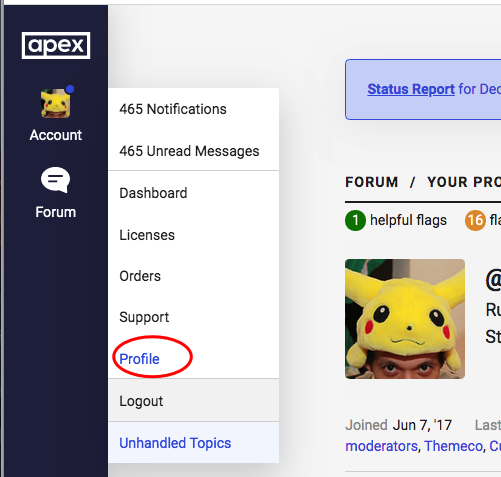
Thanks for updating in! Notifications via email have been disabled in the forum. You can check the notifications in your APEX account instead; Profile > Notifications.

Hope this helps.

No worries, thank you.

You’re most welcome,

Cheers!

This topic was automatically closed 10 days after the last reply. New replies are no longer allowed.