Unable to add widgets to footer menu

I’m a new user (Theme X) but am having problems with undertaking the above. The progress circle just keeps whirling around and the same thing happens when I try to publish.

I’ve tried flushing the cache in both the browser and the main wordpress site and signing back in but this hasn’t worked. Also loaded WP Health Plugin and this doesn’t show any specific issues

Any help would be much appreciated.
Hey Barry,

Thanks for writing in.

Regretfully, I’m not sure what you want to achieve. Would you mind providing more context and screenshots so we could give you a specific solution?

Thanks.

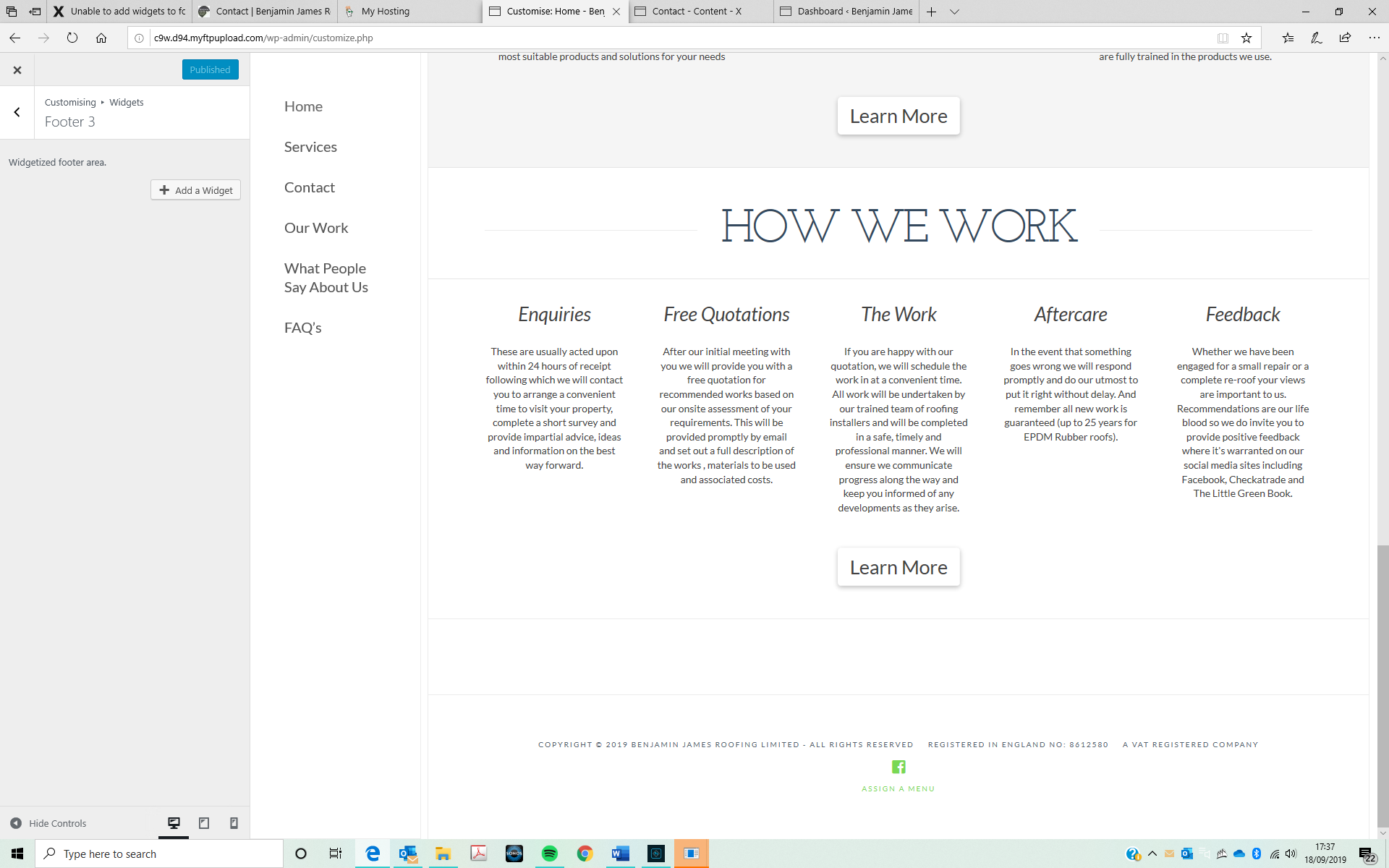
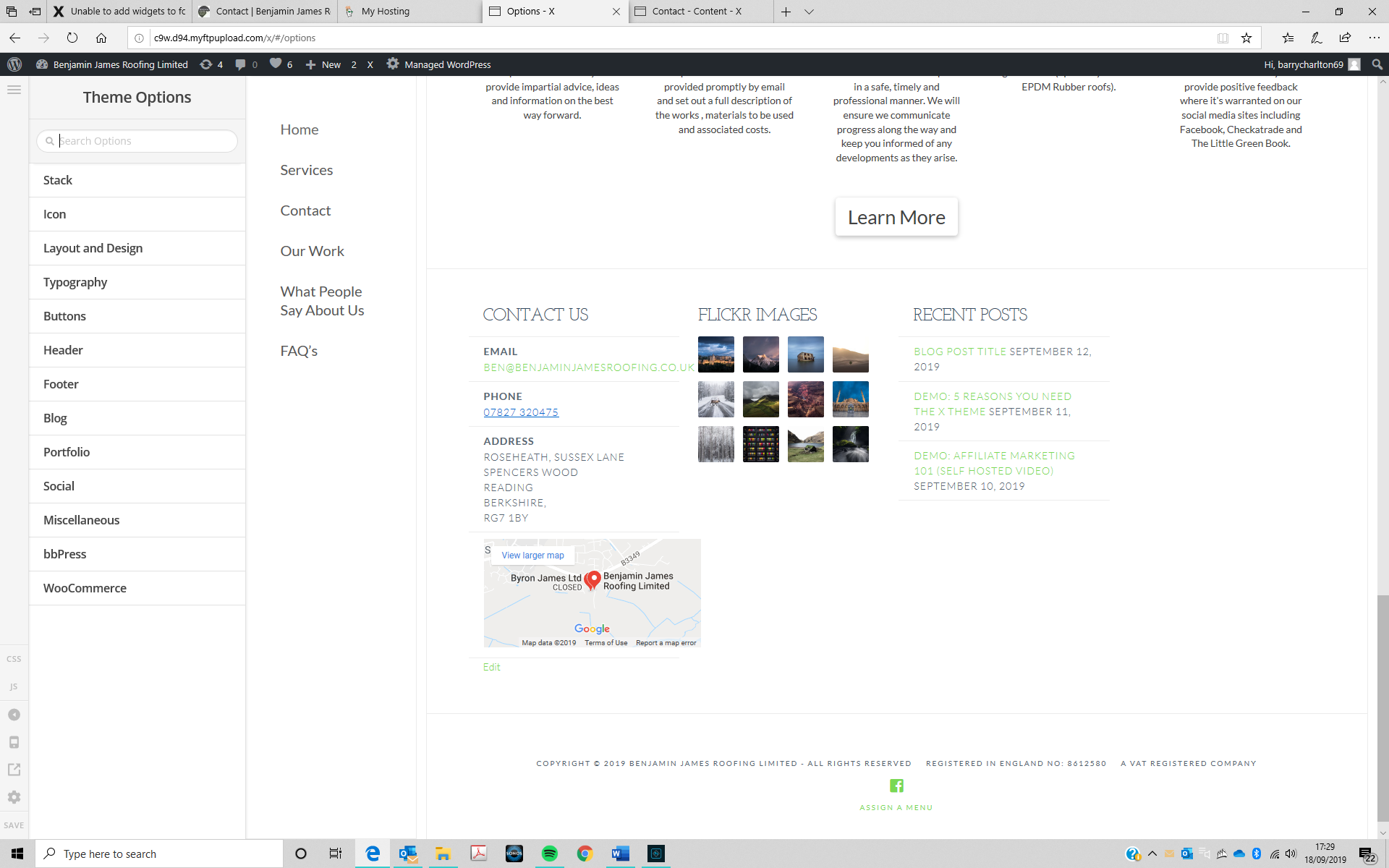
I’m trying to delete these 3 widgets - Contact, Flickr images and recent posts and add a text widget.

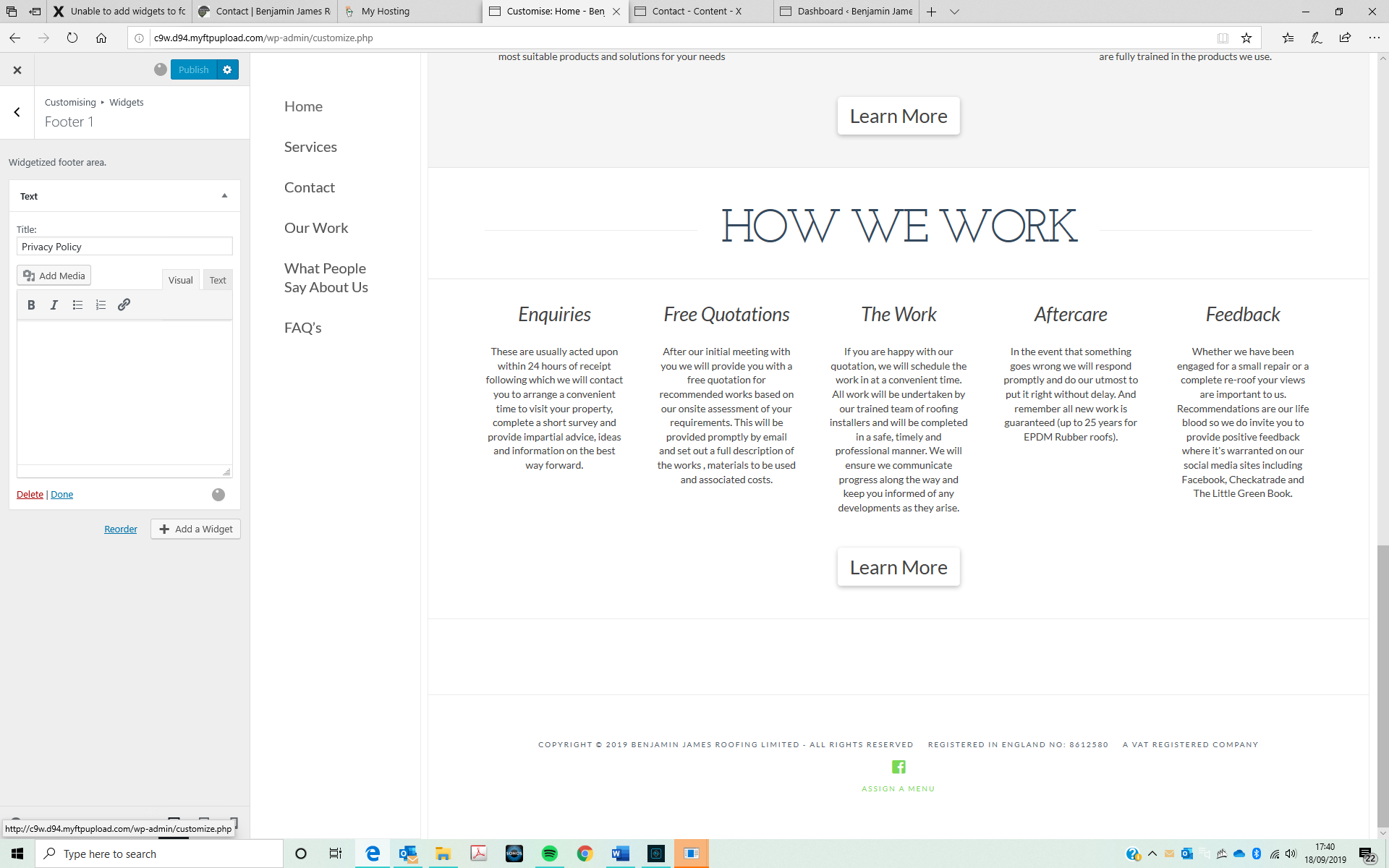
I can delete the widgets, although for some peculiar reason they have now re-appeared, so I’e deleted and re-published as below in the second screen shot:

When I try to add a widget the progress circle just keeps whirling around and the same thing happens when I try to publish as shown below in the third screenshot:

Hello Barry,

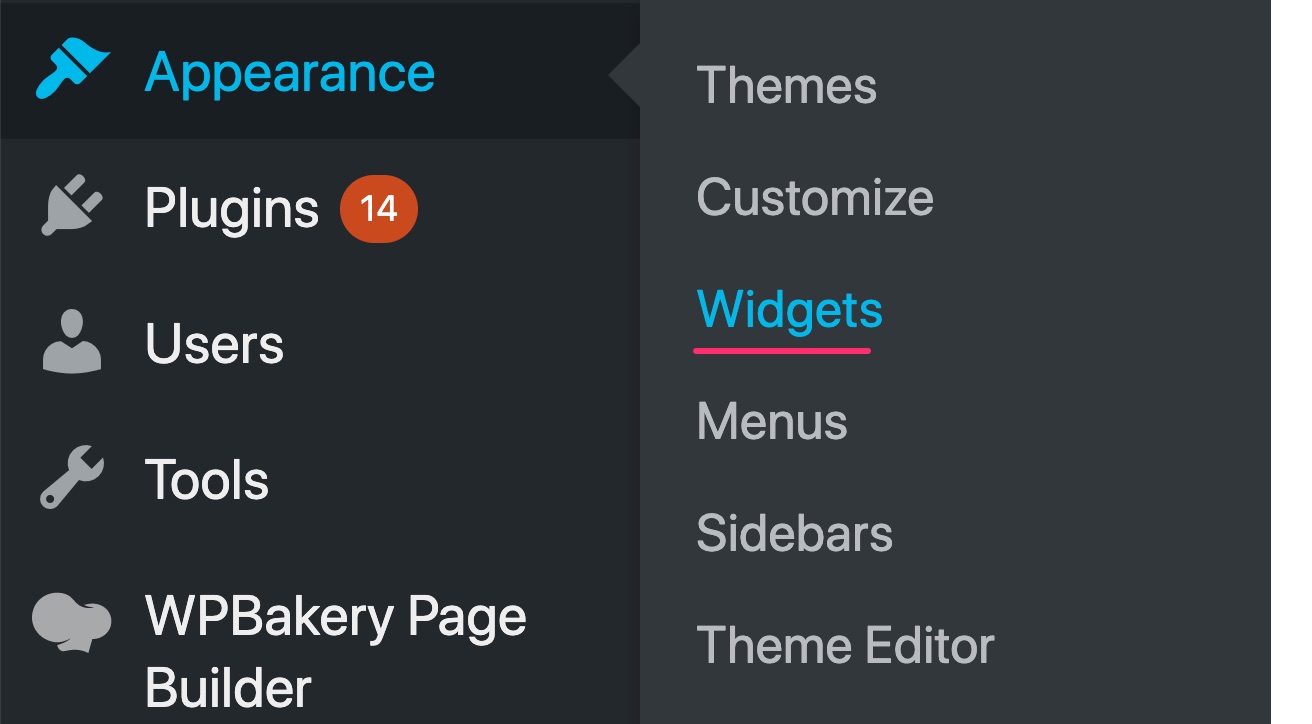
You will have to go to WP Admin > Appearance > Widgets and edit the widgets from there.

Hope this helps.

Unfortunately not, it results in the same outcome. Deleting appears to work, but then when I add a new widget I get the same whirling icon and it wont publish?

Then when I come out all the original widgets are there?

Hello Barry,

To edit the footer widget areas, please go to Appearance > Widgets instead. You can find the footer widget areas and remove or add widgets into those areas. It will automatically save any changes to the widget section unlike in the customizer which has some issues. This is the fastest way for you to add those widgets in your footer.

Please let us know how it goes.

Perfect! Thank you

You’re welcome, Barry.

This topic was automatically closed 10 days after the last reply. New replies are no longer allowed.