Hi,
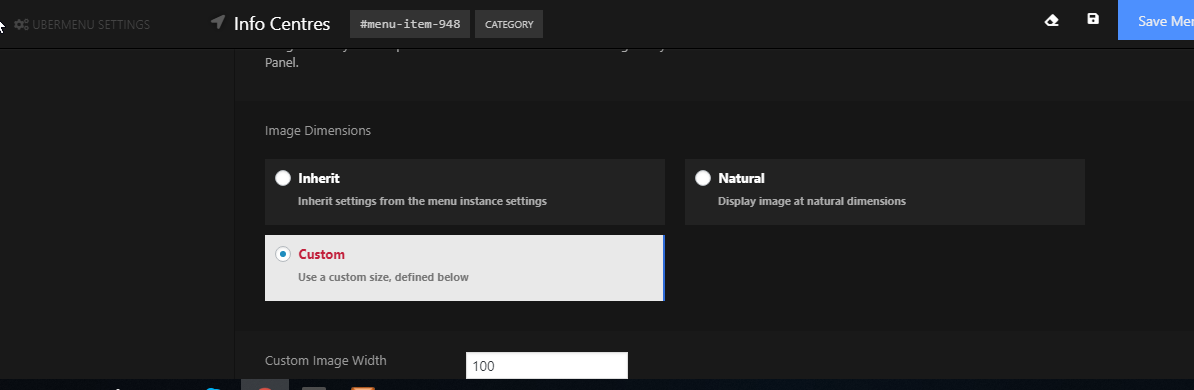
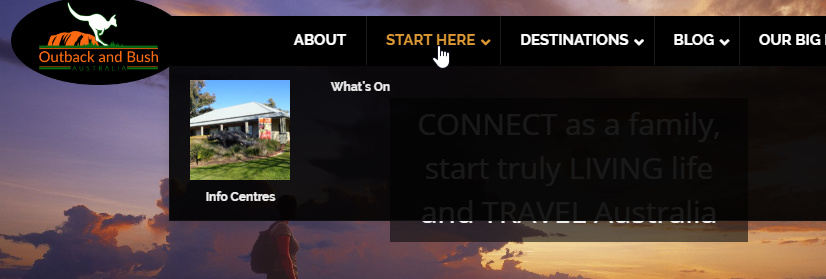
I have recently made some changes to my main menu on my homepage. I have included another submenu under the heading ‘Start here’ which contains the menus ‘Info Centres’ and ‘What’s On’. The image size is very large. I was wanting it to be the same size as the images under the ‘Blog’ heading.
Can you tell me how to do this. I have tried resizing the image and looking into the sizing options in Uber menu but can’t find anything to work.
Thanks,
Liz