What’s the difference between “x-typekit” and “tco-typekit” in the plugin folder? It seems “tco-typekit” was part of the latest xtheme pro version install so I removed the older “x-typekit” plugin folder reactivated the newer one and now lost ability to select my Typekit fonts in the Customizer or Templates. All I see are System and Google fonts. I’ve tried the latest work-arounds in the forum but nothing has worked.
Since making this post I replaced the “tco-typekit” plugin with my backup “x-typekit” and was able to get Typekit working on my website again. However, I would still like to know why the change and why it does not work.
Hey there,
Please uninstall the Typekit extension and go to Templates > Fonts. Click the T icon located in the lower left corner and setup your Typekit font.

After that, you can select your Typekit font in the Font Template and to actually use the font, enable Font Manager in Theme Options.
I tested it and it works.

Thanks.
Hey there,
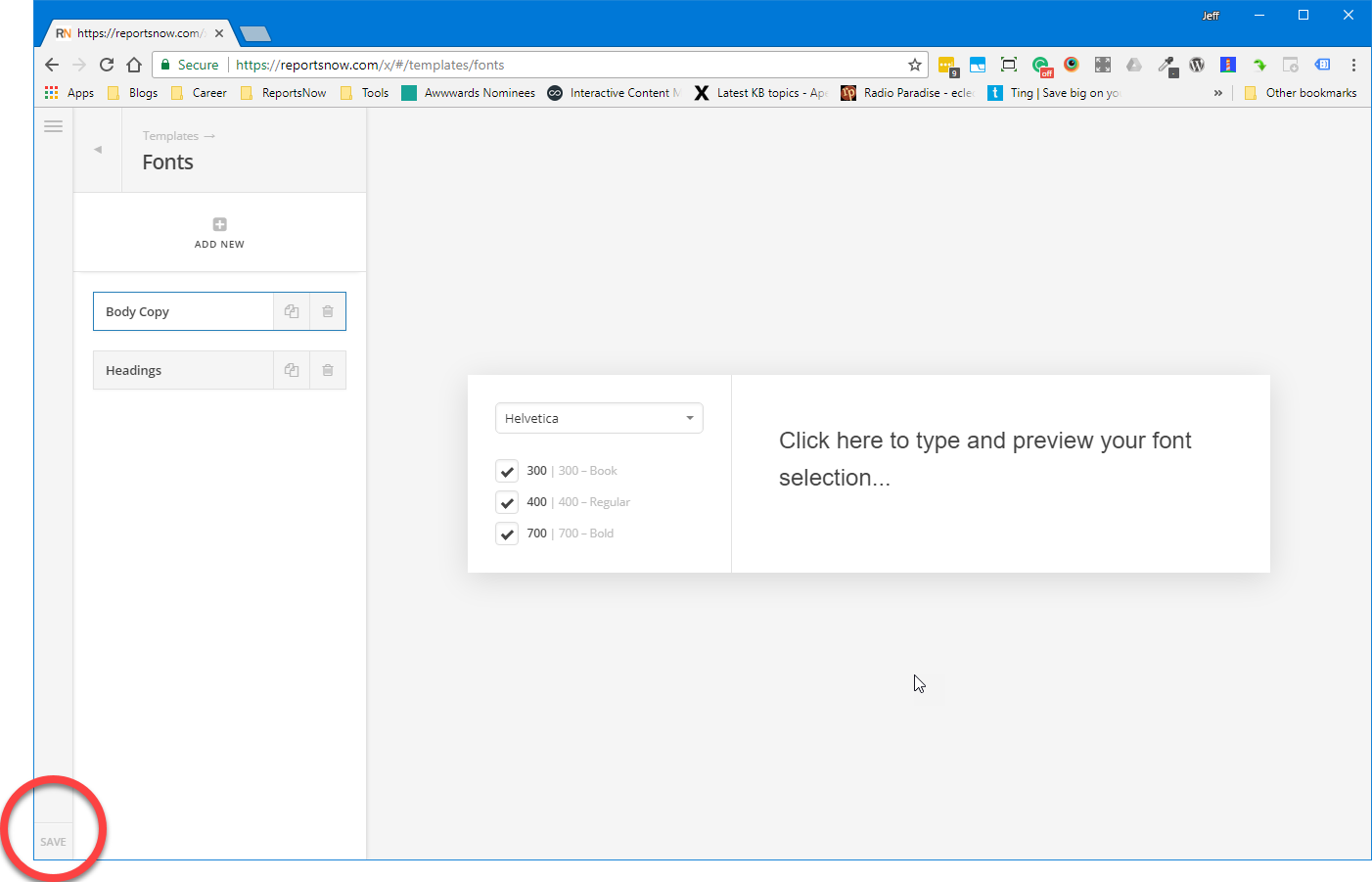
I don’t believe this was tested on my website because this is how I found the problem initially and it’s still there. When I deactivate (or deleted at one point) the X-Typekit plugin and activate the newer Typekit plugin I don’t see the T icon located in the lower left corner of Template > Fonts (see image attached).
Thanks.
Hi there,
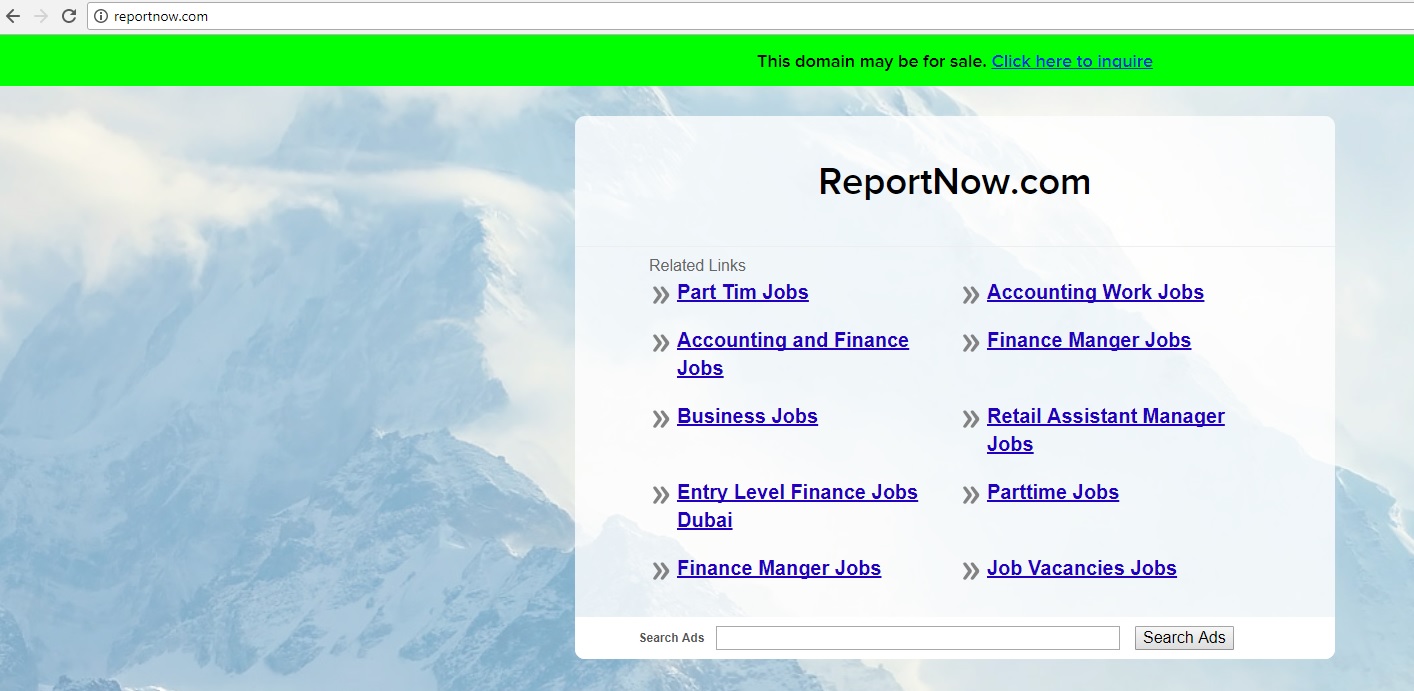
In that case, I’ll need to check it directly to see the connection of these issues. But, seems like your site isn’t live, this is what I see
Do I need to add IP to my hosts file?
Thanks!
The T icon is there but it does not display because of this error in your site. The SVG graphic resource is being loaded from what it looks like a CDN address and it is blocked.

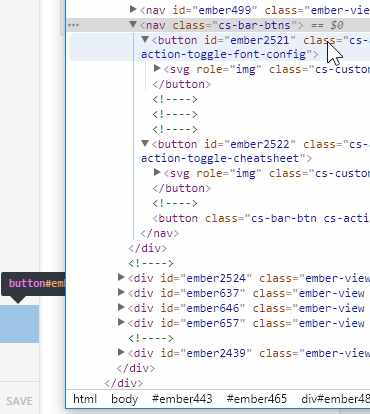
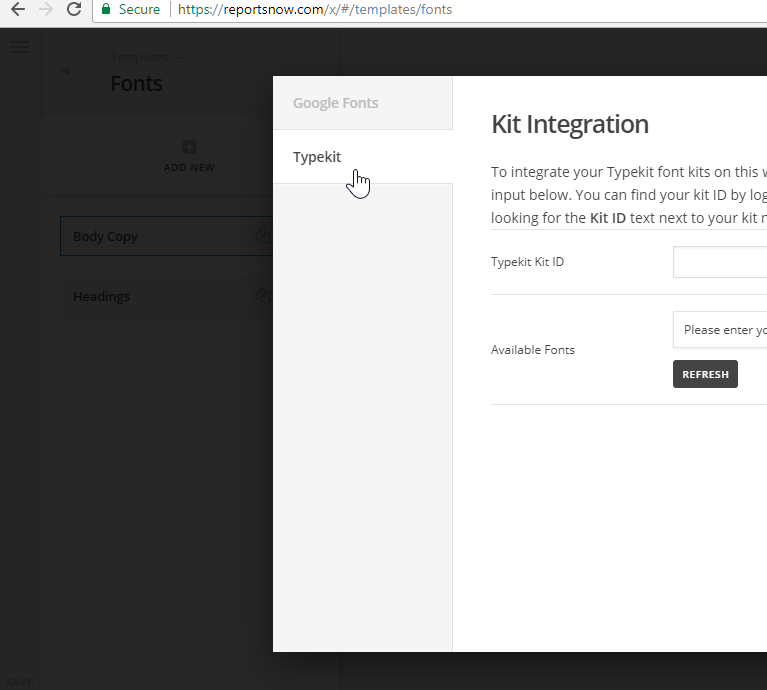
This is a CDN or server setup issue. Please contact your web host to correct the issue.
Thanks.