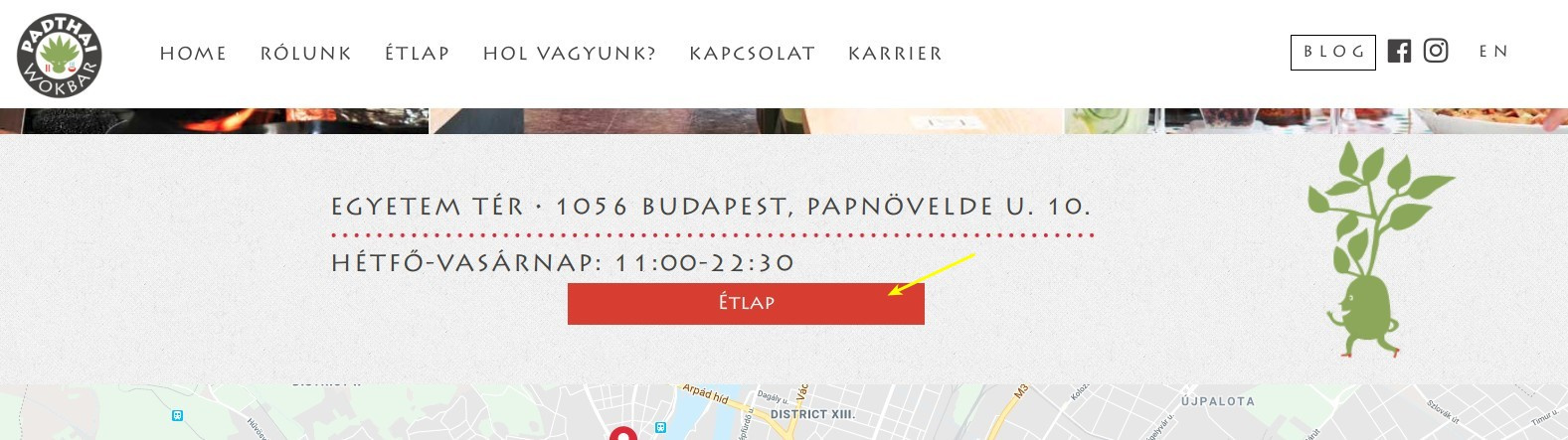
- I’m a bit new to flexbox and I have trouble aligning my items in the middle.
http://www.padthai.decorolux.com/egyetem-ter/
On this page, the button is not in the middle, and I was only able to slightly align it by margin-left, not the best course of action. Is there an easier way?
Issue 2:
http://www.padthai.decorolux.com/
On the homepage, I have this fancy animation for my header: https://www.dropbox.com/s/884h6bvqymsktcq/Screenshot%202018-05-22%2015.43.15.png?dl=0
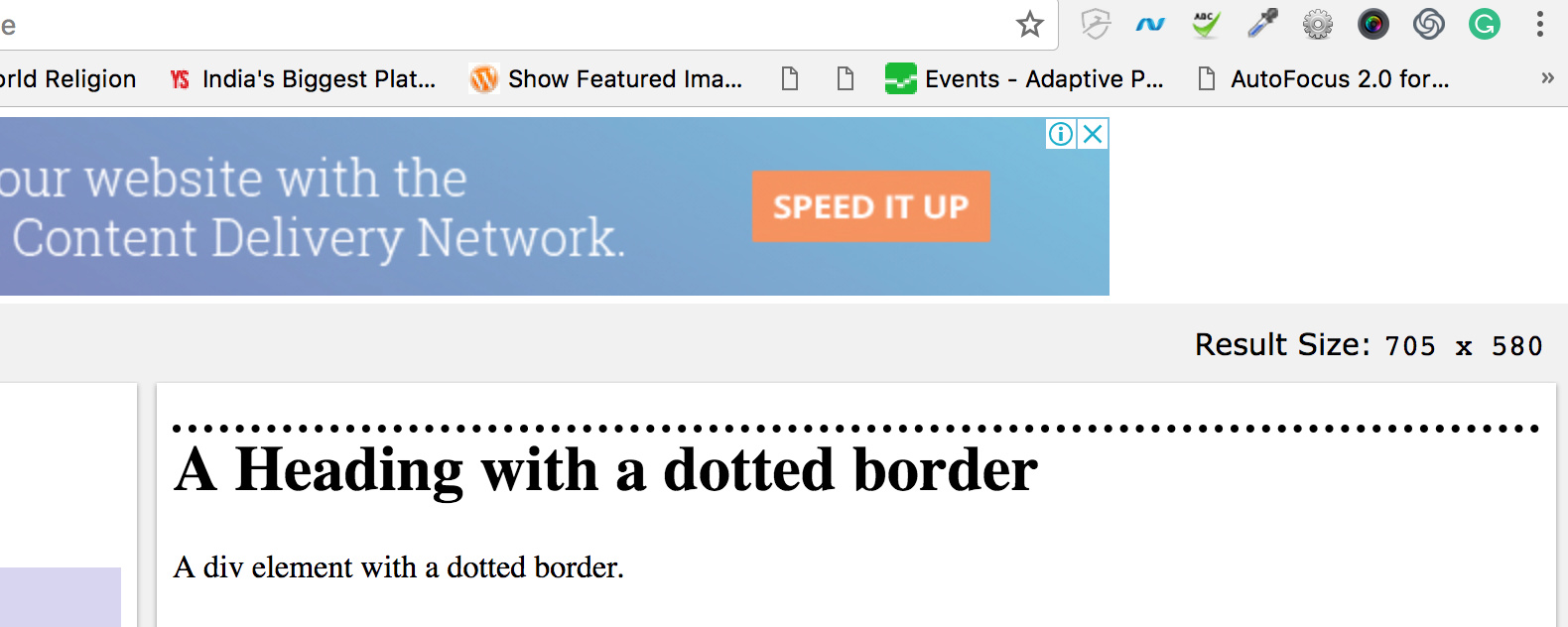
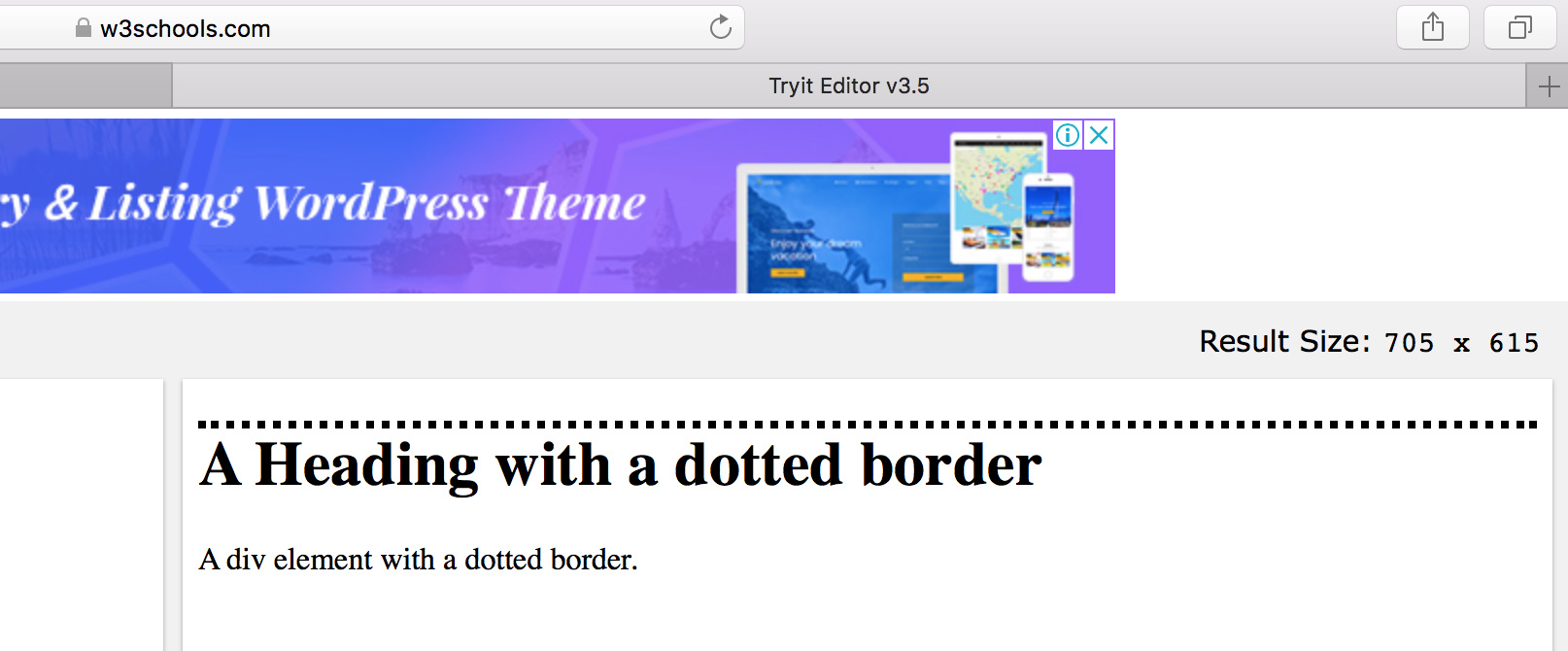
Near the bottom of the screen there’s a EG element which has the same circular border between the two items. However, the issue is that while it renders great in Chrome, it does not in Safari.
I was able to fix this issue by using: border-image-source in the header navigation, but if I use the same code for EG, it doesn’t work.
Here’s the code:
.eg-restaurants-element-2 {


    width: 100%;
    height: 0;
    border-style:dotted;
    border-color: #c84427;
    border-image-source: url('http://www.padthai.decorolux.com/wp-content/uploads/2018/05/dotswhite.png');
    border-image-slice: 33% 33%;
    border-image-repeat: round;
    border-width: 8px;
    border-top: none;
}
Any input is appreciated. Thanks!