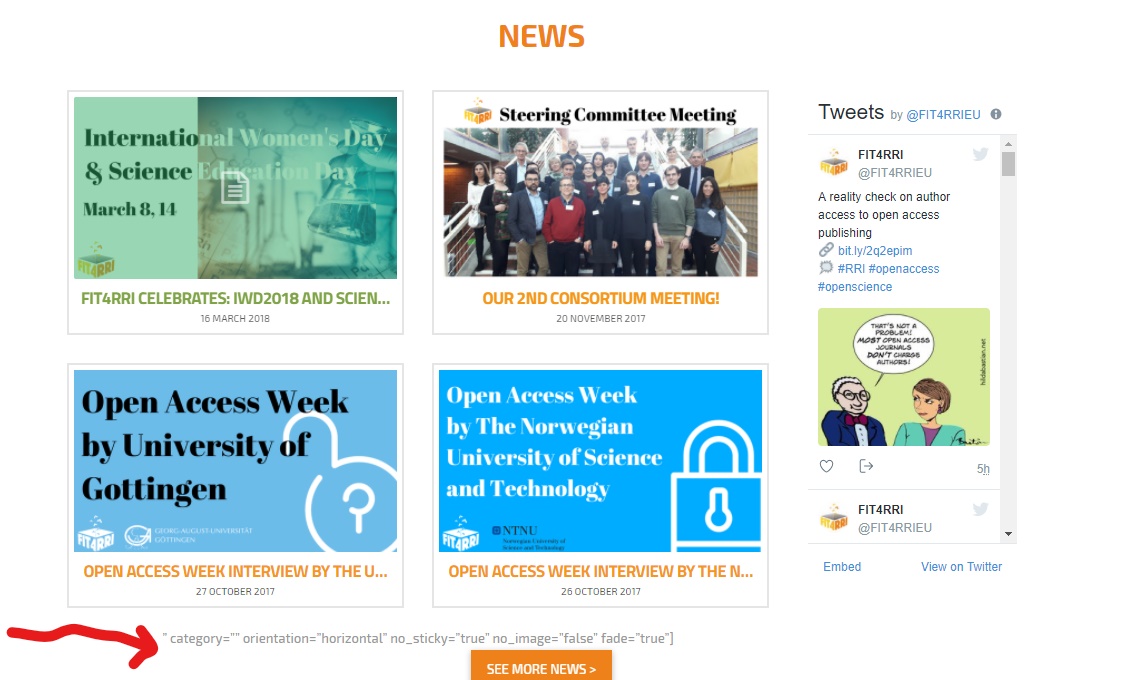
Twitter grid

Hi there,

I am customizing my page and i want to add in one section 4 recent posts and 2 twitter posts. For this I used Classic Recent Post Element and a widget with the custom code for twitter.

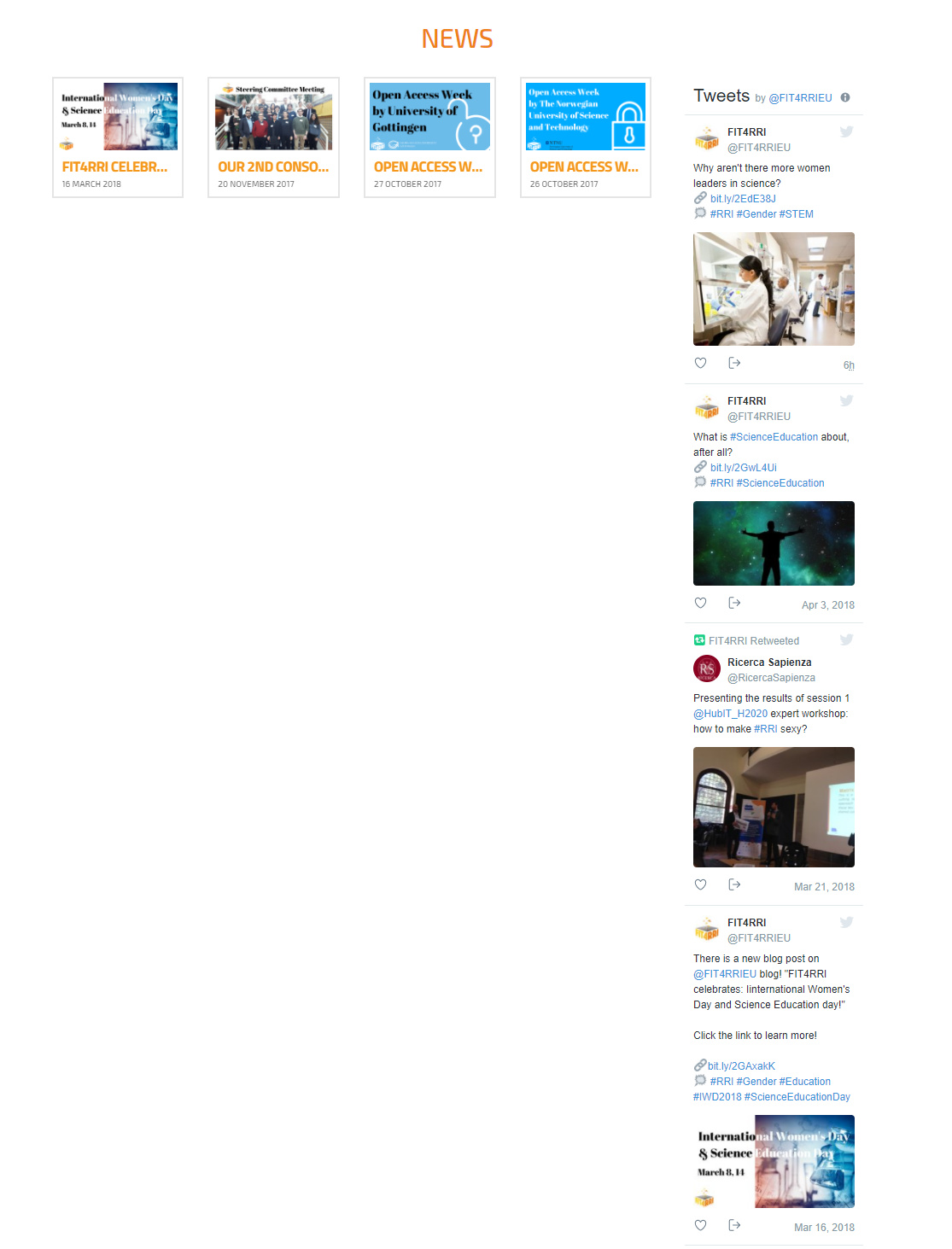
For now it looks like this:
But I would like to make it look like this:
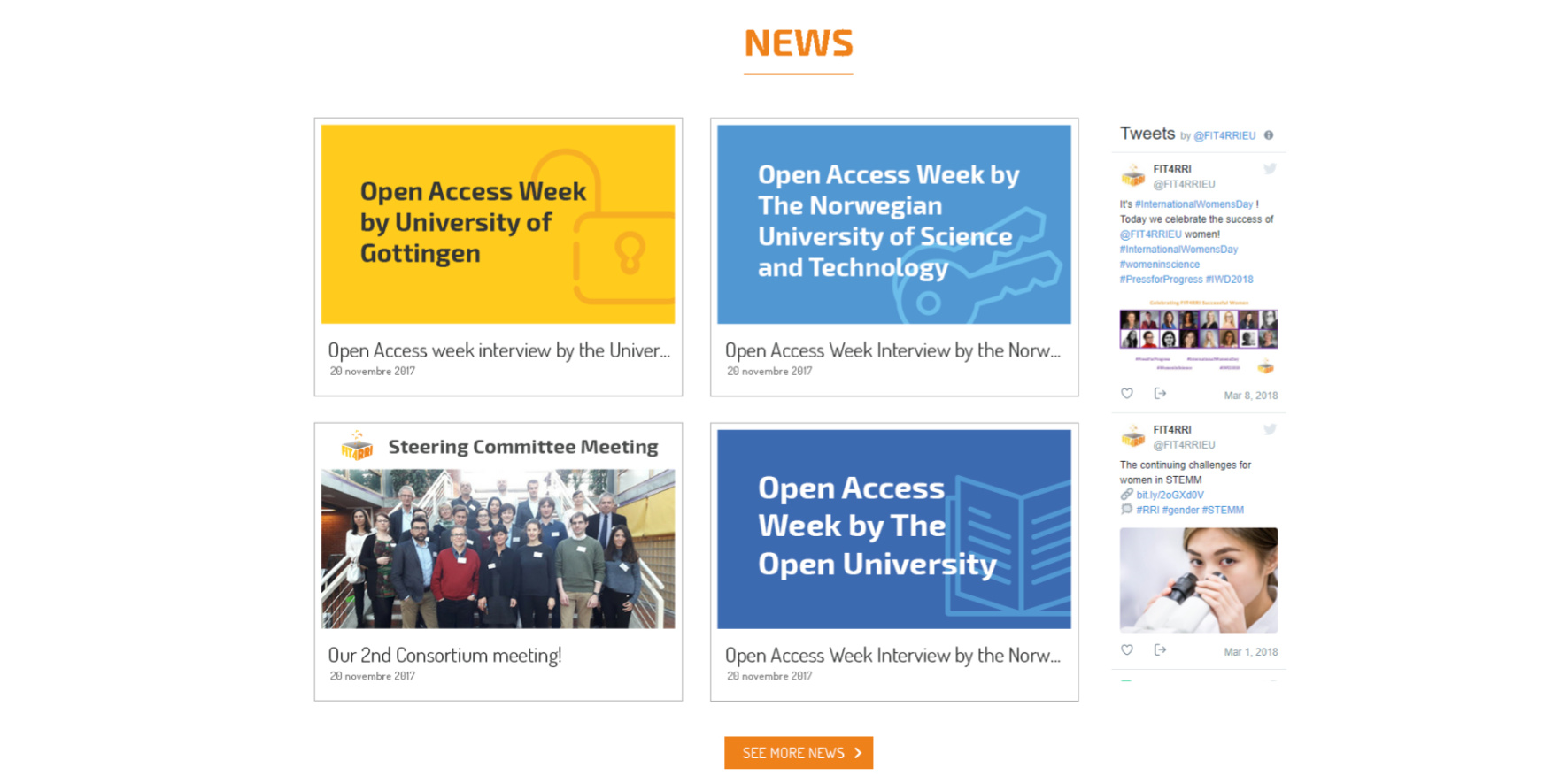
I cant find a way to reduce the amount of tweets to only 2, also the recent posts looks too small and they wont go in two columns.

Is there a solution for this?

Thanks!

Hello @joycre,

Thanks for asking. :slight_smile:

Have you tried changing the height property in Twitter embed code? You get the option to customize the height and width of the stream to suit your requirement. I have recorded a screencast that you can take a look. https://cloudup.com/cfky6o67_Vy

To display 2 items in a row for recent post, you need to change the width. Please add following CSS under X > Theme Options > CSS:

.x-recent-posts a {
    width: 44% !important;
    margin-bottom: 10px;
}

Thanks.

Hello @Prasant,

Thank you for the screencast, it worked!
However, the code for the recent post didn’t do anything. Is there something else I can try for this?

Thanks

Hi there,

For the recent post, you do not need to add any CSS code.

Instead, try using the offset option of the recent post shortcode/element.

For example:

[recent_posts count="2" orientation="horizontal"] 
[recent_posts count="2" orientation="horizontal" offset="2"]

Notice that the second recent post shortcode has an offset of 2 so it will skip the first two recent post that is show on the first shortcode.

You may find the example here:

http://demo.theme.co/integrity-1/shortcodes/recent-posts/

Scroll to the Offset Posts section.

Hope this helps.

Thanks for the answer!

It worked but now there is a text under the second element :

is it possible to remove it?

Thanks!

Hi there,

There seems to be an issue on the shortcode that you have added on the page. Kindly make sure that there are no extra " in the code you have.

Also, if you are using Cornerstone for the page, you could use the Classic Recent Post element instead of the shortcode. You will still be able to add an offset in the settings.

Hope this helps.

This topic was automatically closed 10 days after the last reply. New replies are no longer allowed.