Trying to increase space at top of all posts

my posts have hidden content because there is not enough space or padding or something.
I ready through as much as I could understand.

  1. The first css worked great in getting rid of that text at the top of each post

.archive .x-header-landmark {
display: none;
}

  1. tried different variations of the css below but it’s not working
    .x-site .x-container.offset {
    margin-top: 0 !important;
    }
    .x-site .x-container.offset {
    padding-top: !important;
    }

credentials in following thread
Hi,

It’s because of this code in your Custom CSS that is causing the issue.

.masthead {
    position: absolute;
    width: 100%;
}

Please remove that in your Edit Global CSS. You may add it in Cornerstone > Settings > Custom CSS in the page where you need it. That way it will only take effect on that one specific page.

Hope that helps

HI Paul,

thanks for the help.
I removed the Custom CSS via Edit Global CSS.

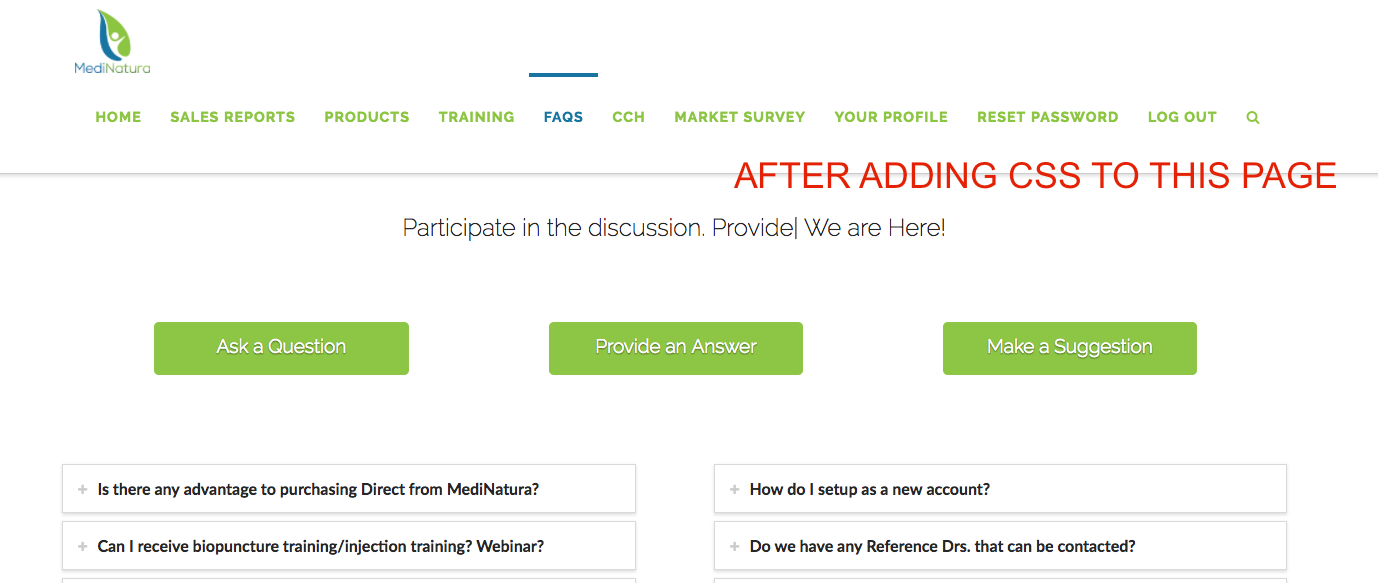
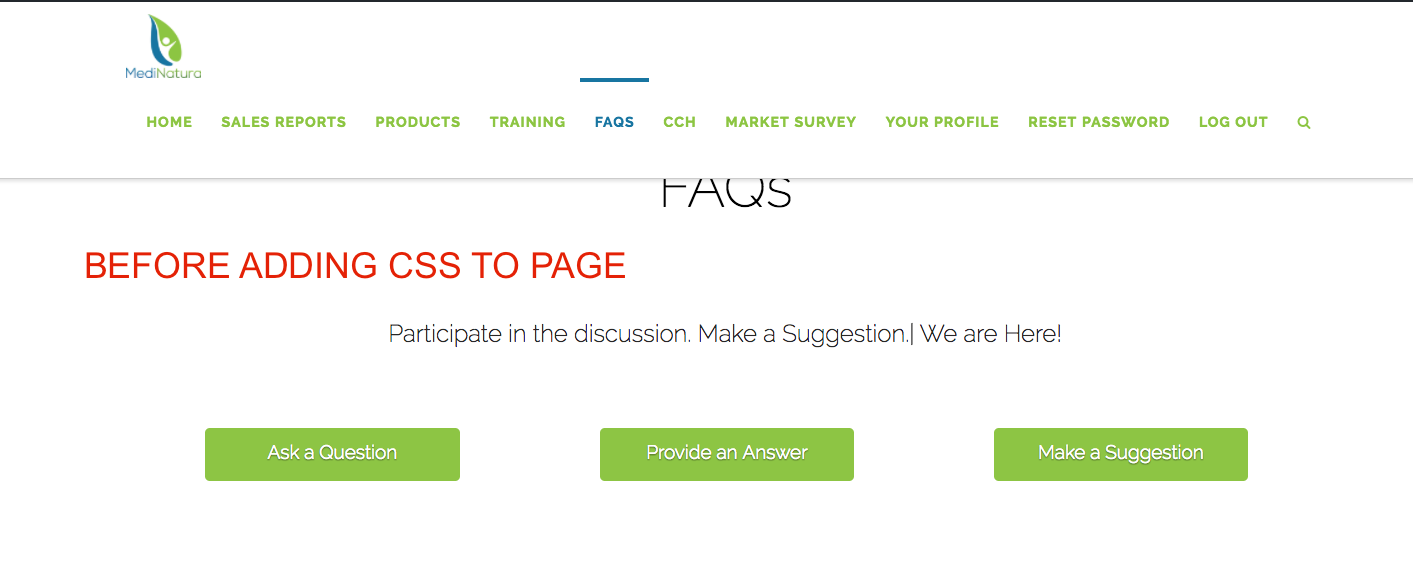
but when i try to add it back in on this page, for example, the FAQs page, it does the opposite of what I am trying to achieve. SEE ATTACHED images. screenshot one without CSS. screenshot two with CSS. more of the content is hidden on the second screen shot, after adding CSS for just that page

.masthead {
position: absolute;
width: 100%;
}

Hi There,

That is the CSS block that is causing the issue. Please remove that CSS code all together, and clarify why do you have that in the first place so we can provide an alternative instead.

Thanks,