Hi Brian,
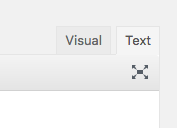
Simply edit your post and then switch to your Text mode of the editor.
Then wrap your selected content with the following div with the CSS class assigned to it (make sure to add the closing div).
<div class="my-post-border">
Your Post
Content
Here
</div>
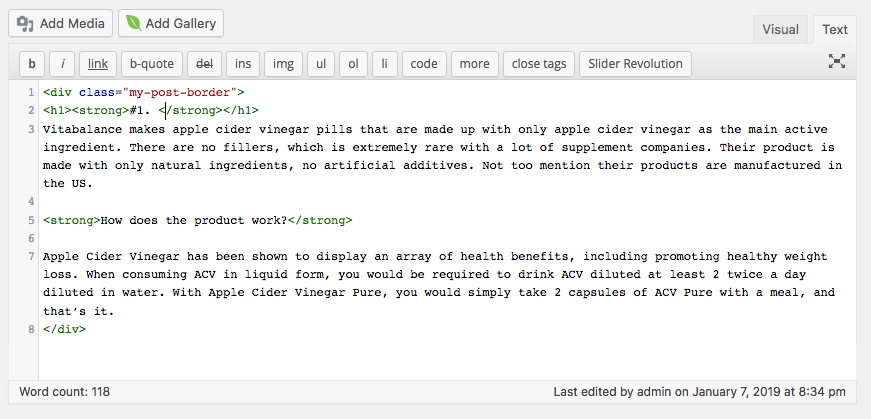
You can do the same for your other two product contents as well.
Then save the changes and head over to X -> Theme Options -> CSS area and place the following CSS rule into that area.
.my-post-border {
    border: 3px solid green;
    padding-left: 10px;
    padding-right: 10px;
}
Now you can save the changes and test your frontend. If you’re using a caching plugin, make sure purge your server cache as well (https://www.wpbeginner.com/beginners-guide/how-to-clear-your-cache-in-wordpress/).
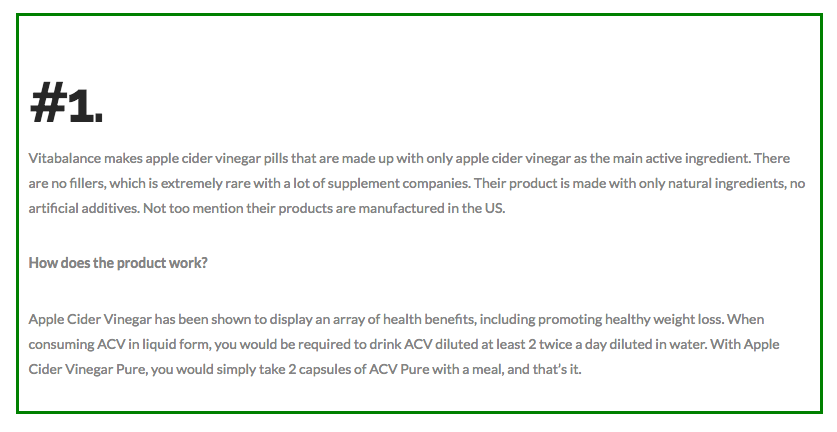
Hope that helps.
Thanks!

