I would like to create a floating text based window over existing page. By linking to a word on the page such as a title or list item. I do not want to create another page and link to it unless completely necessary. I included an example that I made in photoshop that represents what I am trying to achieve but would like X and Cornerstone to handle it.
Thanks. Not online yet. An answer would help me get on line that much sooner.
John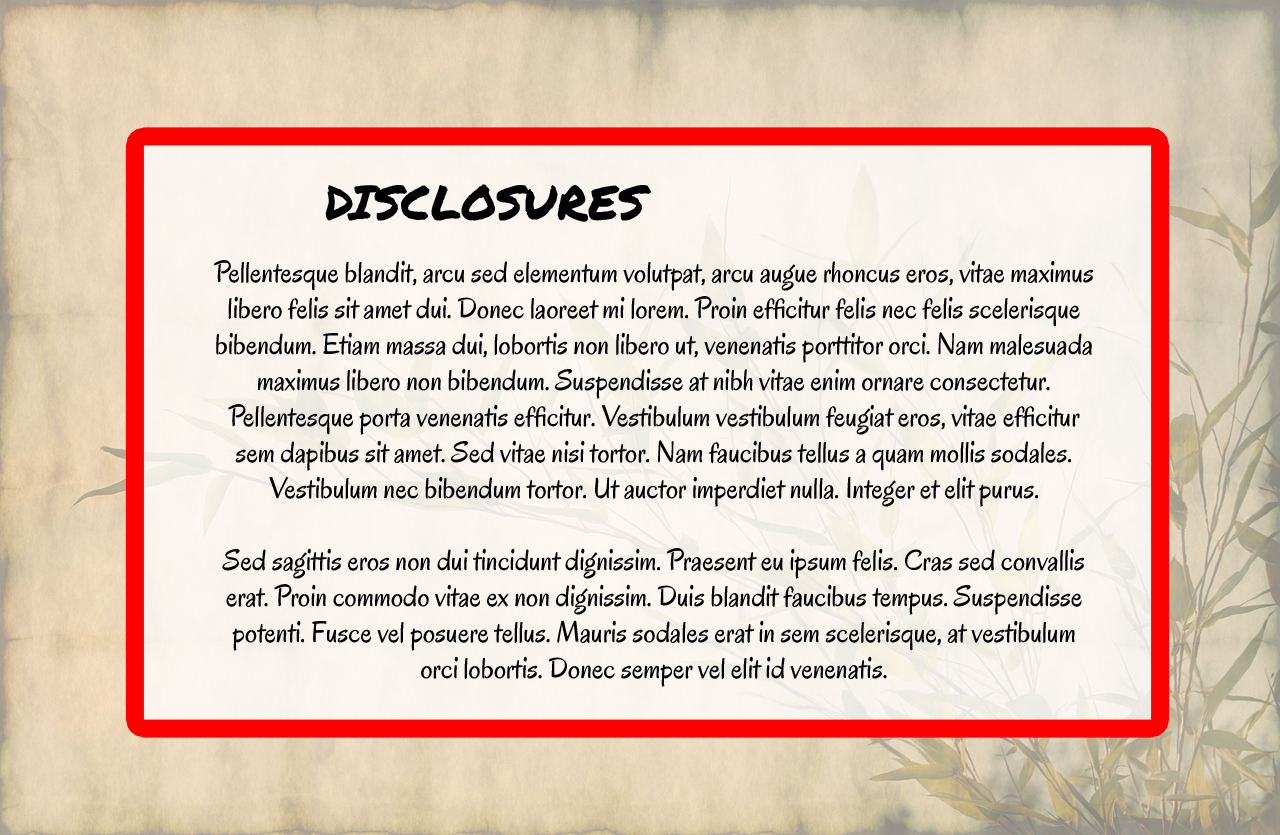
Hi there,
Thanks for writing in.
You mean a light box? My guess is, it’s a lightbox since the tooltip is smaller and in line with the text. You can try 3rd party plugin for the lightbox or use X lightbox ( please check this https://theme.co/apex/forum/t/lightbox-opens-3-boxes-with-same-content/3834/8 ), a sample is this
<a href="#my_unique_id" class="my_unique_class" data-type="inline">CLICK HERE</a>
<div id="my_unique_id" style="display: none;"> THIS CONTENT WILL BE DISPLAYED IN LIGHTBOX </div>
[lightbox selector=".my_unique_class"]
Notice that content ID matches the href as well, that is to connect the link to the content when the lightbox is initiated. Then link class matches to lightbox selector as well for the trigger and grouping.
Once you’re done, you can then style your lightbox to match your provided screenshot.
Thanks.