I’m having trouble with the new cards, i want to:
-Disable the back button
-Align the cards. (I specified a size for the cards, but they are not centered in the column)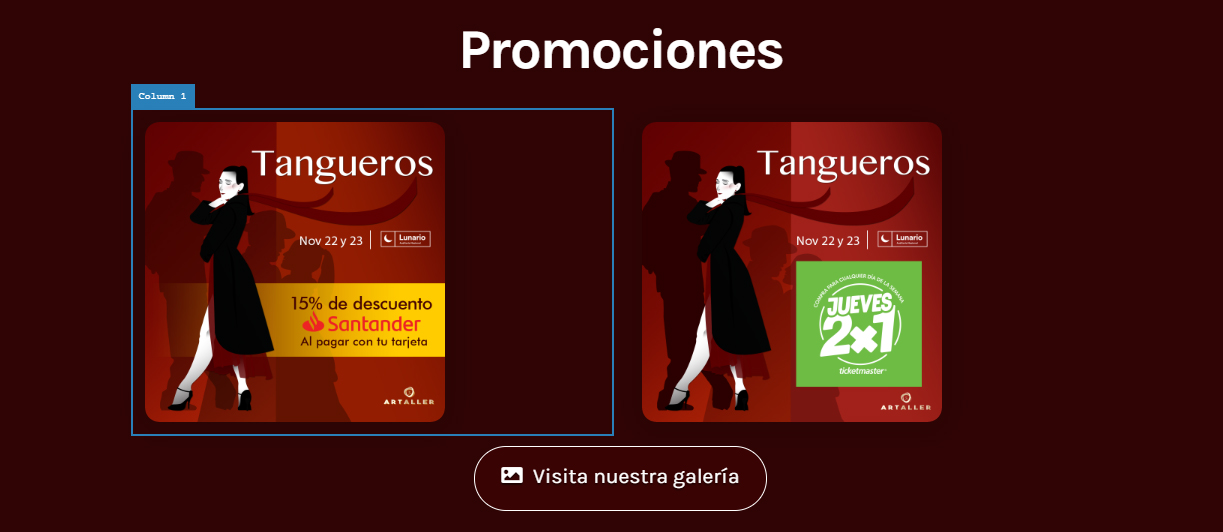
-Solve this overlaping
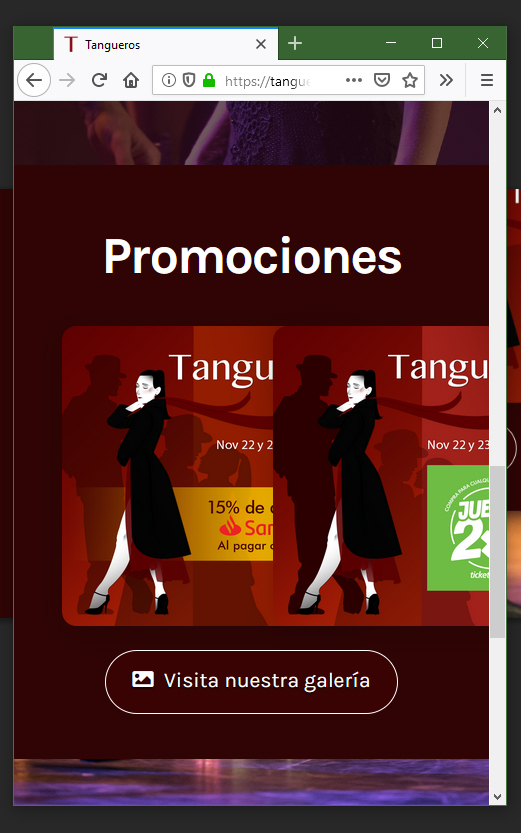
My site is tangueros.com.mx
I’m having trouble with the new cards, i want to:
-Disable the back button
-Align the cards. (I specified a size for the cards, but they are not centered in the column)
-Solve this overlaping
My site is tangueros.com.mx
Hi Alberto,
Thank you for reaching out to us.
.x-card.promos .is-back .x-anchor-button {
    pointer-events: none;
}
Alternatively you can input javascript:void(0) in the URL field of the Back Button:
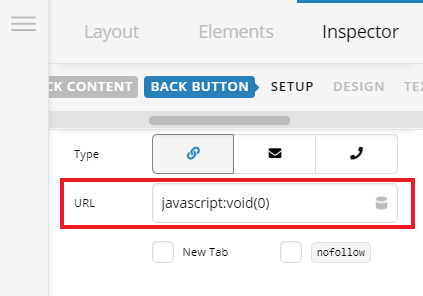
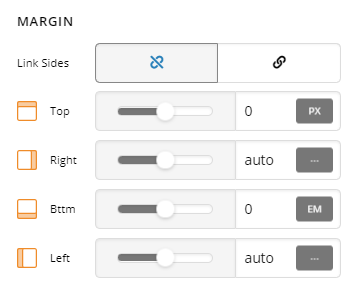
2 & 3. To align the cards and fix the overlapping issue, first change the width from 300px to 100% since you’ve also specified the max-width to 300px and then set the margin to 0 auto 0 auto
Hope this helps!
This topic was automatically closed 10 days after the last reply. New replies are no longer allowed.