Transparent Menu over Image/Slider with Sticky Bar

Hi guys,

After researching this topic for a while, still cannot find a straight solution to have a transparent menu, which goes to color when scrolling is activated and goes back to transparent when the user navigates back to the top of the page. Just like this example: https://studio540.com

Checked these threads out: https://theme.co/apex/forum/t/transparent-menu-over-a-hero-image/3502 and https://theme.co/apex/forum/t/transparent-menu-bar-over-image-with-sticky-bar/6582 and am currently using this CSS:

/* Transparent Main Menu */
.home .masthead {
   position:absolute;
   width:100%;
}

.home .x-navbar, .home .x-logobar {
    background:transparent !important;
}

.home .x-navbar.x-navbar-fixed-top {
    background:#000;
}

but still cannot achieve the desired effect.

Your help would be highly appreciate it!

Thank you!
Hi @kcreative,

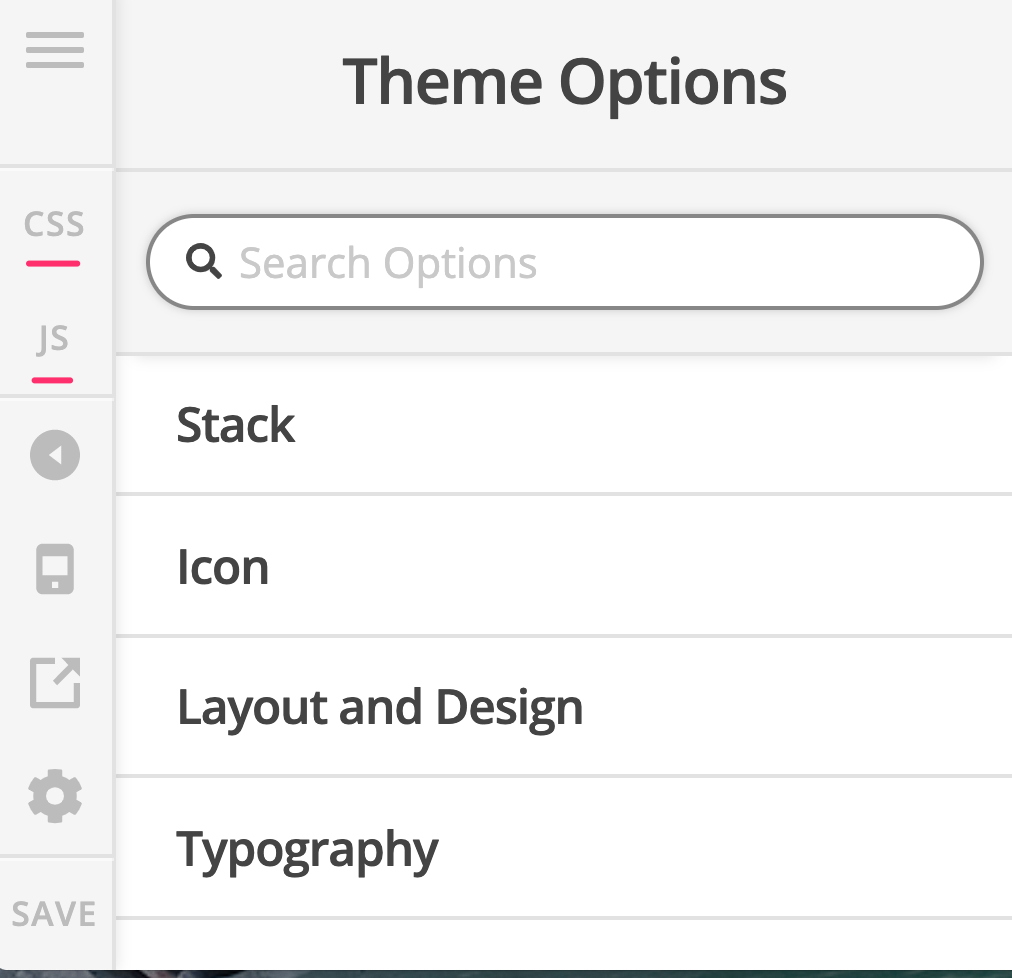
Please add this code to the Global JS:

jQuery(function($){

	$(window).scroll(function(){

		if( $(this).scrollTop() == 0 ) {
			$('.x-navbar').removeClass('x-navbar-fixed-top');
		}

	});

});

then add this code in the Global CSS:

.home .x-navbar.x-navbar-fixed-top {
    background-color: #000 !important;
}

Kindly note that since this is a custom code that changes the default behavior/display of the theme, you will be responsible to maintain or update the code in case you require further changes or if the code stops working in future updates. If you are uncertain how to proceed, it would be best to get in touch with a developer.

Hope this helps.

This topic was automatically closed 10 days after the last reply. New replies are no longer allowed.