Hi. I would like to ask about the transparent header static top
my website is vibesintegrated.design
i am using this custom CSS
.masthead {
position: absolute;
width: 100%;
}
.x-navbar, .x-navbar .sub-menu {
background: transparent !important;
background-color: none !important;
}
it does become transparent. however, there is line under the menu. How to remove it? how to make all the navbar become transparent?
I already tried to choose the nav bar transparency but nothing is changed.
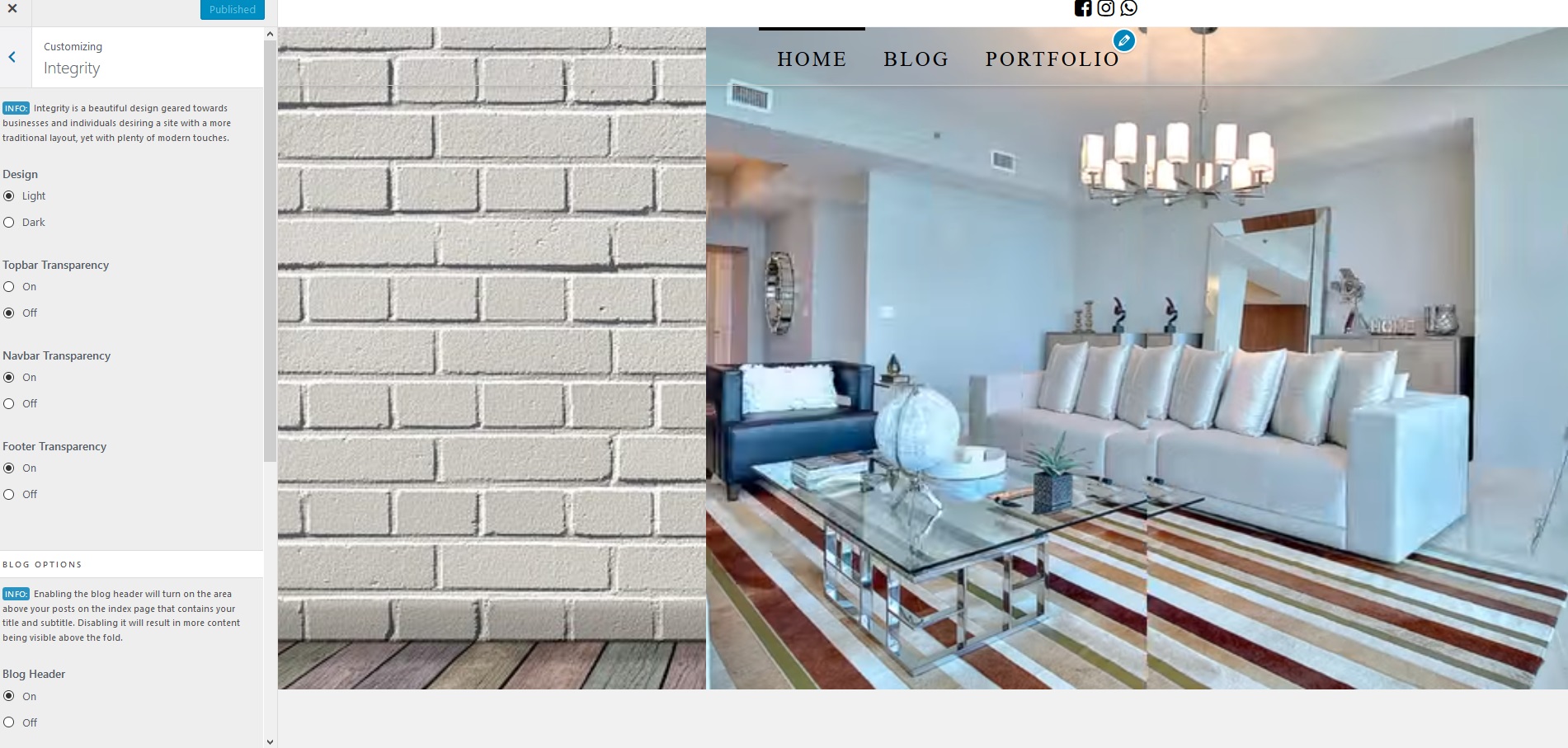
Thank you