Hi Peter,
Thanks for reaching out.
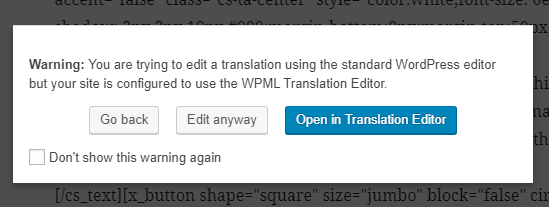
Are you able to edit those English pages before? As far as I can see, it’s not edited in cornerstone which is why the builder is empty. And it uses Translation Editor, example, you can see this warning when you edit the English version with Wordpress editor(not cornerstone). And this limits it to editing with translator editor only.
And this is the translation editor
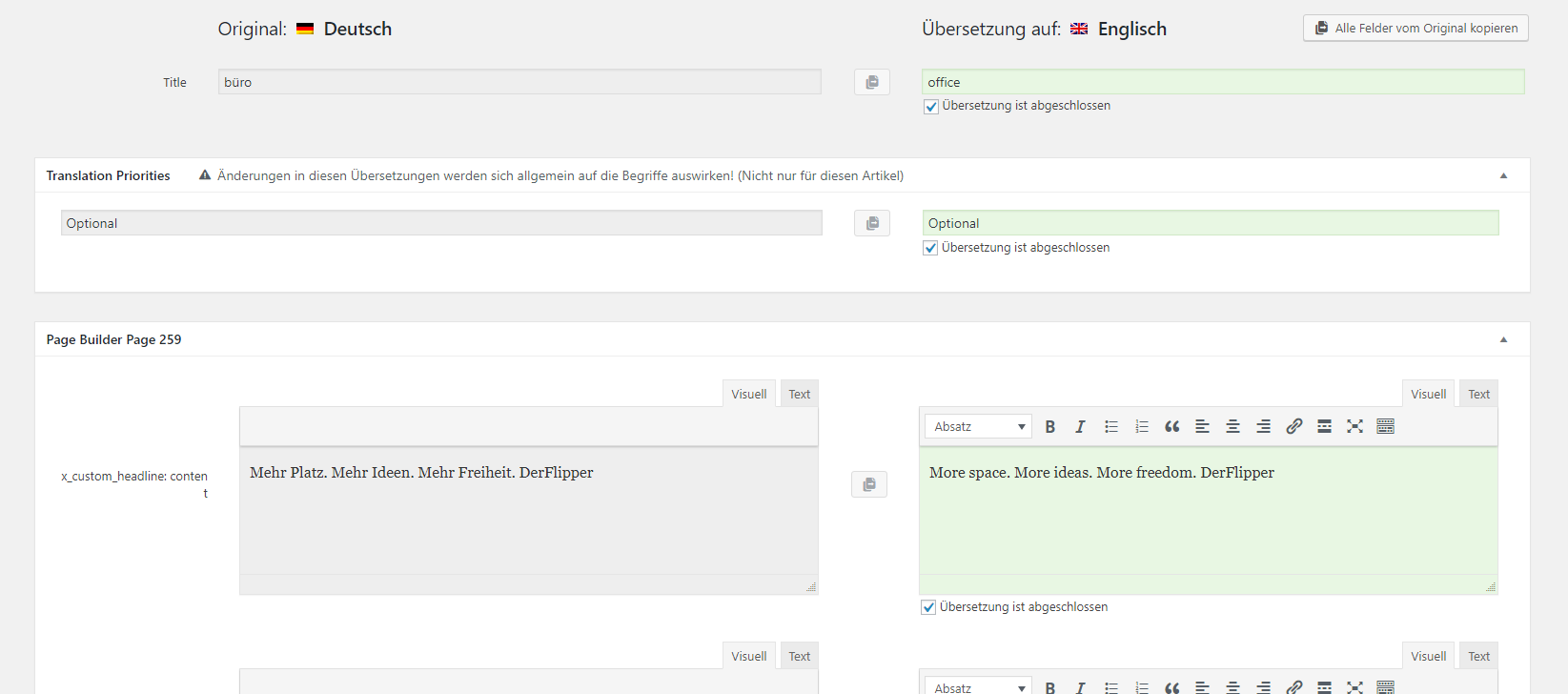
Cornerstone content shouldn’t be translated with translator editor, it must be created within the builder since the original page is created within the builder too.
Please check this related thread for proper WPML setting https://theme.co/apex/forum/t/wpml-issue/48740/2
Then this thread about translation https://theme.co/apex/forum/t/translating-website-pro-with-wpml/41383
The section is broken since it’s altered through translation editor, and there is no English content in the builder to begin with. You’ll have to re-create the content for English pages within the builder. Or, simply save your German page contents as a template and import it to English page, then amend the content with the correct content language.
Thanks!
