Translating with WPML breaks my site

Hi!
This posts comes from https://theme.co/apex/forum/t/wpml-with-manual-translation-shows-correct-translation-in-backend-but-original-language-in-frontend/66563

I have the following problem: whenever I try to translate a page using WPML methods (both classic and modern editors) my pages get broken: the style and structure of the page gets corrupted.
But if I disable WPML, make the edits and then enable it again, it works fine.
As you can imagine, this process is complicated for a live site. Could you please help me understand why is this happening and how can I fix it?

Thanks!
Hey @arielb90,

Before investigating, I tried the issue you described in my test site and WPML and our themes are working perfectly fine.

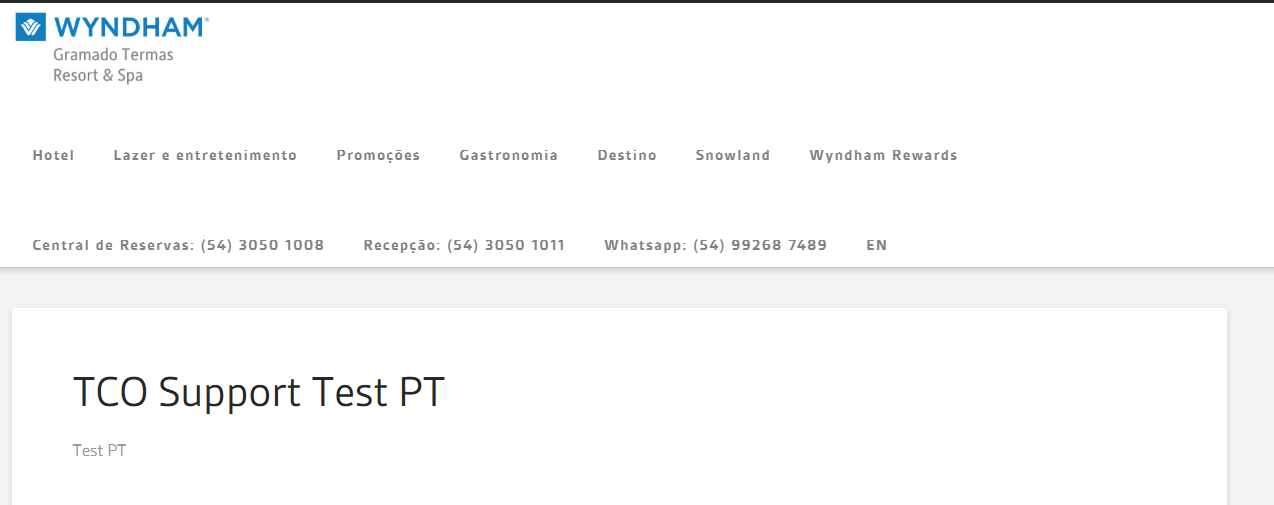
It looks like you have customized X. What you’re seeing in the original language is the customized version. See below.

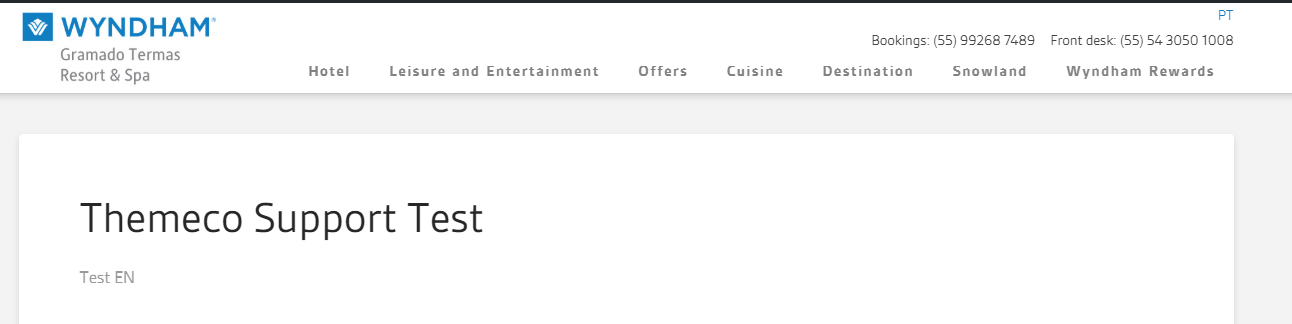
Below is a screenshot of the translation of that page. What you see is the untouched output of the X Header.

You will either need to remove your customizations or upgrade to our Pro theme so you can build a custom header which is also translatable.

If you wish to continue with the customized header, you need to forward this issue to a third-party developer as we do not support customized templates.

-----------------------------------------------------------------------------------

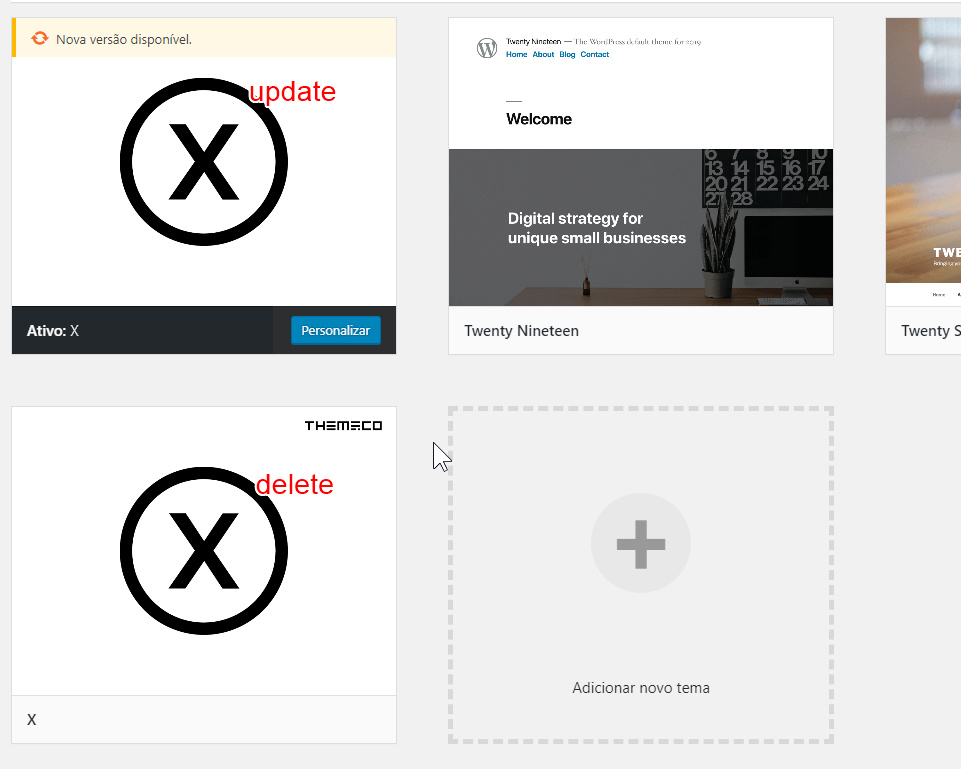
I also found 2 X themes on your site. This could cause issues. Please delete the older one and update the other one to the latest version and also update Cornerstone.

Thanks.

Hi Christian!
I have not modified the theme. Everything you see in the header is a JS that I added in the custom JS part of X. None the X’s files has been changed.
This issue has been happenning to the site from older versions of X and Cornerstone. Is there a possibility of a problem between X and WPML?

Hello @ArielB90,

Please make sure that you are using the updated version of the WP core, theme and WPML.
Our latest versions are:

  • X theme 7.1.2
  • Cornerstone 4.1.2
  • WordPress 5.3.2

This latest release contains fixes for several issues so be sure to check out the changelog (http://theme.co/changelog/).

After doing the updates, always remember to clear all caches (if you are using WP Rocket, WP SuperCache or W3 Total Cache) when updating so that the code from the latest release is always in use. This will help you to avoid any potential errors.

Please let us know how it goes.

This topic was automatically closed 10 days after the last reply. New replies are no longer allowed.