Translate one navigation page problems!

Good Morning,

I am trying to translate the page of a navigation one with WPML, I have made 100% of the translation but there are parts of the initial page that are not shown to translate.
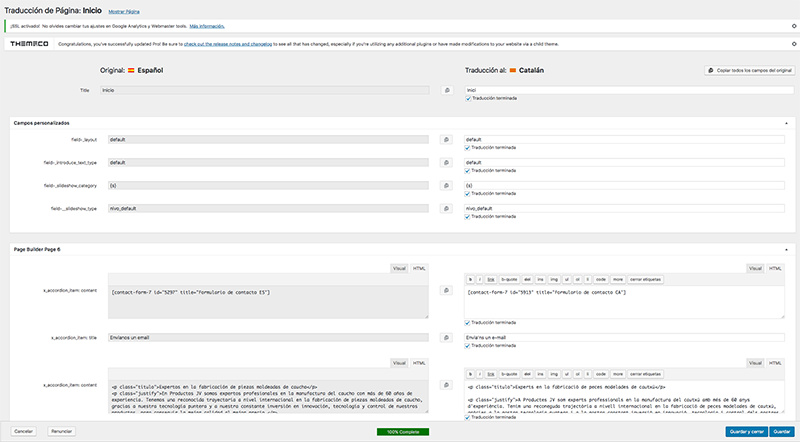
Apart from all this, the screen is shown 100% wide in the other language …

The base language is https://www.productosjv.com and the translation https://www.productosjv.com/ca

The sections: Instal.lacions, Materials, Qualitat, Clients and a part of Contact do not leave to be translated in the WPML manager

Hi there,

Thanks for writing in.

I recommend translating it like this for now https://www.dropbox.com/s/5oq0a5f7s2fd852/CornerstoneTranslation.mp4?dl=0

The V2 elements doesn’t have visible text for translation, hence, may not appear on that one. Hence, dedicated page for translation is the best workaround, for now.

Thanks!

The visual editor in my case is not cornerstone but PRO, does it work equally?

In my version the Duplicate button is not shown …

Can it be because I have already made the translation with the manager?

Hi there,

Yes, it works equally. Would you mind providing your admin login credentials? I like to check why the duplicate button isn’t there.

Thanks!

Solved!

thanks!

1 Like