Tours, Hotels have Disappeared

Hi I have a few questions.

  1. I moved to the recommended child’s theme for the demo content and then in my sidebar the Hotel and Tour areas disappeared. We still need them from the last site. I tried bringing over the .php from the cpanel into the child theme and it is still gone from the dashboard sidebar. i need to regain access to these please.

Additional small fixes:

  1. I would like to remove the small container gap at the top (between the menu and page start. See screenshot, would like it to only show the container background on the sides.

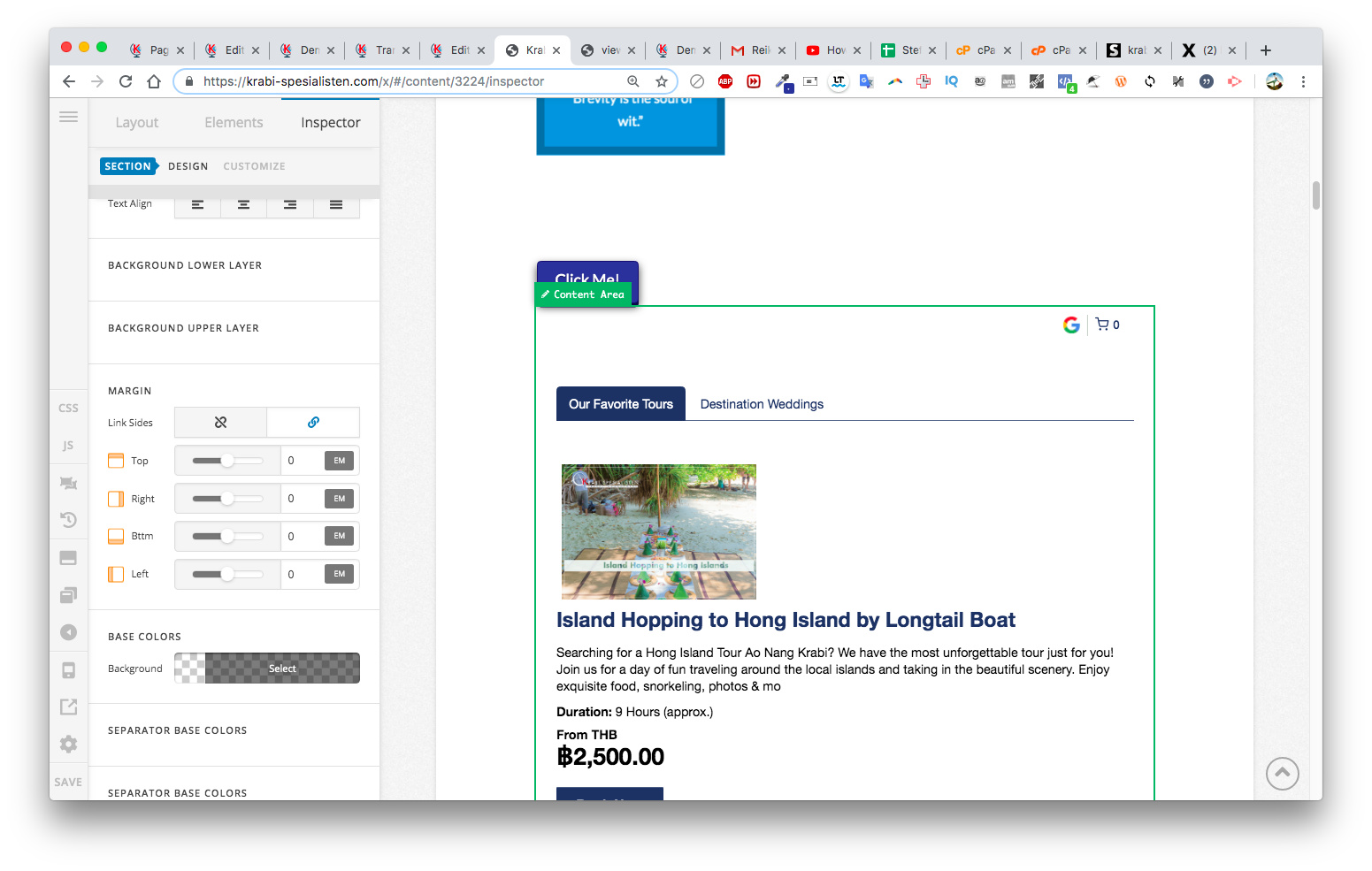
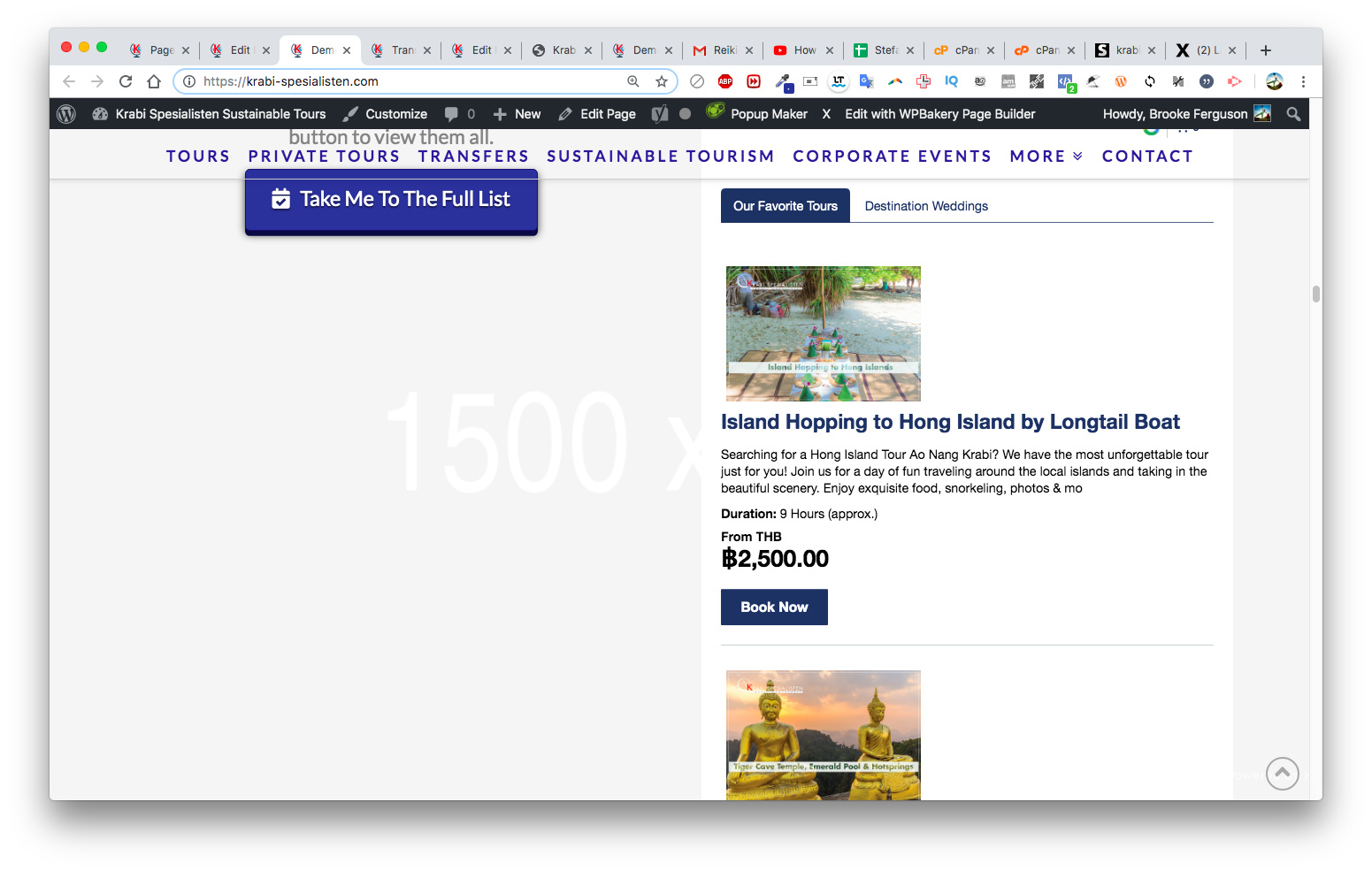
  2. I would like to inlay an iframe so that it looks good - if I do full size it looks terrible and also if I inlay it as a small column, it looks good, but then scrolls on for ages. This is main home page. I put in some screenshots bc also when I try to access it from Cornerstone it only lets me hover and cannot go back into the code to adjust. It only puts me back into the “row” and not “content area”. is there a way to list another website inside with set parameters so it looks good without the scroll? Then I can have the button link out to open in a new page. Cheers.
My login secure key is in last post if you need site access cheers.
Hi @businessbackpacker,

Could you please provide us with one of hotel/tour page? I went through your website but couldn’t find them.

Please try adding this custom CSS under Theme Options > CSS:

.page-template .x-container.max.width.offset {
    margin-top: 0;
}

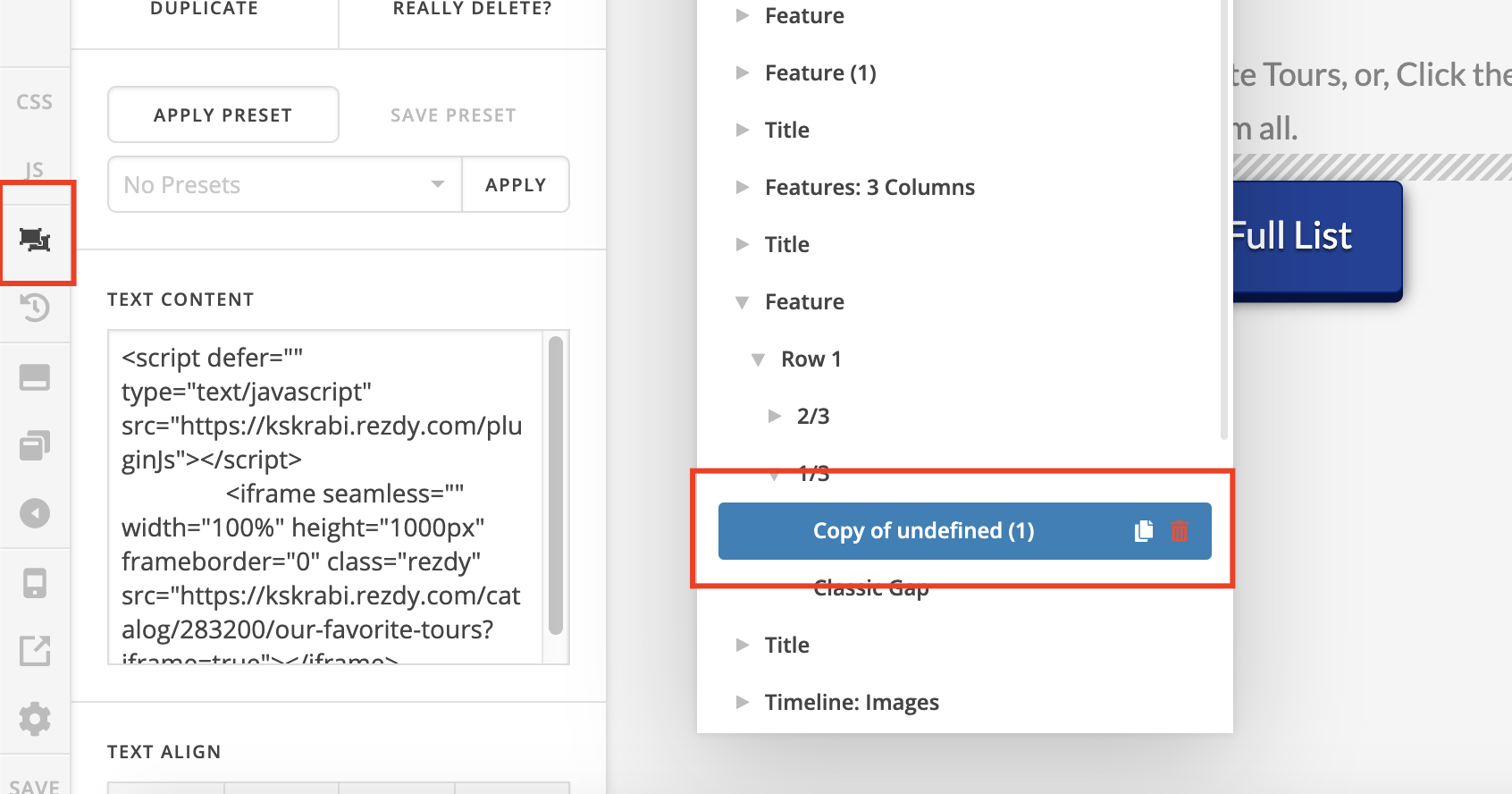
You can use the Skeleton mode to edit your iframe:

Please try to get 5 first tours/hotels instead of a full list so the height of iframe will be reduced.

I aslo recommend you to put the button at the end of list instead of next to the list:

Hope it helps :slight_smile:

Hello thanks for getting back so fast. The code does not work there is still a gap after I put in custom css.

I adjusted the ifram requirements and sizing but it is not how i want it. I don’t have the ability within the app to choose how many items I can show - additional help would be much appreciated.

Lastly, your question about the tours, I can’t find any of them anymore. Here is a full spreadsheet of the pages, they should come up from the “New Links” and none of them are showing.

Hi @businessbackpacker

Sorry but we are not entirely certain about that issue, please clarify. Did you (or a developer) customize the parent X theme and then now that you switch to child theme all that customization are gone and you’re trying to get it back? If that is the case please contact the original developer who made the customization, as we can not provide support for it.

Please change your page template to Blank - No Container | Header, Footer


In that case, what we can only do is limit the height of the text element containing the iframe and just have its own scrollbar. To do this, add the following CSS to your Text element’s inline STYLE area.

max-height: 75vh;overflow-y: scroll;


Use the Skeleton mode as Thai suggested above to access that text element.


Cheers!

This topic was automatically closed 10 days after the last reply. New replies are no longer allowed.