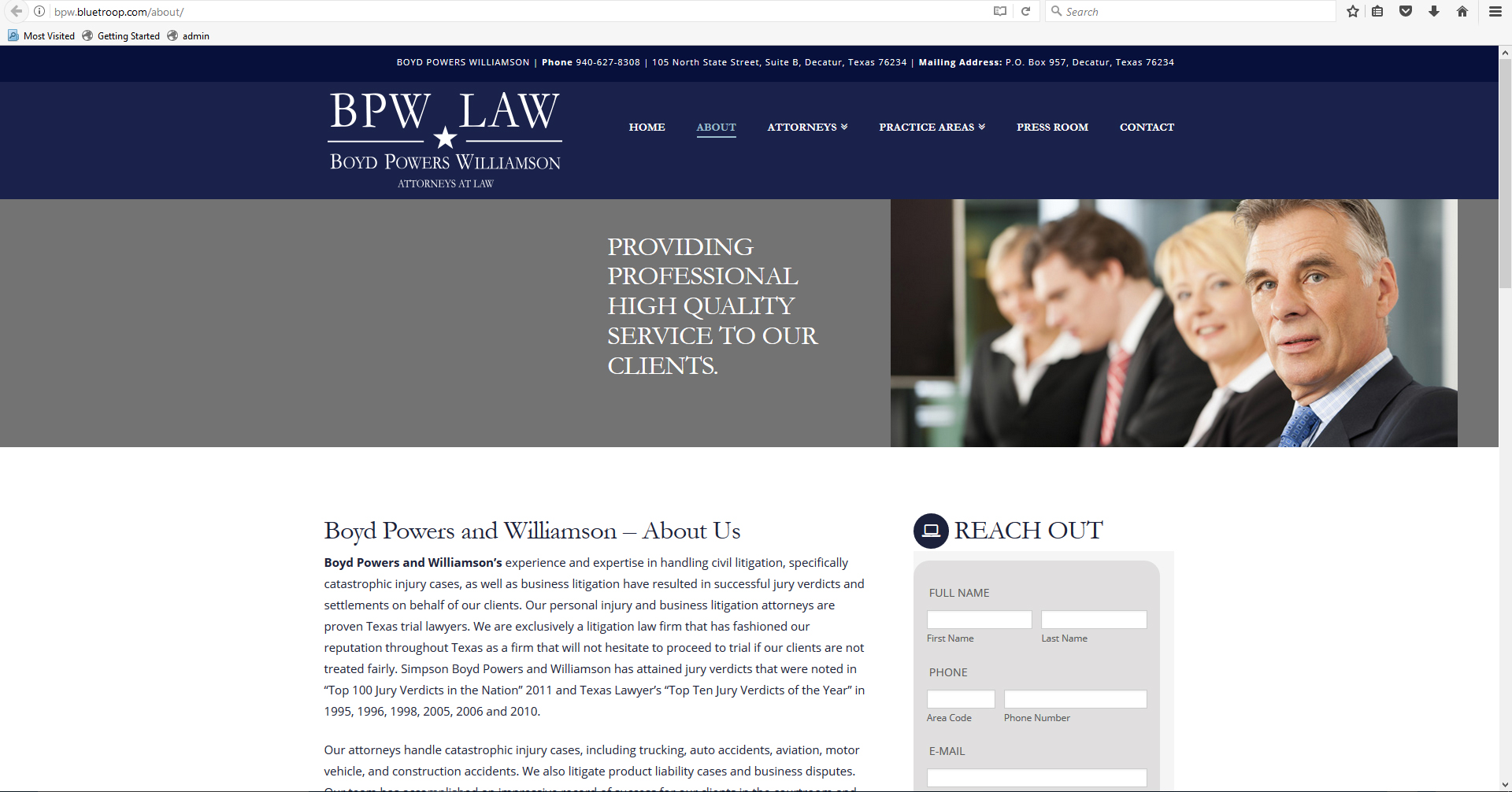
Top Section Centered Incorrectly

Hello X Team,

http://bpw.bluetroop.com/about/

On the page in the gray section just under the navy blue logo/navigation bar, it looks totally fine and centered in the Google Chrome browser (as it should), however in the Internet Explorer and Firefox browsers, the large pic and headline is shifted over to the right in the section. And in the Safari browser everything is shifted over to the left within the gray section.

How can I fix this?
Thank you in advance.

Lorne Thomas
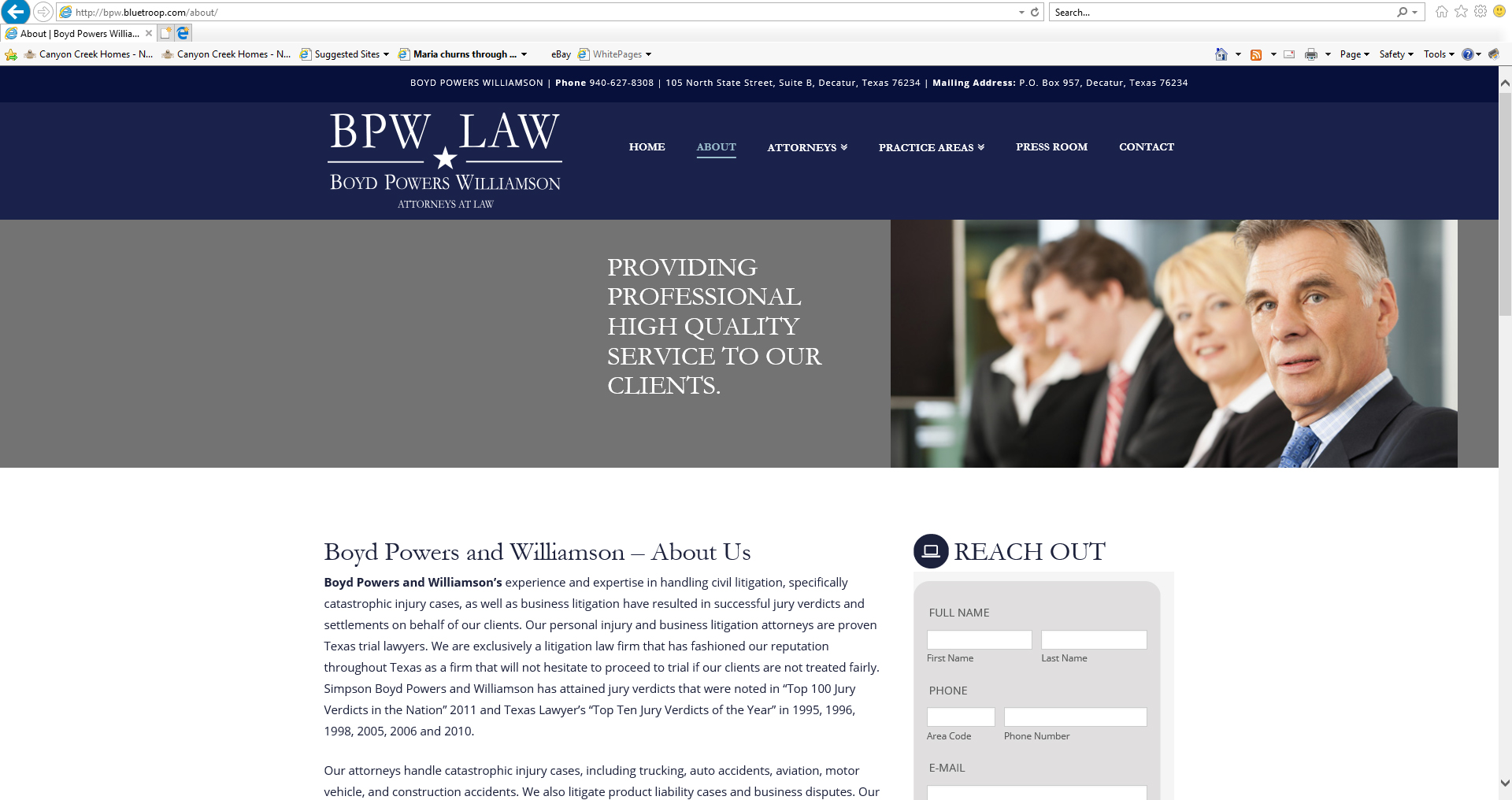
Hi There,

Could you please send us with your screenshots?

It seems to work fine on my end(both Chrome & Firefox).

Chome: https://i.imgur.com/bwzVdvJ.png

Firefox: https://i.imgur.com/QlnOOgL.png

It displays correctly in Chrome. It does NOT display correctly in Internet Explorer, Firefox and Safari. Please see the attached images. Thanks.

Hi there,

You have a tall header but you still set its container height to 90px. Please go to X > Launch > Options > Header and set NAVBAR TOP HEIGHT (PX) to 149px.

That should fix it.

But because of that, you should remove the top padding in your first section. You shouldn’t add spacing to other elements just because another one lacks the height. Instead, fix it directly.

Cheers!

Thank you! It works perfectly in all browsers except for Safari…
http://bpw.bluetroop.com/about/

Do you know what I can do to fix that?

Hi there,

That’s really weird, I think we need to add clear in all section. Please add this CSS to your global custom CSS.

.x-section {
clear: both !important;
}

This ensures that the element won’t wrap in a relative floating element (eg. the logo), it will then center properly.

Thanks!

I had this as well! will you be adding a fix in the future? it took me hours… Your CSS worked. I had redone the page many times. Still seem to be an issue.

Thanks for reminding us @geoffj. I’ll post this in our issue tracker so it will be queued for investigation.

1 Like