I added the top menu back into the site so we can add a log in for our patients to the top, and this makes the social media icons come back up on the right-hand side, which I don’t want them there.
What controls do we have over this topbar menu so that I can remove the social media and move the hyperlink I added off to the right-hand side where the social media is now instead?
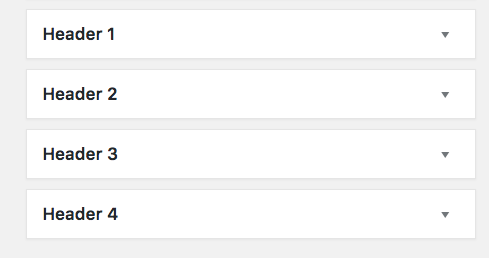
Also, when I add the other menu off to the top side that makes a triangle with a plus on it that you click on to drop that menu down, it’s got a bunch of widgets in it - how can I remove the widgets and put something else in there, if I want to use that menu function?