How can I change the top menu fonts? There’s no separate control for this and seems to be hardwired into the style of the site.
Also, I may want to replace the HOME button with an icon, but also cant figure out how. Normally in WP I would do that at the dahsboard under menus but there’s no option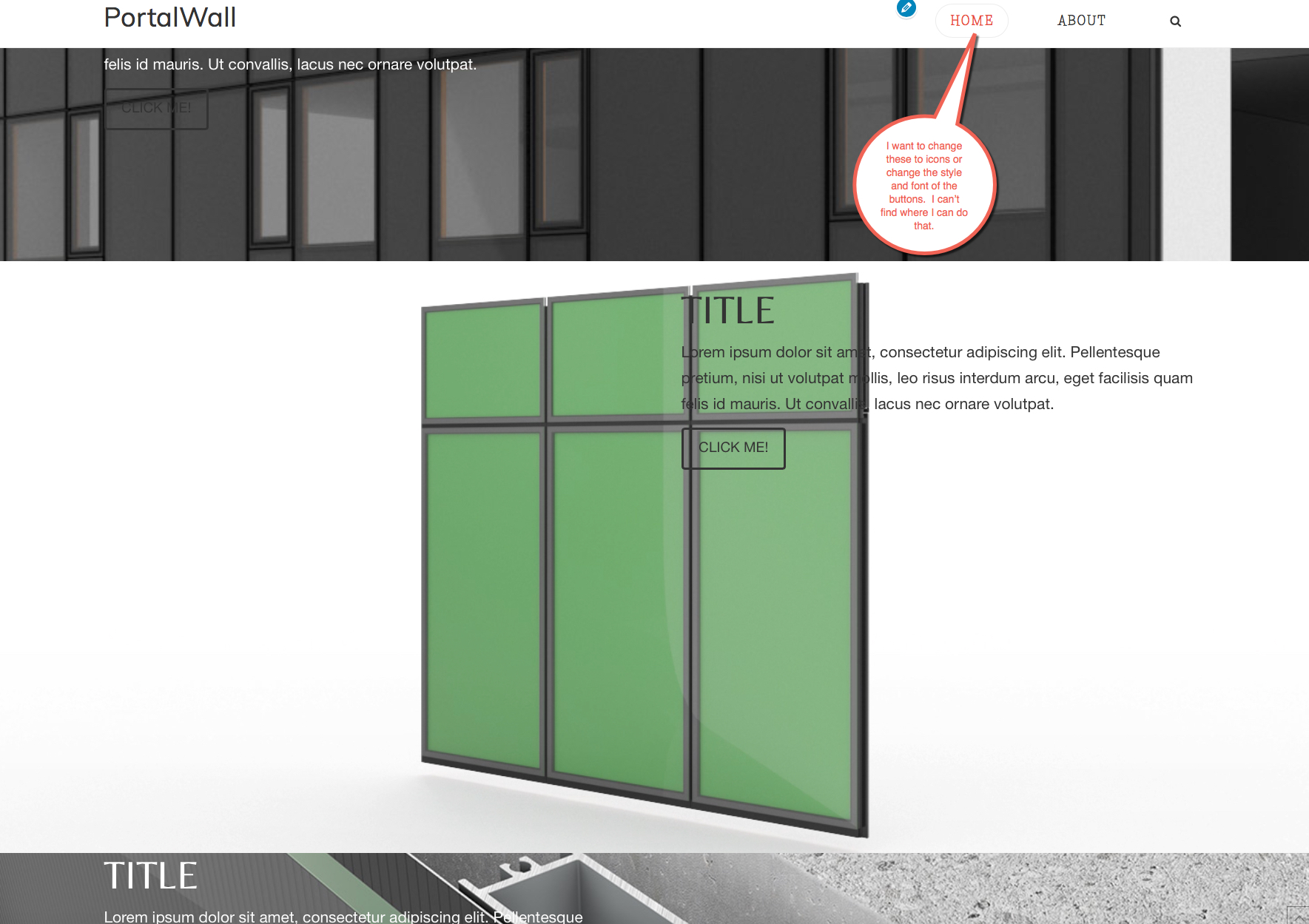
Hi,
To change the font, you can add the code below in X > Launch > Options > CSS
.x-navbar .desktop .x-nav > li > a {
     font-family:Arial;
}
Then to replace the Home menu with an icon, add a custom link with the following as link text
<i class="x-icon x-icon-home" data-x-icon="" aria-hidden="true"></i>

Hope that helps.
thank you, that worked well. Where can I find the codes for the various icons?
Hello There,
You can refer following resource for list of icons codes:
http://demo.theme.co/integrity-1/shortcodes/icons/
Thanks.