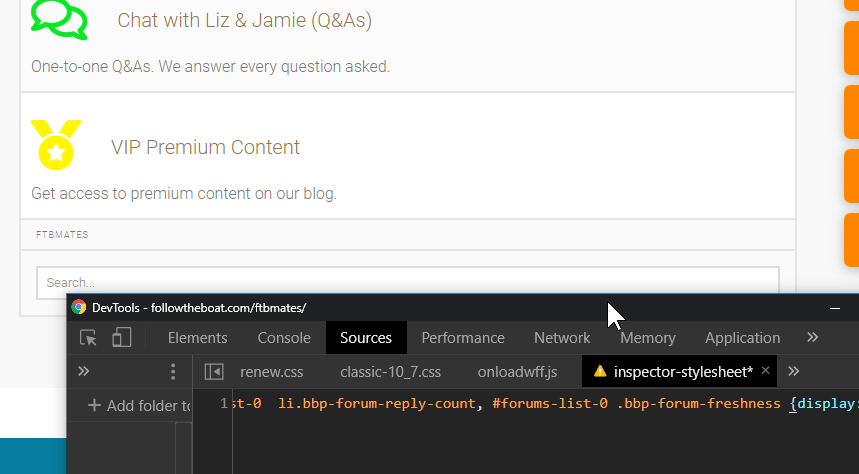
Top column headings not hiding in Chrome

Hi,

If you look at https://followtheboat.com/ftbmates in Chrome, you can see the top column headings. I have applied this code:

#forums-list-0 li.bbp-header ul li.bbp-forum-topic-count, #forums-list-0 li.bbp-header ul li.bbp-forum-reply-count, #forums-list-0 li.bbp-header ul li.bbp-forum-freshness {display:none;}

… which hides it in Edge and Firefox but they display in Chrome still. How to hide in Chrome?

Thanks!
Hey @demonboy,

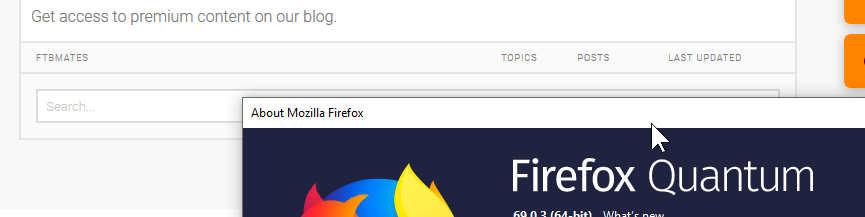
I checked Firefox and your code does not hide the elements.

Looks like you’re not targeting elements correctly. Start from the element’s class and work your way up to the parent elements’ class. The code below should work.

#forums-list-0 .bbp-forum-topic-count, #forums-list-0  li.bbp-forum-reply-count, #forums-list-0 .bbp-forum-freshness {display:none;}

Hope that helps.

1 Like

Yep, thanks for that, @christian_y. Sometimes I struggle identifying selectors, even with Inspector. Appreciated.

You’re welcome, @demonboy.

1 Like

This topic was automatically closed 10 days after the last reply. New replies are no longer allowed.