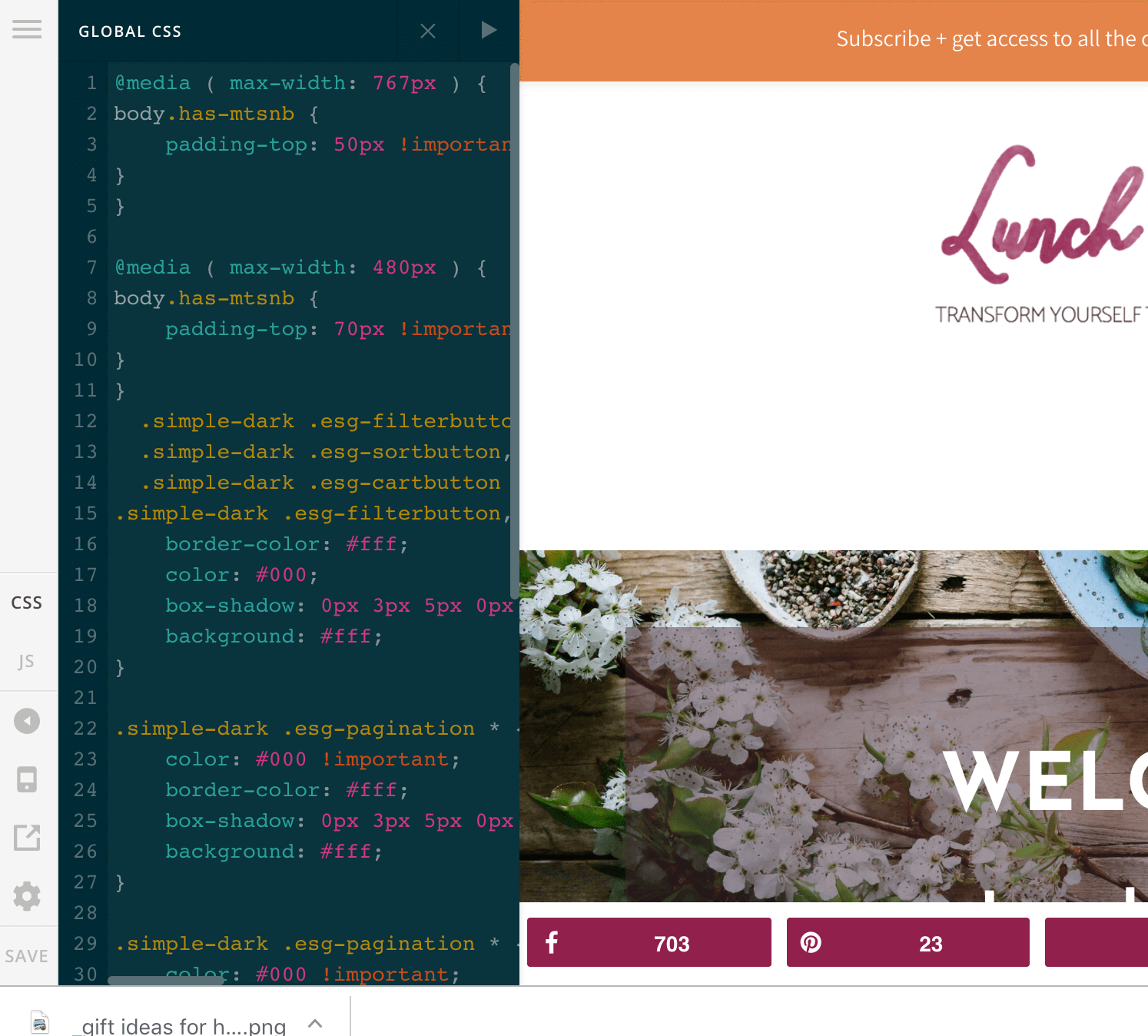
Top bar menu suddenly stopped showing up

I have a top menu that usually shows up in the upper left portion of the desktop. It still shows up on mobile but I just noticed tonight that it’s not showing up anymore on desktop. I have no idea why this would have changed.

The site is https://lunchwithleah.com

You can see the top menu on mobile with options for: Start Here, About, Shop, Work with Leah, Free Library

This menu doesn’t show up on desktop. Can you please tell me why?
Hi,

I checked and it still there, it’s just that it gets hidden behind your notification bar.

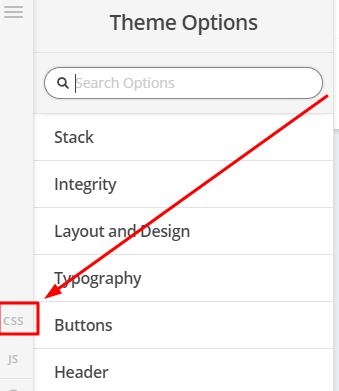
To make it visible, you can add the code below in Theme Options > CSS

body.has-mtsnb {
       padding-top: 50px !important;
}

Hope that helps

I already have that snippet of code in there i believe:

Hi,

I can see you have a cache plugin installed.

Try to clear your plugin cache and browser cache then check again.

Hope that helps

I cleared all caches and that did not help. Also, why would this suddenly be a problem when I haven’t changed anything?

Hi,

Sorry I am not sure what happened.

Would you mind providing us with login credentials so we can take a closer look? Please provide following information:

Set it as Secure Note

  • Link to your site
  • WordPress Admin username / password

All the best!

ok, sent a secure note.

Thank you!

Hi,

Please remove @media ( max-width: 767px ) {

Change this

@media ( max-width: 767px ) {
body.has-mtsnb {
    padding-top: 50px !important;
}
}

to this


  body.has-mtsnb {  padding-top: 50px !important;}

Thanks

Yes! That seems to have worked beautifully! Thank you!!!

X have the best support team!

You are most welcome. :slight_smile:

This topic was automatically closed 10 days after the last reply. New replies are no longer allowed.