Title Image & Header Spacing

My website: www.crystalskiesmusic.com

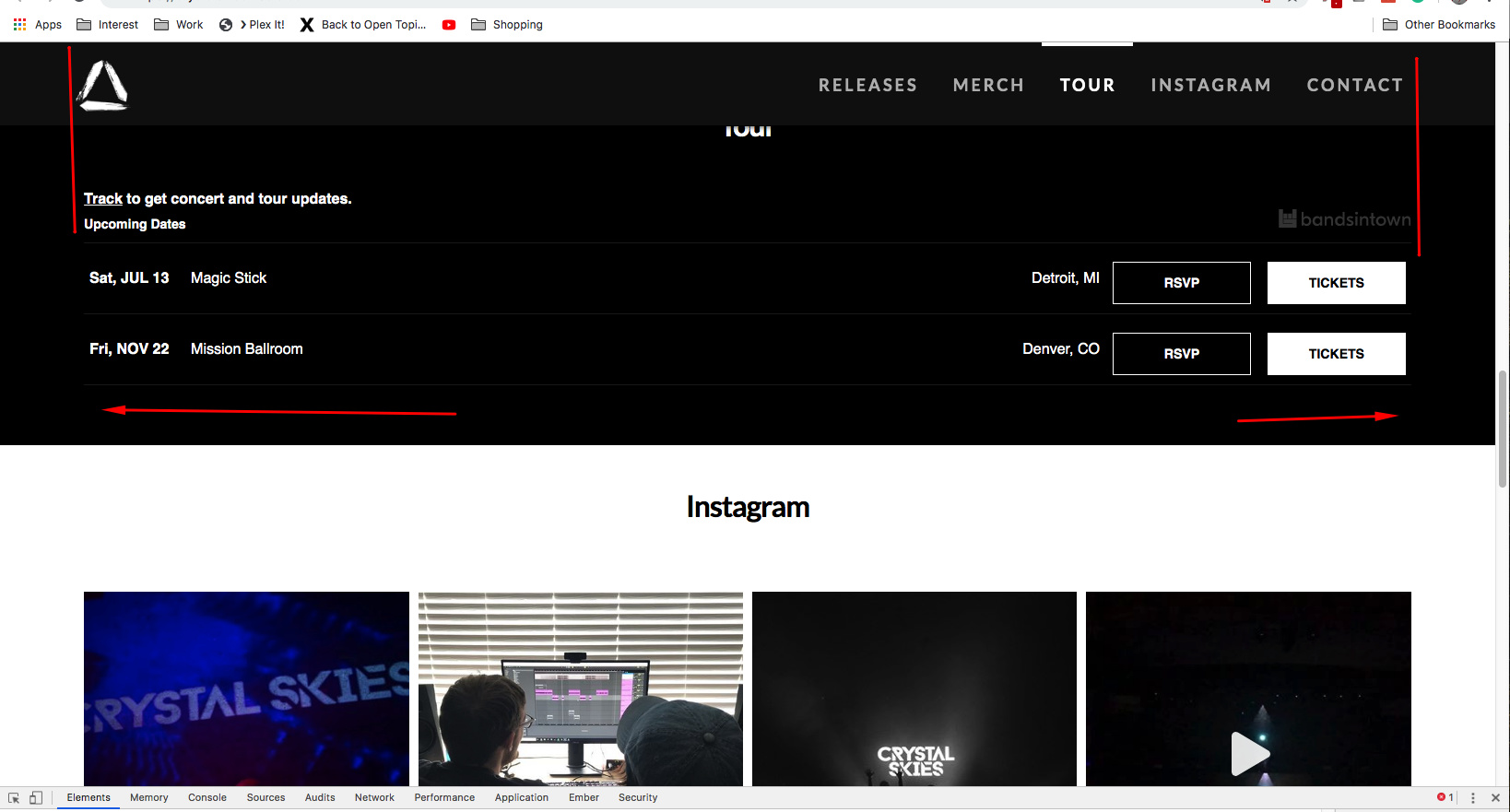
I’m having an issue with an image on the top not being displayed across the entire width of the webpage. When I view it, it is left aligned and only 4/5th of the page.

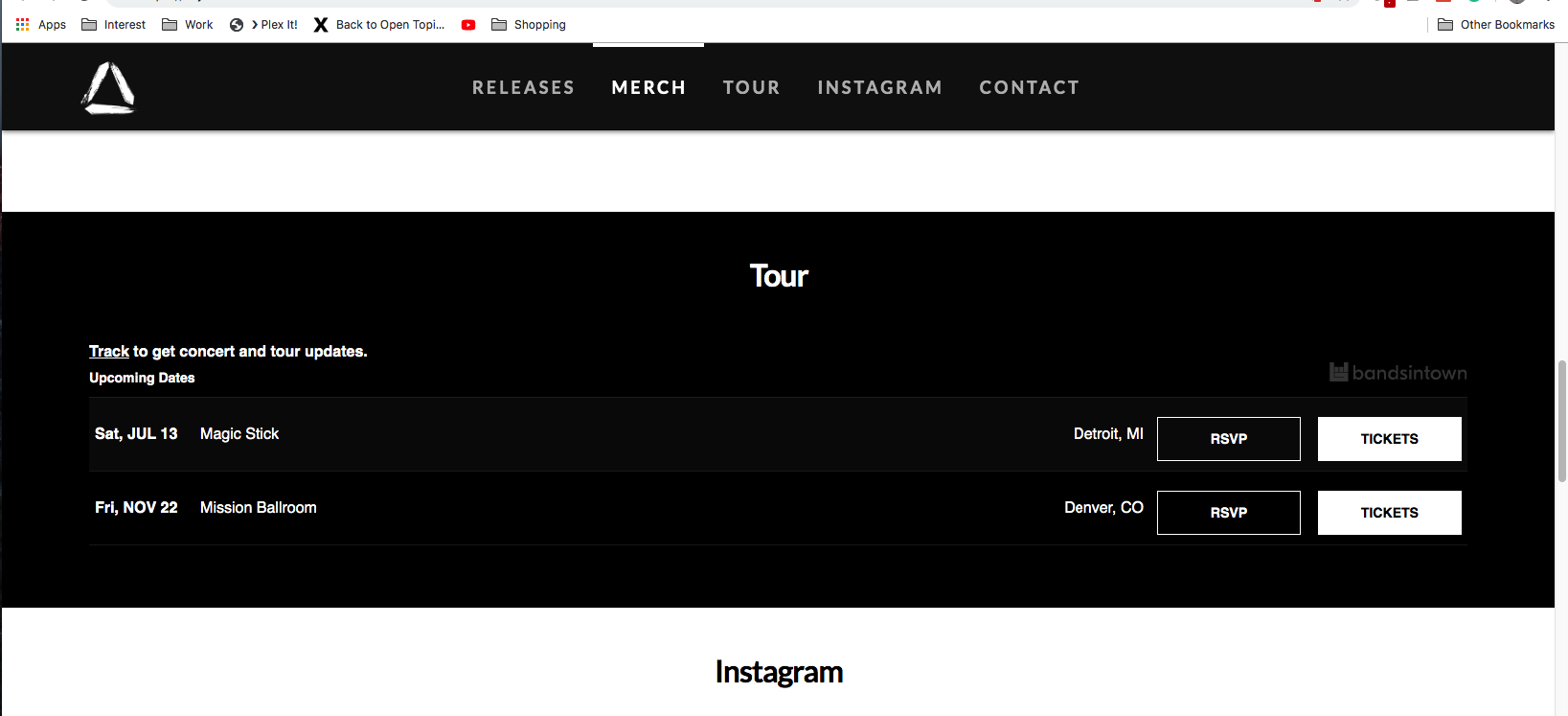
My second issue, is that I would like to center align my header menu, but I can’t seem to find any options that allow me to do this. Please advise.

Thanks again
Hello @medwid66,

It happens because the image is not wide enough to cover that entire section. Either use a much larger image, or on the Customize Tab > Element CSS: add the following

$el{ width:100%;}

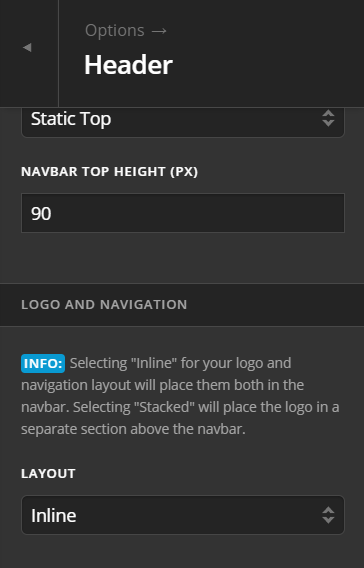
Note that you have chosen inline for LAYOUT on the following settings. Which means Logo and menu is side by side.

If you want them to center, please choose STACK insted for LAYOUT.

Hope this helps.

Hello,

  1. I added that code to the element CCS on the image, but it did not resolve the issue

  2. I guess I should be more specific. I want the header to stay INLINE, but the I want the menu to be center aligned between the logo on the left and the right stage of the page. Right now it looks like it is right aligned.

Thanks again

Hello @medwid66,

1.) Please have the css code updated and use this instead:

$el img{ 
  min-width:100%;
} 

2.) By the default, the logo is align to the left side and the menu is on the right side as shown below:

Do you want to display the menu like this?

If this is the case, please add the following CSS code in the X > Theme Options > Global CSS (http://prntscr.com/evui3r)

.masthead-inline .desktop .x-nav {
    display: block;
    float: none;
    margin-left: auto;
    margin-right: auto;
    max-width: 680px;
}

Hope this helps. Please let us know how it goes.

  1. This didn’t fix the issue

  2. Exactly what I needed! Thank you.

Hi @medwid66,

For the #1 please update the given CSS code to this:

$el.x-image,
$el img { 
  min-width:100%;
}

Hope it helps,
Cheers,

This topic was automatically closed 10 days after the last reply. New replies are no longer allowed.