Hello,
My clients website works on the frontend, however something is wrong with theme X and Cornerstone on the backend. My problem is, that I cannot launch cornerstone. Every time I go to launch it, I receive the message below.

I have compared my broken site and my other websites with each other, and a few differences might cause the problem.
- Cornerstone is not found as a sub menu to theme X as it is on my working sites. On my broken sites, it appears with a icon in the left hand menu (See the images below). My broken site is the top image.
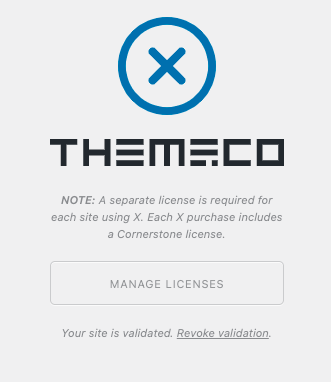
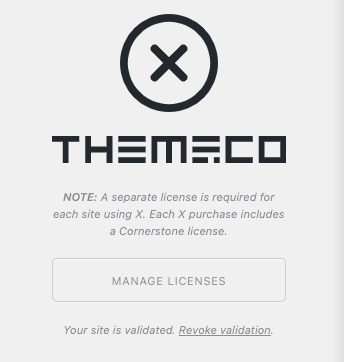
- When I navigate to Theme X, the license is validated, however the color of the Theme X ikon is blue, not black like on my working sites (See the images below). My broken site is the top image.
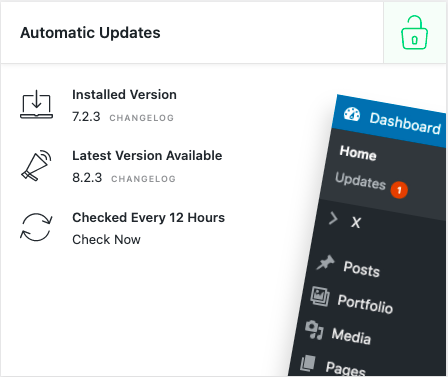
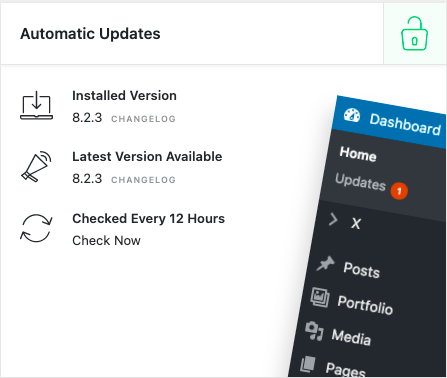
- It is not the latest version of cornerstone. My working sites are running the latest version of cornerstone, which is 8.2.3. My site with the broken Cornerstone however is running 7.2.3. However there is not an option to update the theme. (See the images below). My broken site is the top image.
I am confused as to how to tackle this issue.


All in all, my goal is to be able to acces Cornerstone on the broken backend of my clients website, and to update the theme to the newest version of cornerstone. With this, I’d also like cornerstone to become a sub-menu to theme X, which is shown on my working site on the 3rd image of this article.
I hope you can help. Thanks in advance!
