I watched the video on the header and footer creation. I don’t see how to load the presets as I currently have no options in the dropdown menu.
Icon
Renew Etc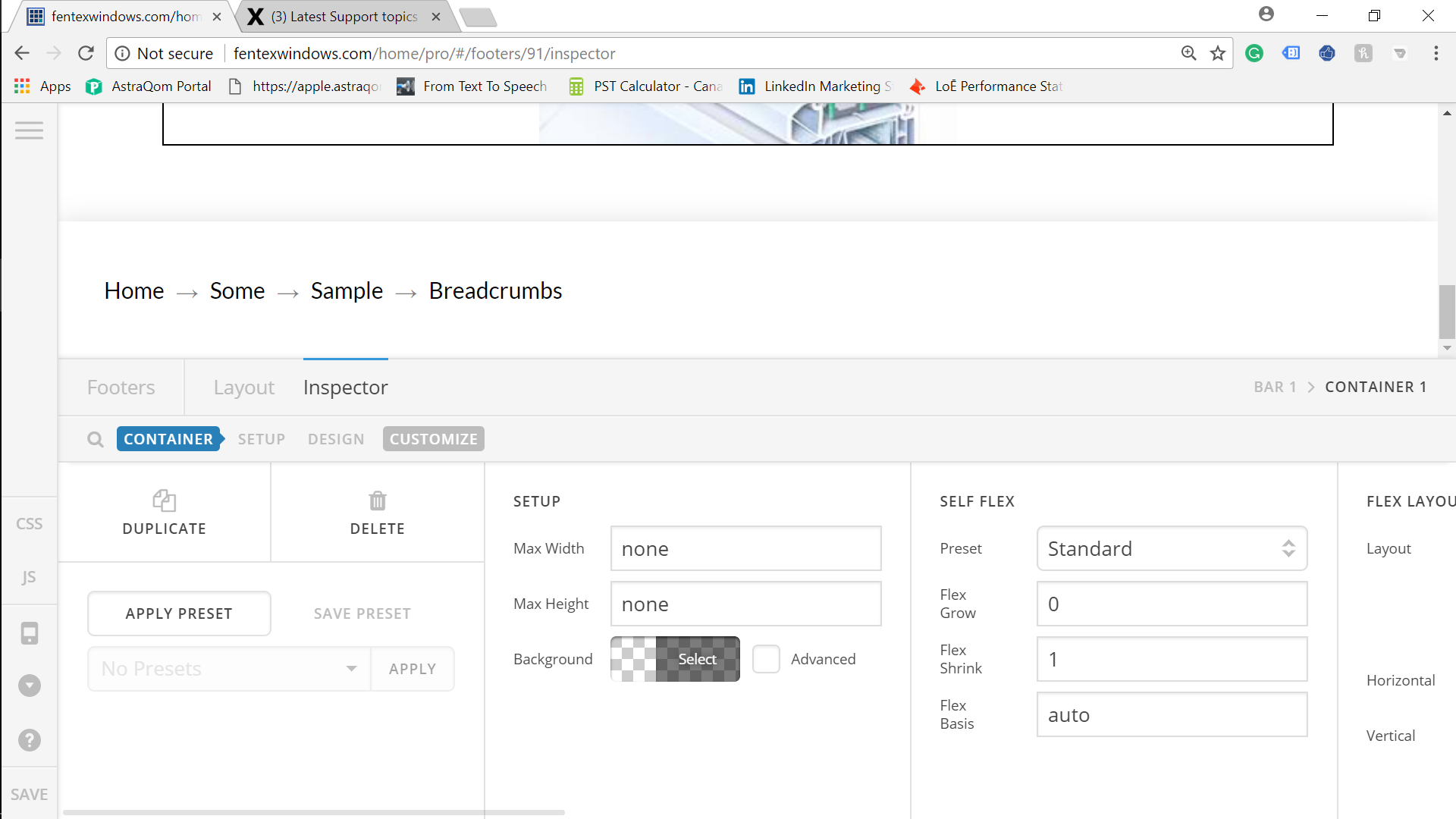
Thanks again for the great support.
I watched the video on the header and footer creation. I don’t see how to load the presets as I currently have no options in the dropdown menu.
Icon
Renew Etc
Thanks again for the great support.
Hello @tylerwhyte,
Thanks for asking. 
Please save few Presets to be reused later on. Once you have made necessary changes in the element style, please click on Save Preset button. In case you require that element on some other place, all you need to do is click Apply Preset button and select the present from combo box. I have recorded a screencast that you can take a look to work with Presets. https://cloudup.com/c5tAcWarbu3
You can get the list of presets from X/Pro > Templates > Presets. https://cloudup.com/cBTIVRA00ge
More information on Presets can be found on our Changelog page. https://theme.co/changelog/#theme-pro-2-0-0
Thanks.
Prasant,
The presets I’m looking for are the x theme presets. Like Icon Integrity and Renew as in the explaination video under forum. I can’t see these presets in the video you shared. There are many places that show how to import using X but not Pro.
Hello there,
If what you wanted is to import each of Integrity and Renew demo section elements on Pro, unfortunately we won’t be able to do that as they are only available for X theme.
Moreover, we can create those elements from the builder and save it as presets just like what my colleague was saying. Please refer to the instruction he said.
The preloaded templates can be seen on X/Pro > Templates > Presets, and you can import presets from Template Manager.
Let us know if we have answered your question.
Thank you.
This topic was automatically closed 10 days after the last reply. New replies are no longer allowed.