Hi Themeco,
I’d like a fullwidth site on all pages except WooCommerce Shop, Shop Category and Single Product pages. Cart and Checkout should be fullwidth.
When using Integrity / Ethos stacks and setting
Theme Options > Layout and Design > Content Layout = Fullwidth (there are options for Content Left, Sidebar Right and Sidebar Left, Content Right)
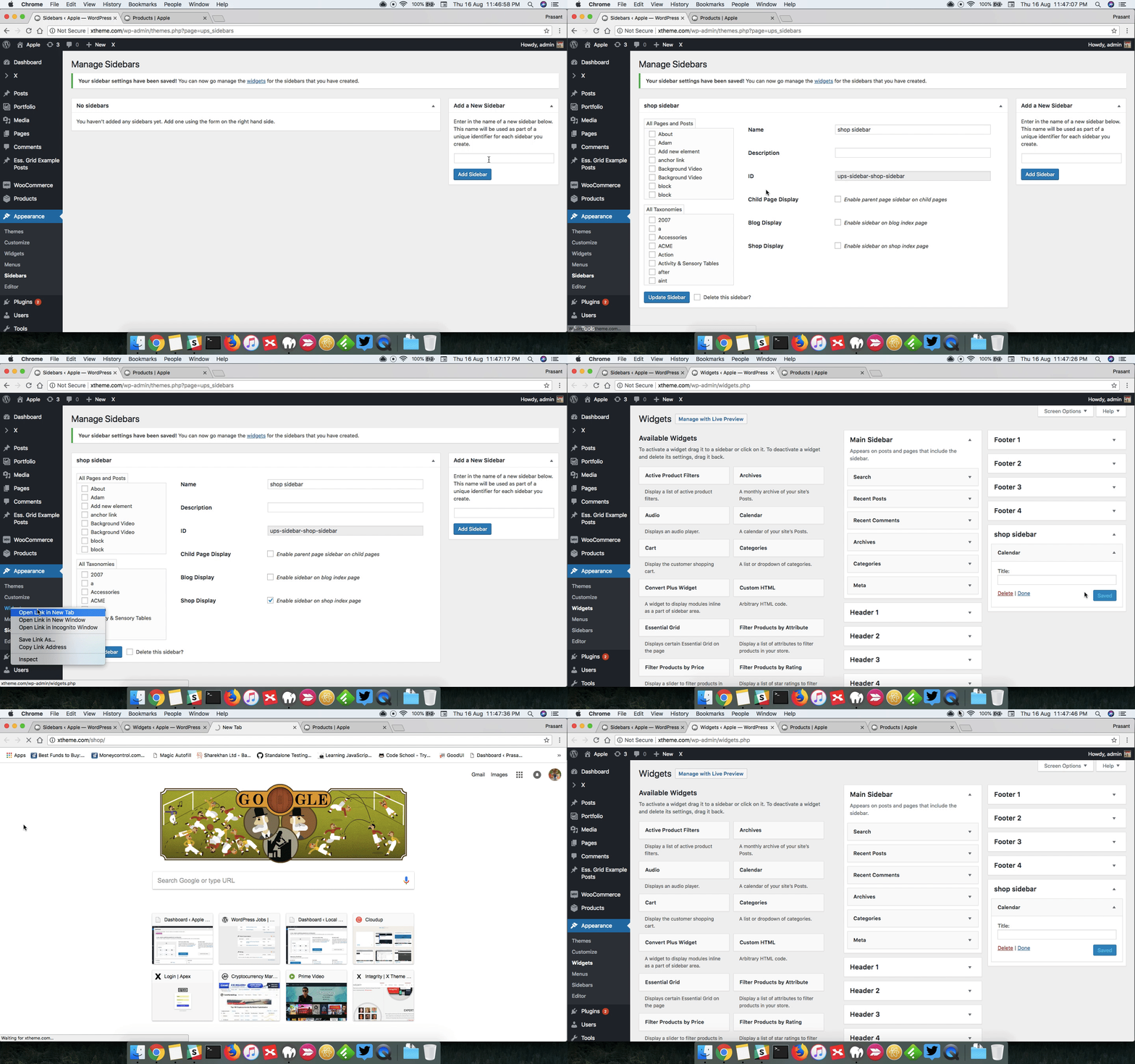
I go to Theme Options > WooCommerce > Shop Layout and there are only options for Use Global Content Layout or Fullwidth. There are no option for Content Left, Sidebar Right and Sidebar Left, Content Right for WooCommerce. I can only override to fullwidth. Given WooCommerce filter widgets traditionally appear in the sidebar there is no way to set this for WooCommerce if my global layout is fullwidth?
How can do this, am I missing something?