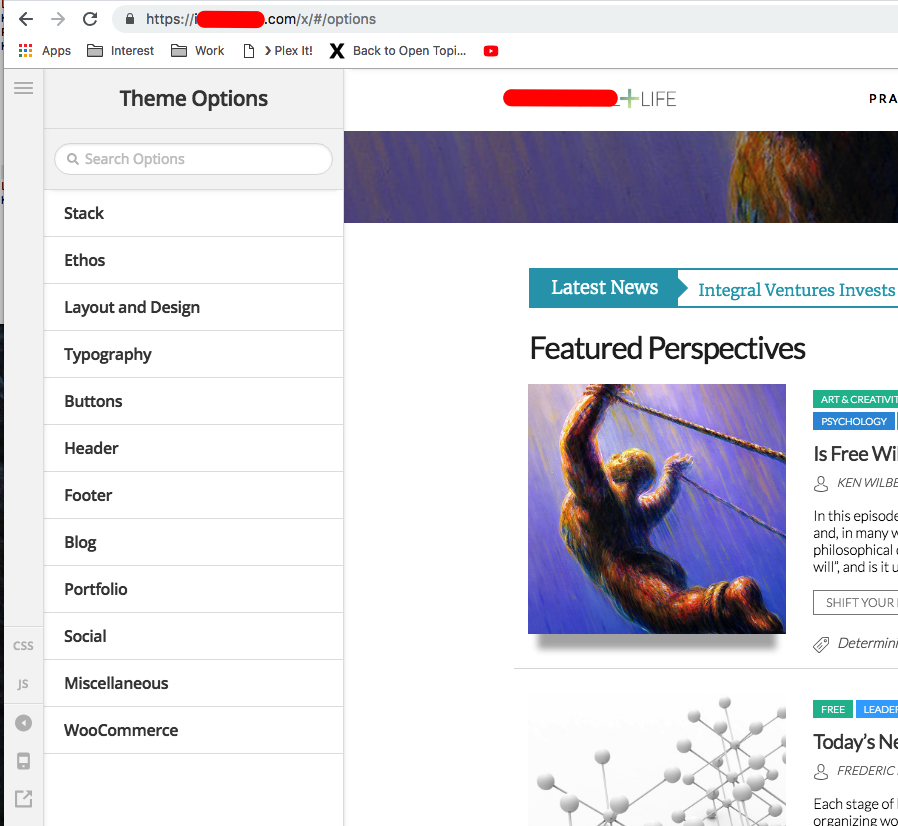
Hello, I am trying to re-enable Cornerstone to work on posts as well as pages, but I cannot get the theme options page to load, it just spins and spins. Here is what I have done to try to fix the issue:
- I changed the name of the x theme folder via ftp, and then re-downloaded and reinstalled the theme
- I deactivated and uninstalled Cornerstone, then let it automatically upload/activate by going to the X > Validation page
- I confirmed that the MEMORY_LIMIT and MAX_MEMORY_LIMIT are set to 256 and 512 respectively in the wp-config.php file
I am looking through the forum for other possible solutions, but I can’t seem to find anything. Can you guys help? I will provide login and ftp information after I submit this ticket.
Thank you for your help!