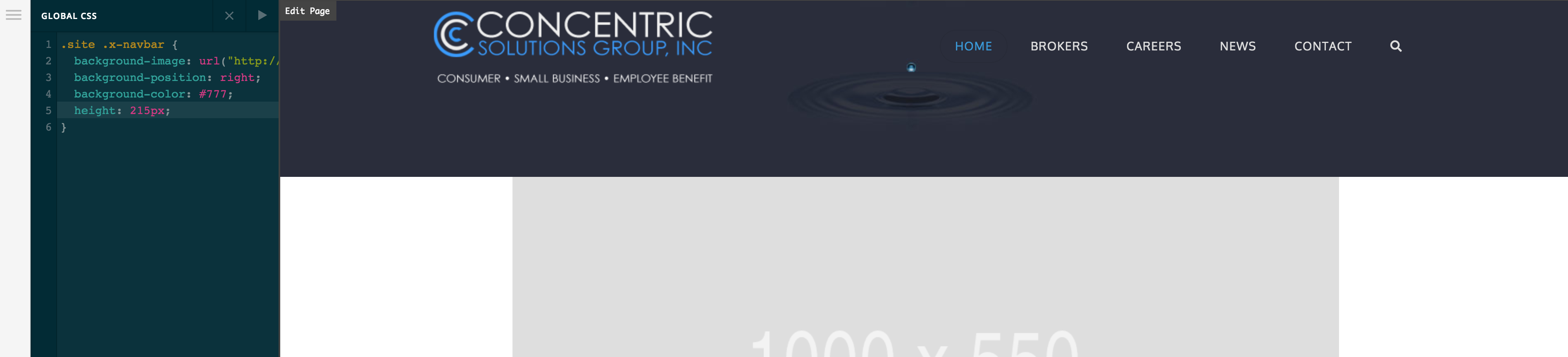
Theme Options Global CSS shows in Preview but not Live

I’m using X and have updated just now, but the problem existed prior to the update. I’ve cleared cache and don’t have and Plugins active except Cornerstone.

The site is http://consolgrp.com and changes made to Global CSS show in the preview but when I view the live site on multiple devices, there is no navbar background.

Thank you for your support.
Hello @Sunbonex,

Thanks for writing in!

Are you referring to this code:

div.x-navbar{
    background-image:url("http://consolgrp.com/wp-content/uploads/2018/11/header_bg.jpg");
    background-position:right;
    background-color:#777;
    height:115px;
}

In most case, this could be a case of a css conflict where in a particular block were unclosed or a missing curly brace somewhere. Can you please provide us the complete css code you have added in the Theme options custom css section?

Regards.

The code you’ve copied is in it’s entirety. It previously worked in the preview and went live as well but as I entered Cornerstone to make edits is when it suddenly started showing only the white navbar. As I went back to Theme Options, I deleted except for the background color and still only saw the white. i went looking for rogue html in Cornerstone but couldn’t find any.

Thank you!

It seems whatever I do, I changed height to 245px now only shows in Preview, but does not show up live.

I fixed it somehow. A new section I had added but hadn’t put any content in somehow broke the navbar!

Hello @Sunbonex,

We are just glad that you have figured it out a way to correct the said issue.
Thanks for letting us know!

Best Regards.

Thanks, however, I was able to correct it by removing the section, but upon trying to add it back in in another section from Cornerstone, it breaks the Navbar once again.

Hi there,

I tried changing the CSS that is in the Global CSS and it seems to reflect correctly in the preview, Cornerstone, and the live page.

Would you mind trying to clear your browser cache after you change the CSS code or try another browser and see if the issue persists?

Thank you.

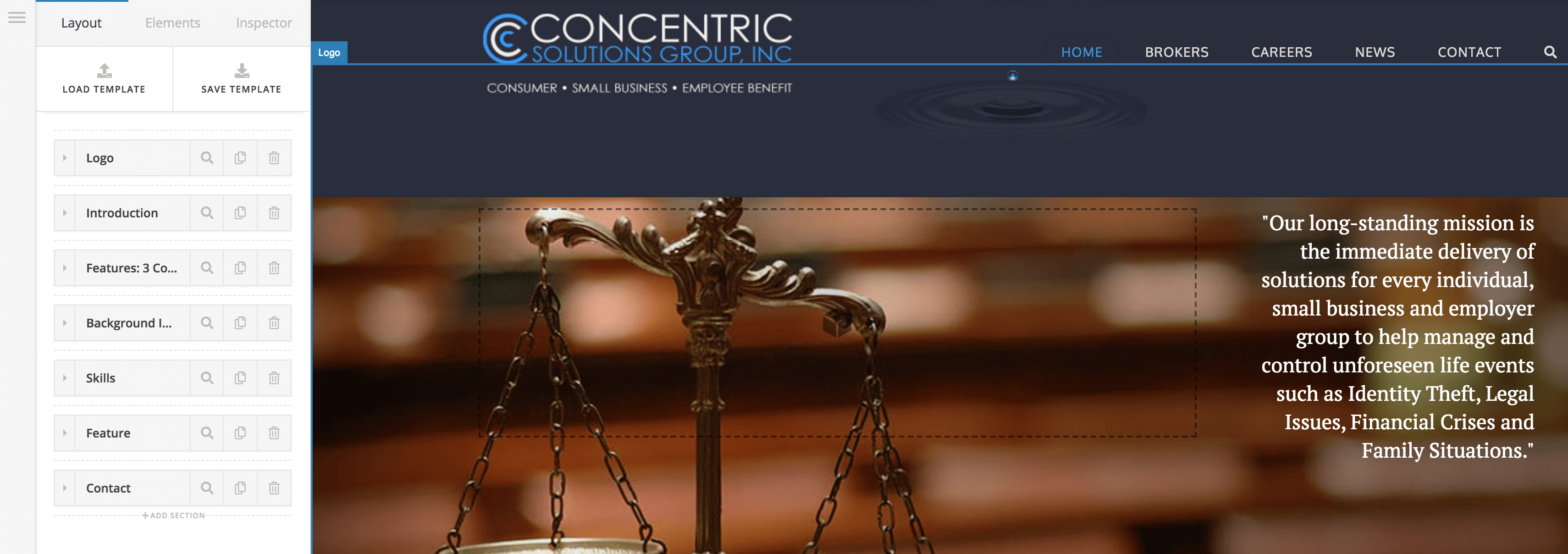
Yes it is responding correctly now, but as soon as you add another section in Cornerstone, in this case, between Logo and Introduction, the Navbar stops responding and takes on its own styling and no longer responds to Global CSS.

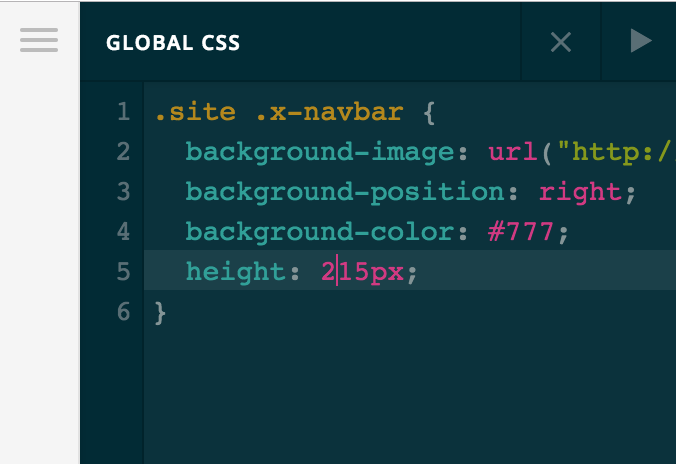
Hmm, i noticed something on your copied CSS; did you change a tag .site from div.x-navbar?

Hi again,

It seems to be working fine now. I added couple of new sections between Logo and Introduction sections and your Navbar didn’t lose it’s background color. Perhaps using the hierarchical order .site .x-navbar resolved the issue. You can learn more about cascading here https://www.mrc-productivity.com/techblog/?p=769

I’ve removed those new sections since your site was live.

Thanks!

Thank you! I will look into the resource.

Much appreciated!

We are delighted to assist you with this.

Cheers!

This topic was automatically closed 10 days after the last reply. New replies are no longer allowed.