The preview could not load. This is most often related to a plugin conflict or aggressive page cacheing. Checking the developer console for errors could indicate what went wrong. $$$

Getting this error.

I have:

Changed to PHP 7.2
Deactivated all plugins
Tried to whitelist the directory with the address given in another topic (https://cooptaxis.pt/pro/*)

Please assist, this is happening to different domains hosted with different providers, so is this a problem with X?

Will attach login details in a secure note.
Also… I have no idea how to drag and drop with the new skeleton mode? When I drag a new element anywhere onto the floating skeleton mode it simply does not drop. I can drag the element but it doesn’t then drop into a column.

What am I doing wrong?

Hey Greg,

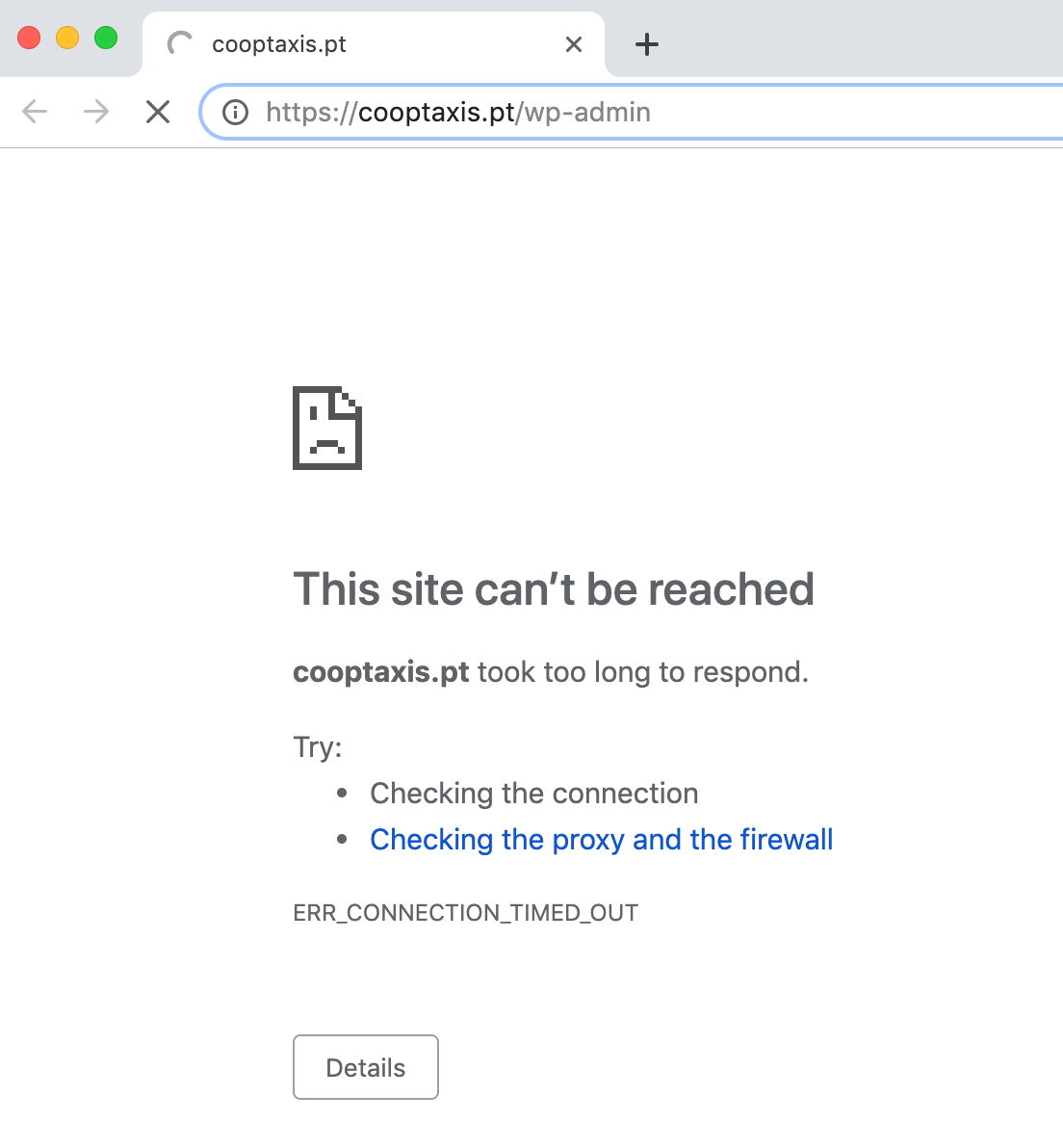
I tried to check your site but it is not accessible:

Do you have an IP blocking enabled on your site? If so, kindly disable it so that we can access the site.

As for the Skeleton Mode, it was restructured and you will not be able to add new elements in the Skeleton Mode as you can still access the content area when the skeleton mode is active so you can drag and drop the elements to the content area instead since Skeleton Mode is not used for organizing the page content easier.

Hope this helps.

https://dunblane-equestrian.co.za/wp-admin

Sorry this is the link to the site

Hello Gregory,

I was able to log in to your site. I can edit all the pages in Cornerstone except your homepage. There seems to be a JS error on the page prevent the preview to load.

I would recommend that you create a new “Home” page and edit it in Cornerstone first. Once you are done editing, you can re assign the new page as your home in Settings > Reading > Front Page Displays.

Hope this helps.

This topic was automatically closed 10 days after the last reply. New replies are no longer allowed.