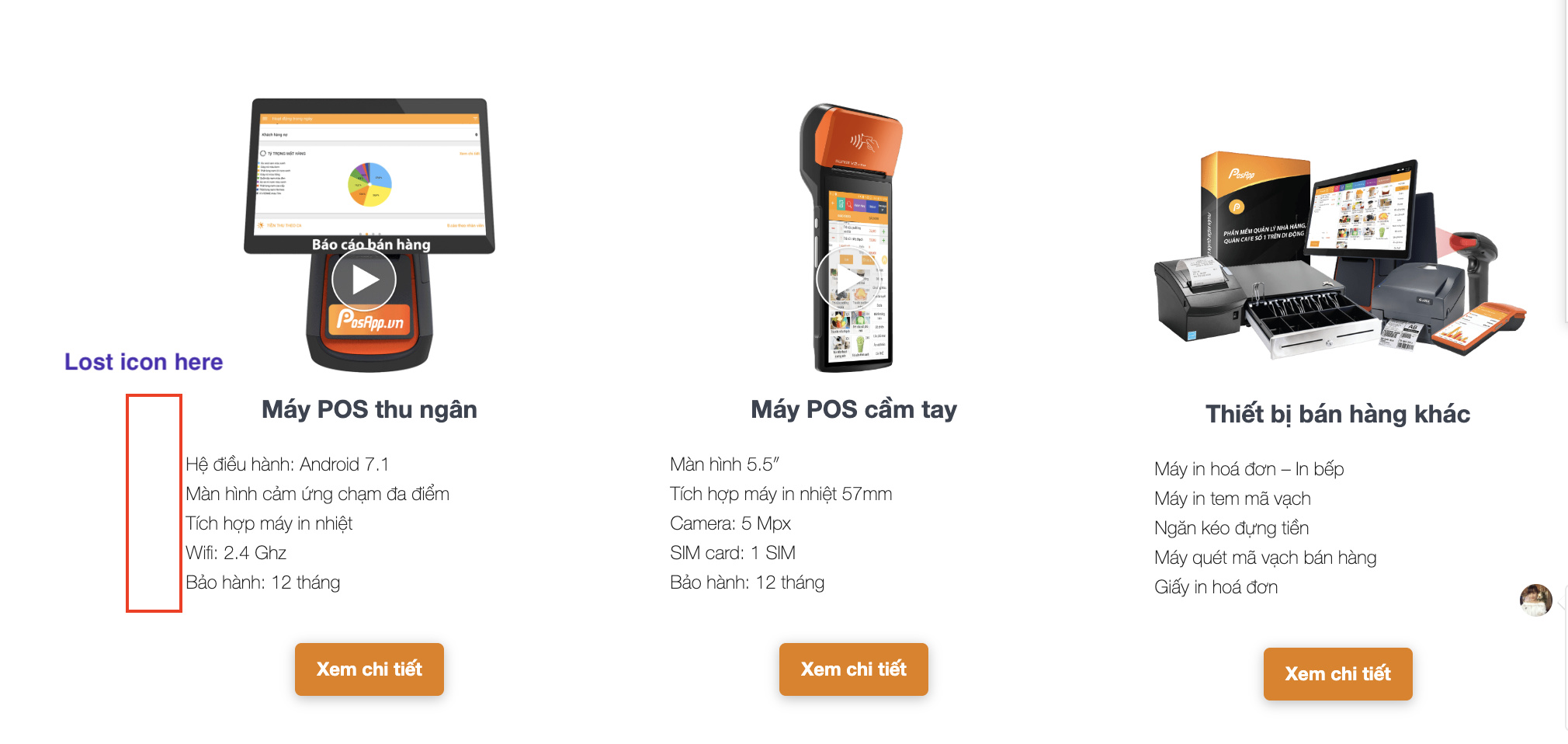
Hello Cornerstone, I just updated Cornerstone from version 4.0.3 to 4.1.1 and there is one serious error happening. I lost all my icons created by cornerstone before. Please support me with this case https://posapp.vn/

Hi @mobitouch,
Thanks for reaching out.
It appears that another plugin is overriding the cornerstone’s icon library. Could you try disabling BWL KB Manager plugin and test it again?
Thanks!
deactivated b BWL KB Manager but still cannot see the icon
Hi @mobitouch,
Please update your Wordpress to the latest version (5.3)
Then please update your Theme if it has a newer version (see the documentation of your Theme)
Lastly, please update the Cornerstone to the latest version (4.1.2)
Remember to clear all your caching features (plugin, server-side, CDN, and browser’s cache) after updating so that the code from the latest release is always in use. This will help you to avoid any potential errors.
If the issue persists, please do a testing for a plugin conflict. You can do this by deactivating all third party plugins, and seeing if the problem remains. If it’s fixed, you’ll know a plugin caused the problem, and you can narrow down which one by reactivating them one at a time.
Let us know how it goes,
Cheers!
This topic was automatically closed 10 days after the last reply. New replies are no longer allowed.