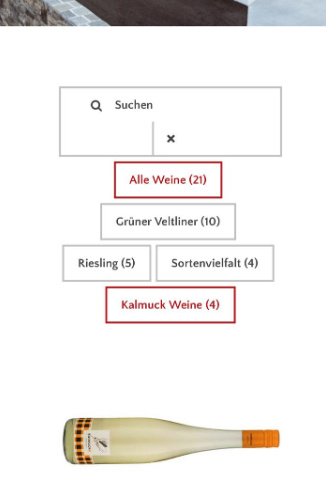
Hi Nikolaus,
Thanks for reaching out.
- There is too much spaces on your grid plus spaces around it, I recommend removing the 20px margin applied to your grid.
#grid-59 {
    margin-top: 20px;
    margin-bottom: 20px;
    margin-left: 20px;
    margin-right: 20px;
}
If it’s a custom CSS then please edit it, or if it’s grid setting then please change it as well. The issue, it doesn’t have enough space to stay inline.
- Sure, please add this CSS to Theme Options > CSS as well
@media ( max-width: 767px ) {
.tg-filter-name, .tg-filter.tg-show-filter {
    display: inline-block;
    min-width: 148px;
}
}
Hope these helps.