The Grid Plugin causing Cornerstone Glitch

Hi guys,

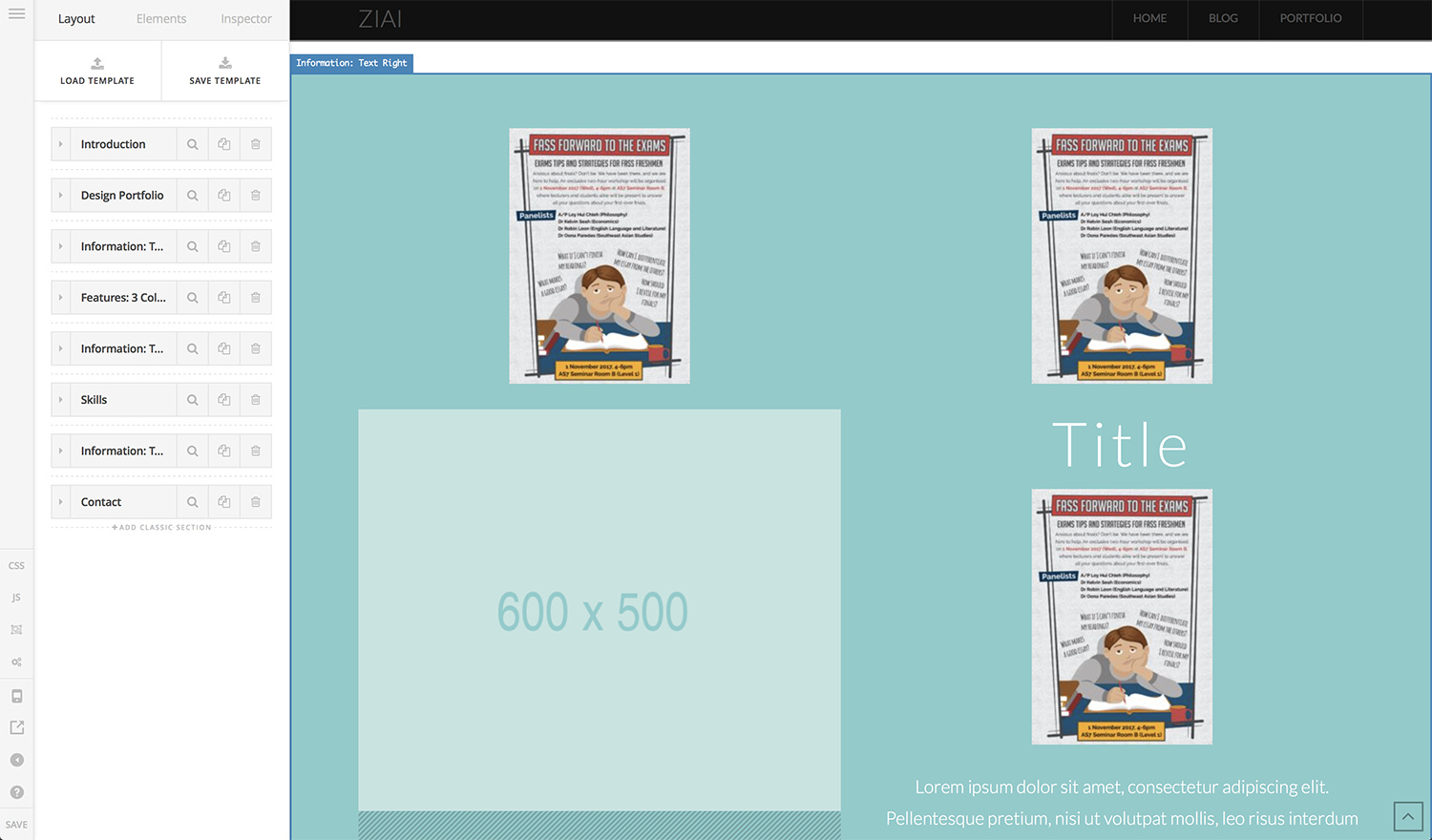
I’m running Theme X v6.0.4 and The Grid v2.6.0, both of which I believe are the latest versions available. My site at limziai.com displays perfectly, but the Cornerstone editor stops working every time I add the shortcode for The Grid - the preview glitches, and repeats a single image from my grid over and over again, throughout the page.

See screenshots:
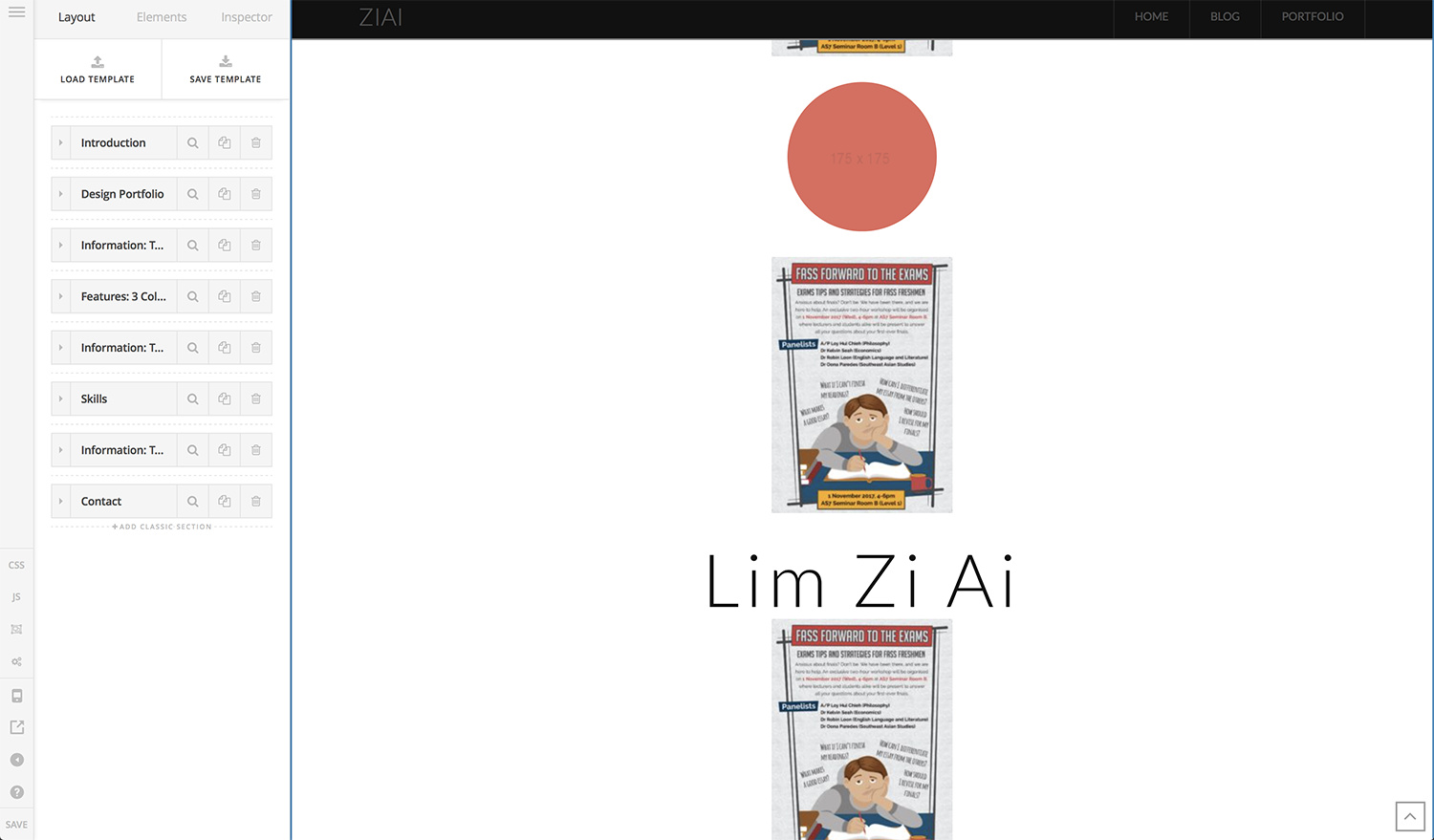
The glitch happens whether I insert it via the “Classic The Grid” element, or if I entered the shortcode into “Content Area”.

I’ve tried editing the page with Chrome, Firefox, and Safari; and the problem appears consistently. I’m using a MBP running on High Siera if that’s relevant. Again, the end product @ www.limziai.com shows up perfectly across all browsers, but editing it in Cornerstone is impossible as the preview glitches.

Hopefully it’s just a dumb mistake on my part, but I’d appreciate any guidance or help please - thank you!

Hi There,

This is a known issue which happens in a few installations, we are working to find out what causes the issue.

In the meanwhile I suggest you to remove the grid from your page while you are developing the sections and add it just at the end of the process.

Thanks for understanding!

Hi, i have the same issue. I’m using Essential Grid, and after i add the short code on the page(in the wordpress text view), it does not stay there after i edit the page in Cornerstone. Please advise. Is there a way to just enter the short code somewhere in Cornerstone page editor?
Thanks!

Hi There,

Yes, you can add the shortcode to a RAW Code element in Cornerstone.

Hope it helps!

Are you referring to ‘Classic Raw Content’ element? Thanks!

Yes sir! :slight_smile:

This topic was automatically closed 10 days after the last reply. New replies are no longer allowed.