Hi there,
I want to be able to move the navigation arrows of The Grid to the outside of the images (not overlapping). I can’t seem to find out how to do it.
url in private note,
Please let me know,
Andy
Hi there,
I want to be able to move the navigation arrows of The Grid to the outside of the images (not overlapping). I can’t seem to find out how to do it.
url in private note,
Please let me know,
Andy
Hey Andy,
I’ve checked The Grid settings and regretfully, this is not possible. This could be possible with custom CSS positioning but this would require custom work which is outside the scope of our support.
Thank you for understanding.
Hi there,
Thanks for getting back to. Sorry to hear it’s not achievable through normal features. To have navigation arrows not overlapping images seems like a pretty standard thing, so a little disappointed it’s not included.
Thanks for your help anyway.
Hey @designandstuff,
Thanks for updating in!
If you want something like this;
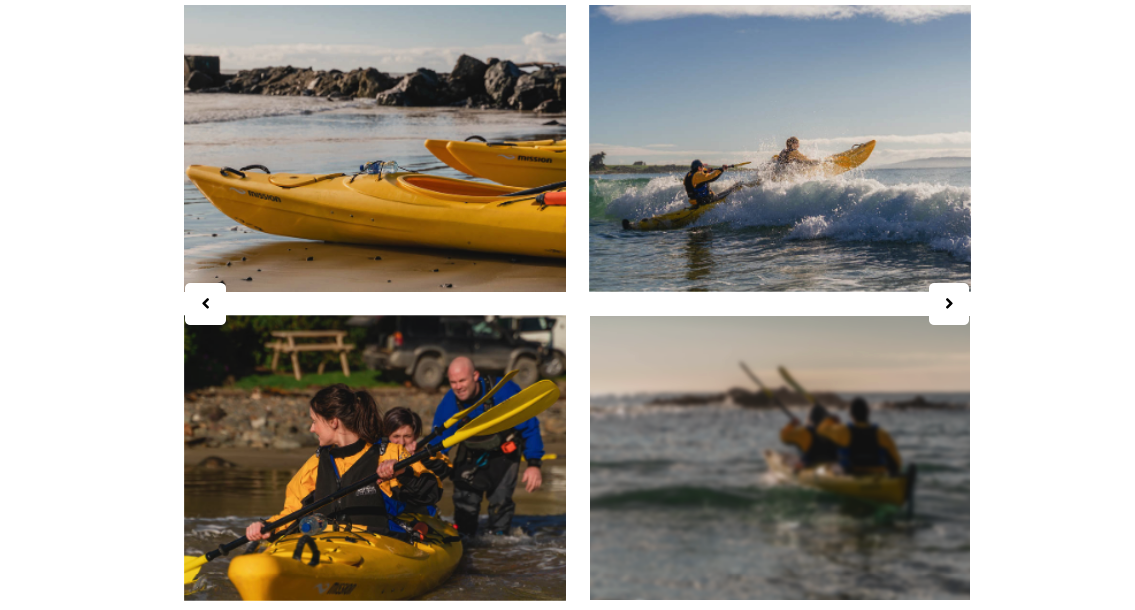
This css snippet might help you. Simply add the following CSS code in the X > Theme Options > Global CSS (http://prntscr.com/evui3r)
article.esg-filters.esg-singlefilters.esg-navbutton-solo-right {
    right: 50px;
    margin-top: -20px;
}

article.esg-filters.esg-singlefilters.esg-navbutton-solo-left {
    left: 50px;
    margin-top: -20px;
}
Feel free to adjust the values in order to reposition the arrows if needed.
Oh thanks for that code, I might need it.
I was originally asking regarding using “The Grid”, but have changed to “Essential Grid” as that could achieve the navigation arrows not overlapping by giving negative padding to the arrows easily.
I can’t find any setting for it, but can I set the Essential grid to auto scroll through the images?
Hi There,
Unfortunately, this option is not available.
That is technically possible. However, that would fall beyond the scope of our support since it would require custom development.
Regards!
This topic was automatically closed 10 days after the last reply. New replies are no longer allowed.