Hi,
On my site here https://www.theaudiobarn.co.uk/test-loudspeakers/ I am using The Grid as bundled with Pro.
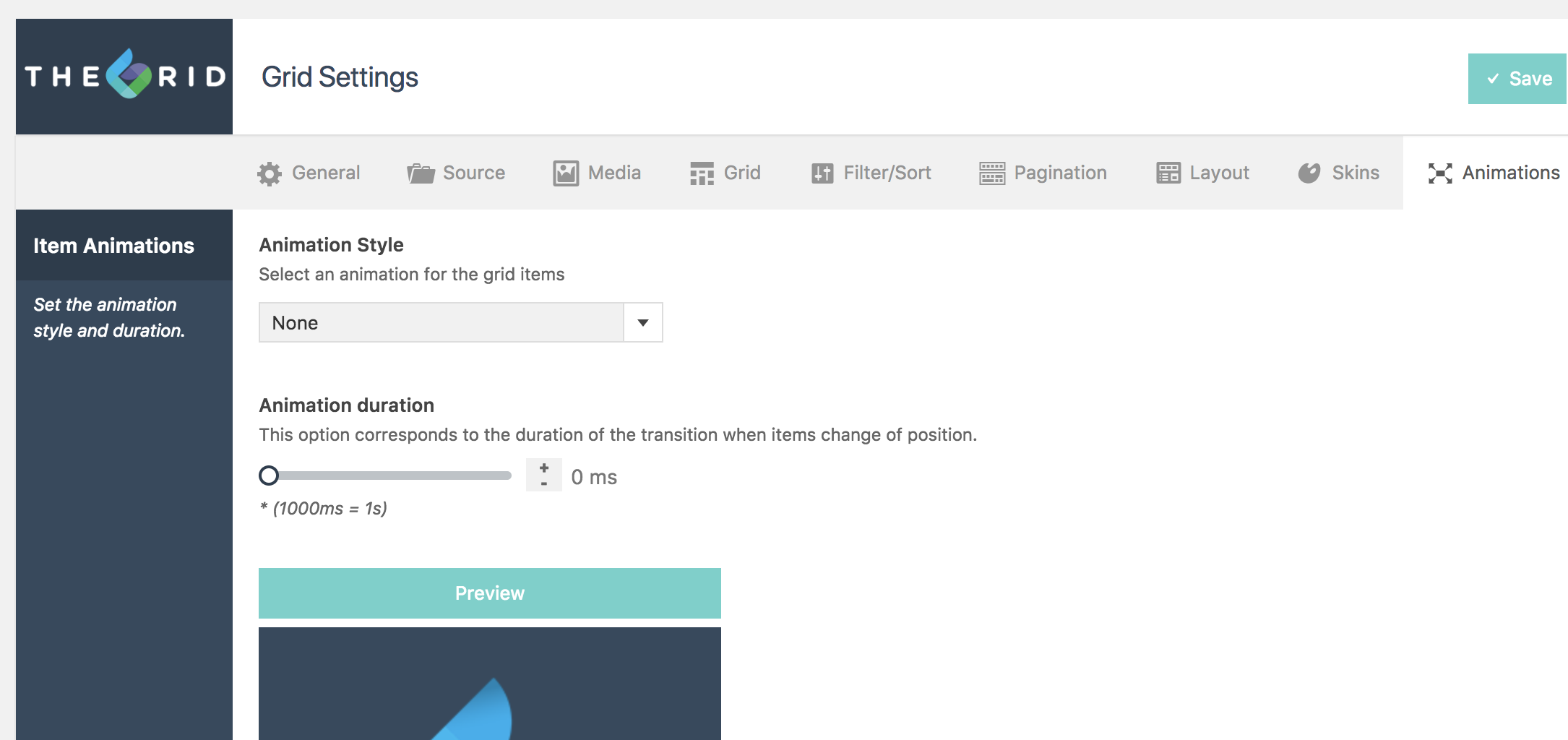
I have clicked on animation None as per the attached screenshot. However there is still animation??
Can you help please?
Thanks,
Bryan
Hi,
On my site here https://www.theaudiobarn.co.uk/test-loudspeakers/ I am using The Grid as bundled with Pro.
I have clicked on animation None as per the attached screenshot. However there is still animation??
Can you help please?
Thanks,
Bryan
Hi there,
I have checked the URL you have provided and there is no animation on The Grid. Please kindly clear your browser cache or use another browser to check your website.
Here is what I see in my browser:
https://www.screencast.com/t/WmPg7xZ2bW
Thank you.
Hi,
Sorry I didn’t explain. When you hover over the media, it transitions to a gallery image. This is what I want to remove.
I cannot see how you can disable the transitions, so that there is only a static image - which is the main product image.
You can see the effect in your screencast.
Maybe I am missing something??
Thanks,
Bryan
Hey Bryan,
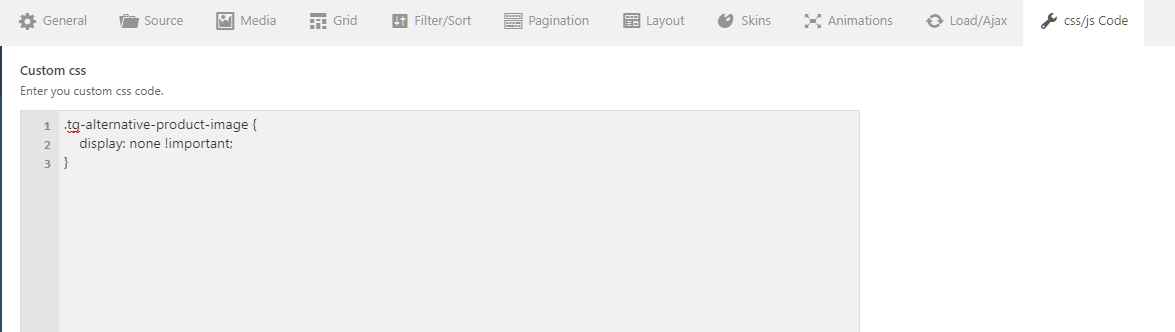
There is no option to do that in the grid. It shows one of the gallery images out of the box. To achieve that or to make the alternative image disappear, you need to add this CSS in your grid’s custom CSS tab.
.tg-alternative-product-image {
    display: none !important;
}
Thanks.
This topic was automatically closed 10 days after the last reply. New replies are no longer allowed.