I see. The text overflows because of its size. There are three options for that.
First, since you’re using the Classic Custom Headline, the simplest way would be to lower the font size by setting a lower heading level. I tested h4 and it works well.
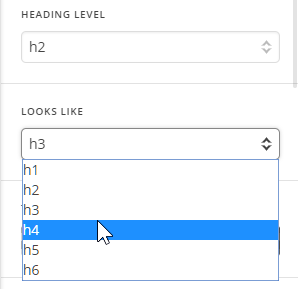
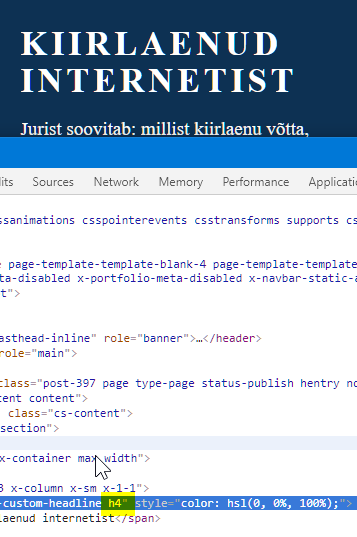
Second, you can use the Responsive Text feature. Please watch this screencast to see a usage example.
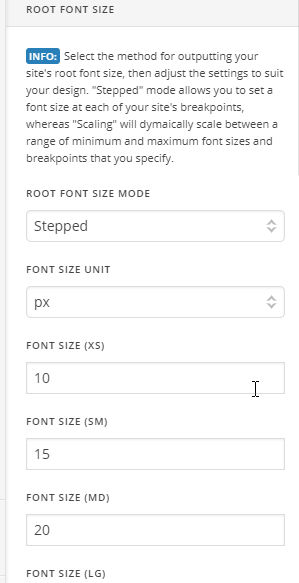
The 2 options above is good for page level setup. For global setup, I’d recommend you lower the XS and SM Root Font Sizes in Appearance > Theme Options > Typography
For the content not centered issue, I see you have this code in your custom CSS
.single .x-main {
    width: 69% !important;
}
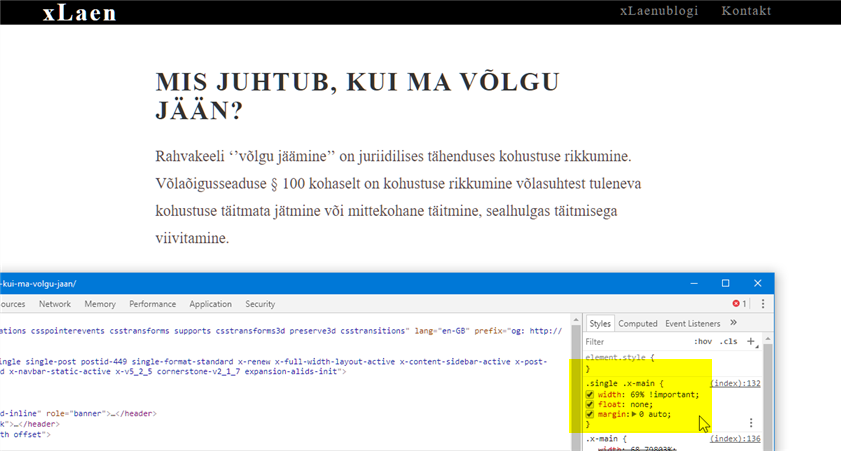
Add float and margin to it so it would be
.single .x-main {
    width: 69% !important;
    float: none;
    margin: 0 auto;
}
This should be the result.
Hope that helps.


